Best Typesetting Software for Comics and Books

Good typesetting can make a rough comic page feel ready to read, while the wrong tool turns every speech bubble into a chore. I’ve lined up the strongest options for manga translation, comic lettering, and book layout, with a clear use case for each one.
If your work starts with raw manga pages, MangaGloss is the only pick here with a free, end-to-end pipeline for OCR, translation, inpainting, and typesetting. The other tools fit better when you need Photoshop-based lettering, page drawing, or long-form book design.
Want to try it on your own pages? Our free online manga translator translates and typesets a raw page in about a minute.
1. MangaGloss
MangaGloss is a free AI tool for translating and editing manga, manhwa, and manhua pages. It’s best for scanlators, indie creators, translation teams, and language learners who want one workflow instead of several separate apps.
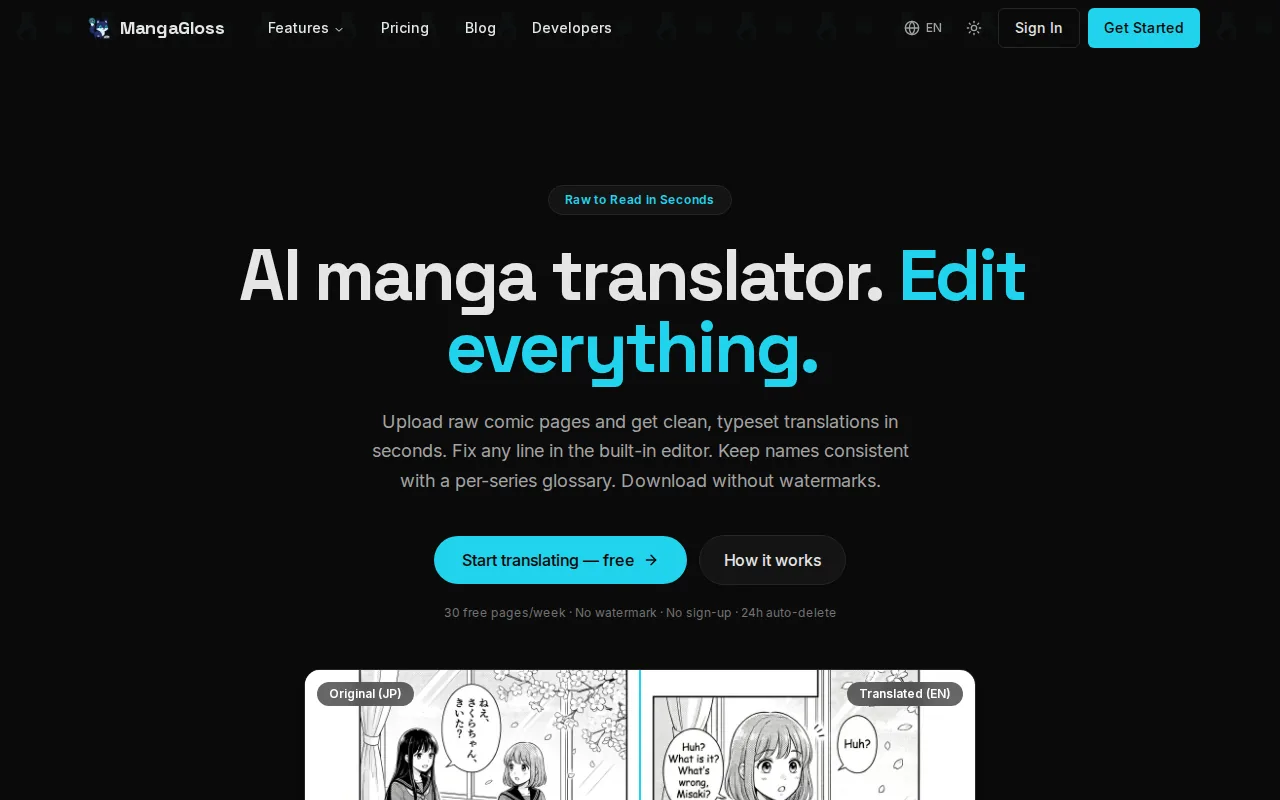
Its main strength is the full page pipeline. MangaGloss reads text with OCR, translates it, removes the source lettering through inpainting, then places the new text back into the bubbles. That means you don’t have to extract text in one app, clean art in another, and letter the page somewhere else.
The free tier matters for small teams. Most alternatives in this shortlist either charge for their core workflow or focus on drawing rather than translation. MangaGloss is built around the specific problem of turning raw comic pages into readable translated pages.
You still need an editorial pass. AI can miss a sound effect, misread a stylized font, or choose wording that doesn’t fit a character’s voice. The built-in editor gives you a place to fix those issues before download. For scanlation teams, the raw scan to typeset chapter workflow shows how the handoff can stay in one tab.
Choose MangaGloss when translation is the center of the job. If you’re drawing every panel from scratch, look at the art-first tools below instead.
2. TypeR, Automated lettering for localization teams
TypeR is a Photoshop extension for manga and comic typesetting. It’s best for scanlators, translators, letterers, and localization teams that already do their page work inside Photoshop.
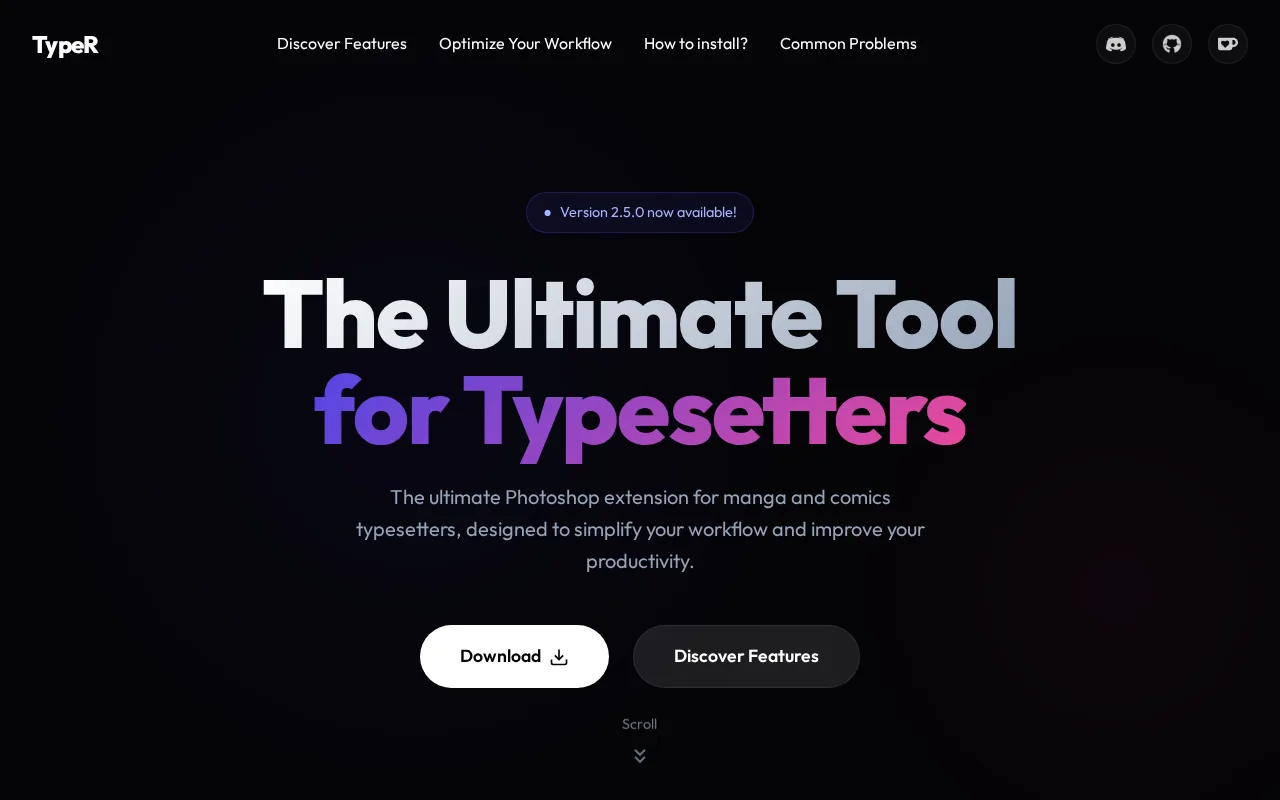
Ty tasks that slow down lettering. Its listed tools include smart alignment, style management, and multi-bubble handling. In practice, that means fewer repeated copy-and-paste actions when a chapter has many panels with the same visual treatment.
The Photoshop-first design is its clearest advantage. You can keep the artwork, text boxes, and final adjustments in the environment your team already knows. That can help when a letterer needs to adjust a bubble by hand or match a page style closely.
The tradeoff is scope. TypeR improves the typesetting part of the process, but it doesn’t replace the full OCR, translation, and image-cleaning pipeline. You’ll need those steps handled before or beside the extension.
Pick Ty control inside Photoshop more than automation across the whole chapter.
3. ImageTrans, OCR and batch processing for comics
ImageTrans is a computer-aided image and comic translation tool with OCR, text removal, translation injection, and batch processing. It’s best for scanlators and localization teams that need to process many pages or build repeatable translation jobs.
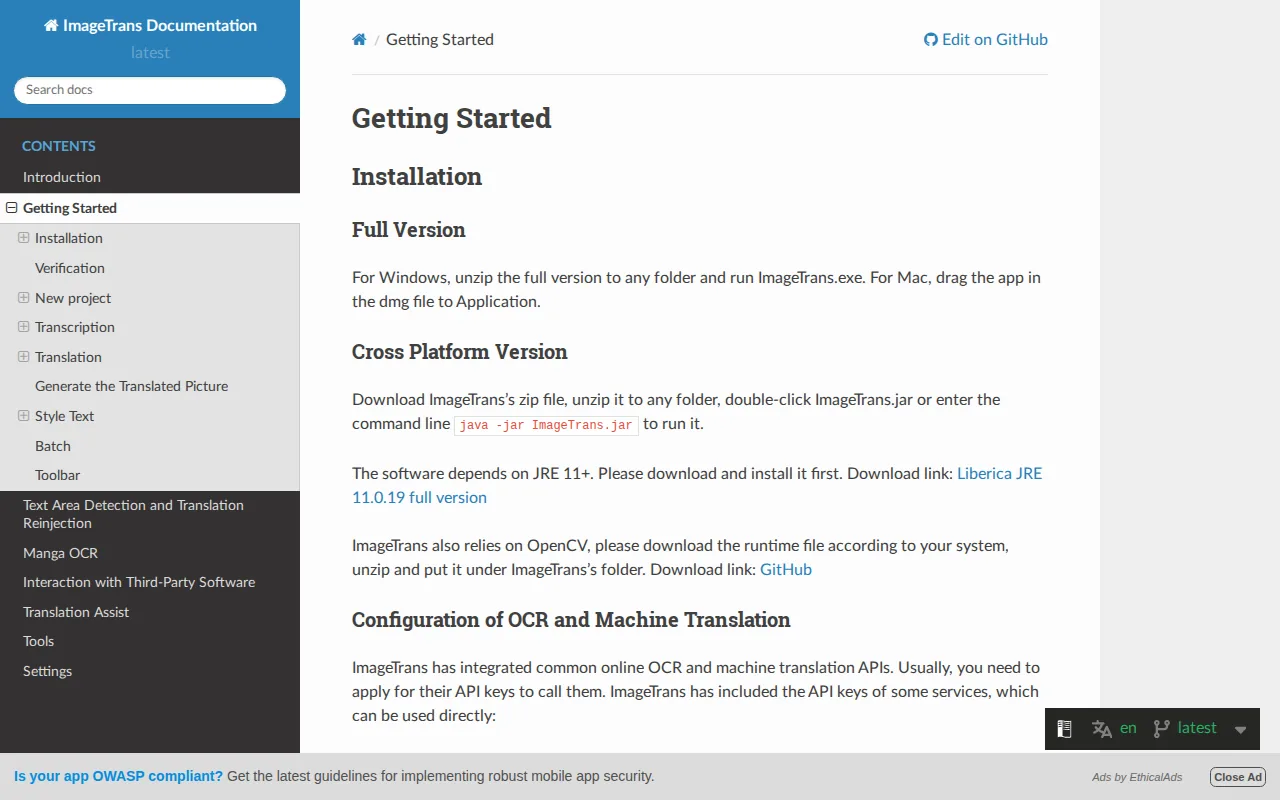
ImageTrans can detect text areas in comics, erase the original text, and insert a translation. Its comic-focused detection is meant to handle speech bubbles and complex page layouts, including vertical text in Japanese and Chinese.
Batch work is where it stands out. The software supports customizable operation pipelines, command-line use, and multi-process processing. A team can set a repeatable sequence for detection, OCR, translation, and rendering instead of opening each page and repeating the same actions.
It can export pages with separate text layers for further work in Photoshop. That is useful when an editor wants automated first passes but still needs a raster editor for final polish.
The software is broad, which can also make it feel heavier than a simple lettering tool. You may need time to set up engines, translation services, custom pipelines, and review rules. Pricing is a one-time purchase, with free upgrades listed for half a year, but current terms should be checked before purchase.
ImageTrans is a strong fit for high-volume projects. For a small creator who wants a free workflow, MangaGloss is the simpler starting point.
4. Clip Studio Paint, Professional page assembly for artists
Clip Studio Paint is a professional drawing and page assembly app. It’s best for artists who draw comic pages regularly and want to control the artwork, panel structure, and lettering in one creative workspace.
This is an art-first choice, not a translation automation tool. It gives a working artist room to build pages, place panels, draw backgrounds, and add text as part of the page design. That makes sense when the creator owns the whole visual process.
For book and comic production, the key benefit is control over the page itself. You can inspect how a caption sits beside an illustration, whether a speech bubble blocks a face, and how a spread reads at full size. Those choices are hard to judge from a text-only formatting tool.
It supports PNG, JPG, and PSD files. PSD is useful when a page needs to move into another raster workflow, though file handoffs can still add extra review work.
Clip Studio Paint doesn’t automate OCR or translation in the way MangaGloss, TypeR, or ImageTrans do. If you’re localizing raw pages, you’ll need a separate translation and cleanup process before placing the final text.
Choose it when drawing and page assembly come first. Choose a translation-centered tool when the artwork already exists.
5. Krita, Free, open-source layout and drawing workflow
Krita is a free, open-source drawing program that can also handle comic layout and page assembly. It’s best for solo creators who want to avoid a subscription while keeping control over their artwork.
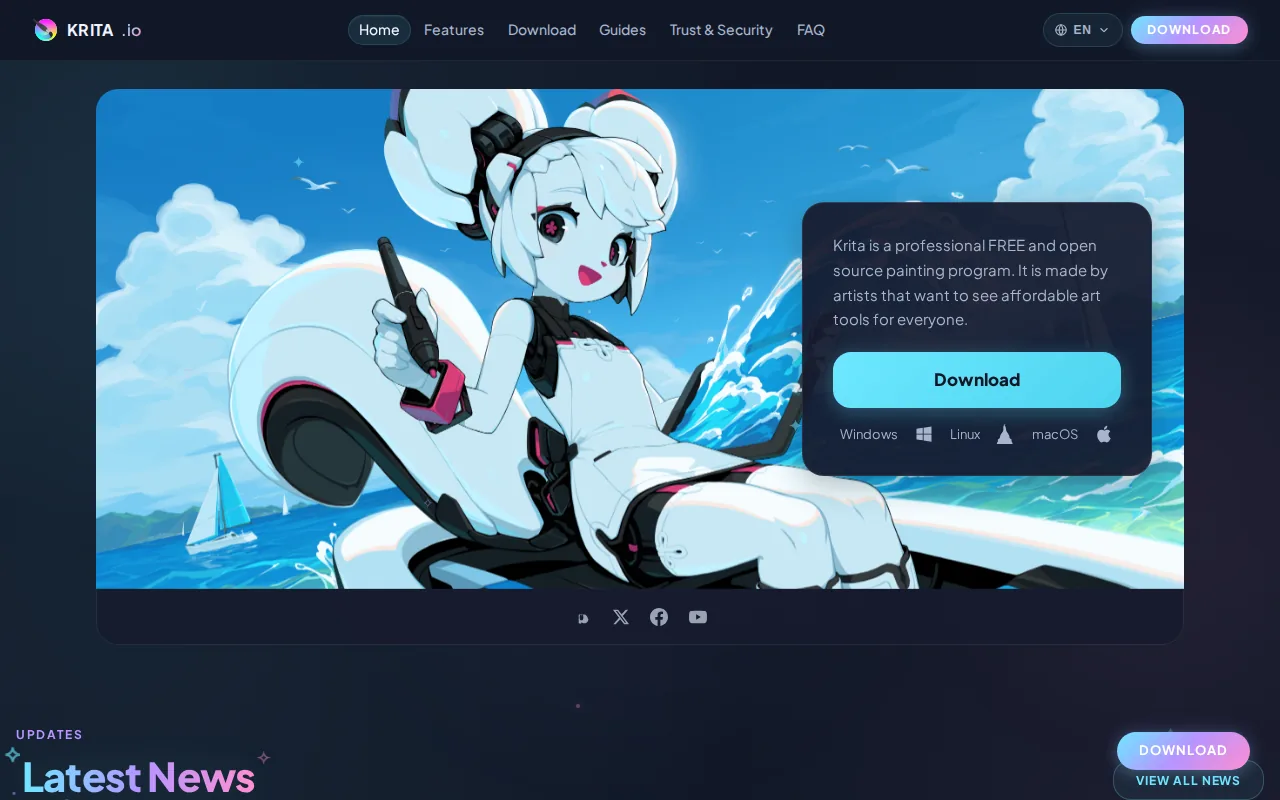
Krita works well when the creator is drawing, editing, and lettering pages by hand. Its free status removes a major barrier for students, hobbyists, and independent artists who don’t need a dedicated translation system.
Krita supports PNG and JPG. Those formats cover many web comic and image-based workflows, but they may not give a team the same layered handoff as a PSD-based process. Plan your export path before a project gets large.
Krita doesn’t automate OCR or translation. It can help you place a translated script into artwork, but the text must come from another workflow. You’ll also need to clean the original lettering yourself if the page still contains source text.
For a page drawn from scratch, that limitation may not matter. For a 40-page chapter in another language, it can turn into a long manual pass.
Use Krita when budget and drawing freedom are your main concerns. It’s a solid free canvas, but it isn’t a comic translation engine.
6. PersonalizedComics, Fast script-to-comic production
PersonalizedComics is aimed at writers and non-illustrators who want to turn ideas or photos into illustrated comic books. It’s best for people who care more about fast script-to-page production than hands-on panel drawing.
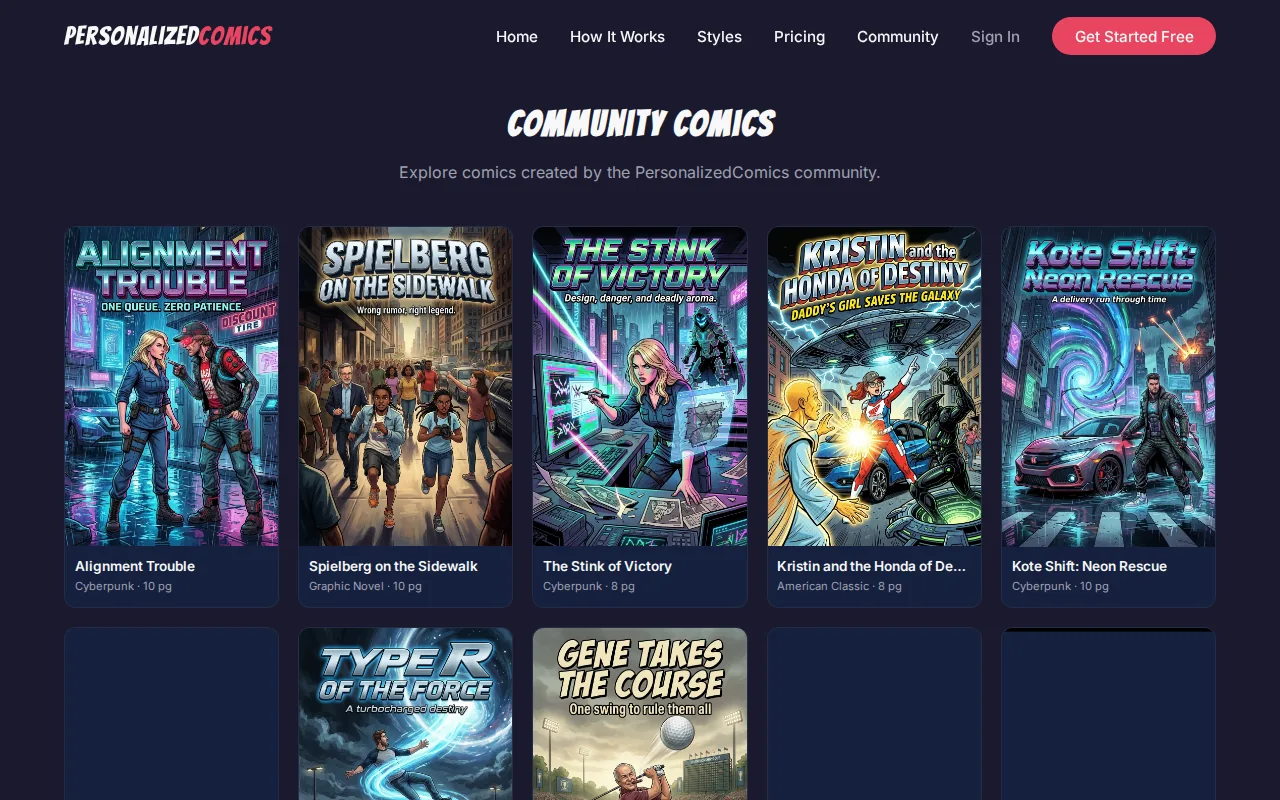
The listed workflow can produce comic pages with panels, speech bubbles, sound effects, and narration. That gives a writer a way to move from a written concept toward a complete visual draft without first learning a full drawing app.
This makes it different from Clip Studio Paint and Krita. Those tools give artists a blank page and detailed control. PersonalizedComics aims to reduce the distance between an idea and a finished-looking comic page.
It may suit a pitch, classroom project, personal story, or quick visual draft. A creator can focus on the script and use the generated page structure to test pacing, dialogue length, and scene flow.
The caveat is control. Automated art and layout may not match a strict visual style, a publisher’s page guide, or a translation team’s lettering rules. If every panel needs careful redraw work, a drawing app will give you more room to adjust.
Pick this option when speed matters more than full art direction. For existing manga pages that need language conversion, MangaGloss remains the closer match.
Typesetting software comparison: features, formats, and publishing fit
The right typesetting software depends on where your project begins. Raw comic pages need OCR, translation, cleanup, and lettering. Original art needs page assembly. A prose book needs trim size, styles, running matter, and dependable PDF or EPUB export.
For book interiors, Word can be a familiar starting point, but long documents need careful style control. InDesign and Affinity Publisher give deeper layout control. Atticus and Vellum favor themes and quick formatting. Reedsy Studio focuses on a simple browser-based workflow with EPUB and print PDF output.
| Tool | Best fit | Automation or layout strength | Format or workflow note | Main limit |
|---|---|---|---|---|
| MangaGloss | Manga and manhwa translation | OCR, translation, inpainting, typesetting | Image-based comic workflow | Needs human review for wording and art details |
| TypeR | Photoshop-based lettering teams | Alignment, styles, multi-bubble handling | Photoshop extension | Doesn’t cover the full translation pipeline |
| ImageTrans | High-volume comic localization | OCR, cleanup, translation, batch pipelines | Export back to Photoshop | Setup may take more time |
| Clip Studio Paint | Professional comic artists | Page drawing and assembly | PNG, JPG, PSD | No listed OCR or translation automation |
| Krita | Solo artists avoiding subscriptions | Free drawing and page assembly | PNG and JPG | Manual text and cleanup work |
| PersonalizedComics | Writers without illustration skills | Script-to-page comic generation | Illustrated pages with comic elements | Less control than a hand-built layout |
| Word | Simple prose manuscripts | Styles, section breaks, basic headers | Useful starting file for print workflows | Images and long layouts can shift at export |
| InDesign | Complex books and custom interiors | Paragraph styles, character styles, master pages | Print PDF and digital export workflows | Subscription and a steeper learning curve |
| Affinity Publisher | Illustrated books and fixed layouts | Master pages, grids, image placement | Print-focused page design | Needs more setup than theme-based tools |
| Atticus, Vellum, and Reedsy Studio | Text-led books | Themes and repeatable book styles | EPUB and PDF workflows vary by tool | Less freedom for complex art direction |
For a print book, set the trim size before styling the manuscript. A B-format example uses a smaller custom page than standard office paper, while a US trade book may use a common 5 by 8 or 6 by 9 layout. Keep the inner margin wider than the outer margin when pages will bind.
Images that reach the edge need bleed. Print work also needs the right color setup, often CMYK, plus enough image resolution for the printer’s requirements. Facing pages help you judge a spread, but the printer may still require separate page files.
Styles matter more than manual formatting. Set a body style first, then define chapter heads, subheads, captions, quotes, bullets, and numbering. Character styles help with a single word or phrase. Drop caps can mark a chapter opening, while keep-with-next rules stop a heading from sitting alone at the foot of a page.
Use master pages, parent pages, or templates for repeated elements. Page numbers should stay consistent. Headers and footers often change at chapter openings, front matter, or section breaks. A template also makes a later font or margin change safer because one edit can update the whole book.
Good typography goes beyond picking a font. Check line spacing, hyphenation, kerning, ligatures, widows, orphans, and awkward word breaks. A serif face can suit long prose, but the final test is readability at the intended print size. Read several pages at normal size, not only at high zoom.
For ebooks, export a reflowable EPUB when the reader needs adjustable text. For comics, fixed-layout pages usually make more sense because panel position is part of the reading order. Check screen-reader structure for prose ebooks, add useful alt text to meaningful images, and test the file with accessibility tools before release. Check the file against accessibility standards.
Automation can help with large books and repeated editions. LaTeX, Pandoc, scripts, and batch processors can rebuild files from structured source content. That approach works best when your text uses clean styles and stable rules. It’s less useful when every page needs hand-tuned art placement.
Before publishing, inspect the exported file rather than trusting the editor view. Check trim size, bleed, blank pages, chapter starts, page numbers, image quality, font embedding, and the final reading order. Then test the exact PDF or EPUB you plan to upload to your publishing platform.
FAQ
What is the best typesetting software for manga translation?
MangaGloss is the best starting point for manga translation because it combines OCR, translation, inpainting, and typesetting in one free workflow. It is made for manga, manhwa, and manhua pages. You can still review the result and fix names, wording, line breaks, or bubble placement before downloading the finished pages.
What software do professional comic artists use for lettering?
Professional comic artists often need a drawing and page assembly app, such as Clip Studio Paint, when they build the artwork themselves. TypeR fits teams that already letter inside Photoshop. The right typesetting software depends on whether the page starts as original art or as a raw page that needs translation.
Is free typesetting software good enough for a book?
Free typesetting software can work for a simple text-led book, especially when you use styles and a tested template. Krita is free and open-source for drawing-based work, while browser tools may suit basic prose layouts. Complex books still need checks for margins, page breaks, image placement, PDF output, and EPUB structure.
What file format should I use for comic typesetting?
Use a layered format when you expect more editing, and use image files for final comic pages when your publishing channel requires them. ImageTrans lists PSD export plus several data formats, while Clip Studio Paint lists PNG, JPG, and PSD. Always check the platform’s current upload rules before exporting a full chapter.
Should I use InDesign or a book formatting app?
Use InDesign when you need detailed control over fonts, images, master pages, styles, and complex page layouts. Use a theme-based book formatting app when your manuscript is mostly text and speed matters more than fine control. InDesign takes longer to learn, but it gives you more room for custom interiors and publisher-specific files.
Conclusion
For manga and manhwa translation, start with MangaGloss because its free workflow covers the full path from raw page to typeset result. Upload a small chapter, review each bubble, and export a sample before committing to a larger project. For original comic art, choose Clip Studio Paint or Krita. For prose-heavy books, use a dedicated layout app with styles and reliable PDF or EPUB export.