Best Batch Comic Translation Pipeline Tools

Turning raw comic pages into clean translations gets messy when OCR, translation, image cleanup, and typesetting live in separate tools. The best setup keeps those handoffs under control, especially when one chapter becomes several languages. Here are 10 workable options, with MangaGloss first because it covers the full page-to-page workflow.
1. MangaGloss, the all-in-one route for raw comic pages
MangaGloss is a free AI-powered tool for translating and editing manga, manhwa, and manhua in batches. It suits scanlation groups, indie creators, language learners, and small translation teams that want one place for the main work.
Tip: the quickest way to see this in practice is to run a page through our manhua translator and compare it with the original.
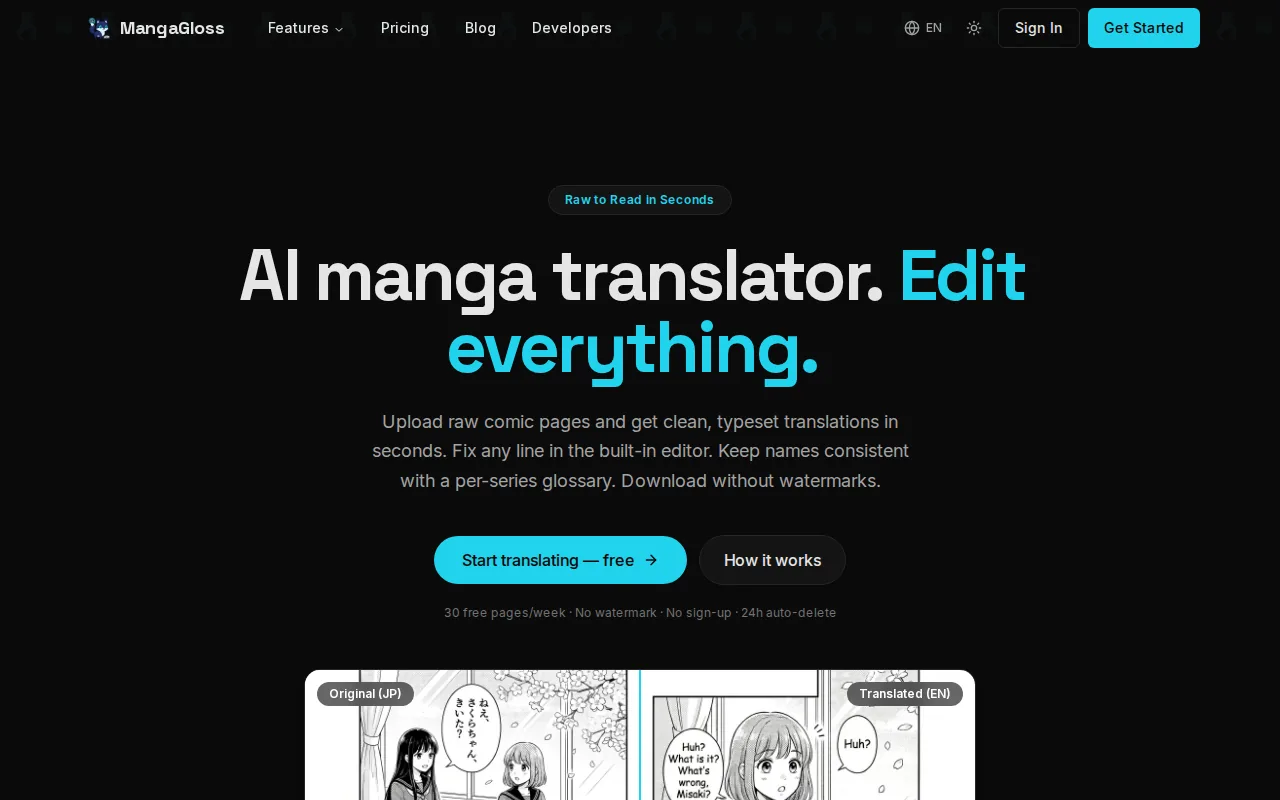
Its pipeline handles text detection, OCR, translation, inpainting, and typesetting. That order matters. The system finds speech bubbles and other text regions, reads the source text, translates it with page context, removes the original lettering, then places the new copy back into the artwork.
For a chapter, you can upload pages as a ZIP instead of sending them one by one. Page order stays intact, and a glossary can keep names and key terms consistent across the batch. You can also run the same chapter for more than one target language.
The built-in editor gives a human reviewer the last word. Fix a character name, shorten a joke, or adjust a line break before export. If you need programmatic control, the MangaGloss API documentation describes the upload, job creation, and status flow.
Its main caveat is documentation. Verify file and output needs before designing a larger system. Still, for teams asking how to build a batch comic translation pipeline without stitching together several services, MangaGloss is the clearest starting point.
2. Pixazo AI Inpainting, API-based artwork cleanup
Pixazo AI Inpainting is best for developer workflows where artwork cleanup is one part of a larger system. Its REST API fits teams that already have OCR and translation handled elsewhere.
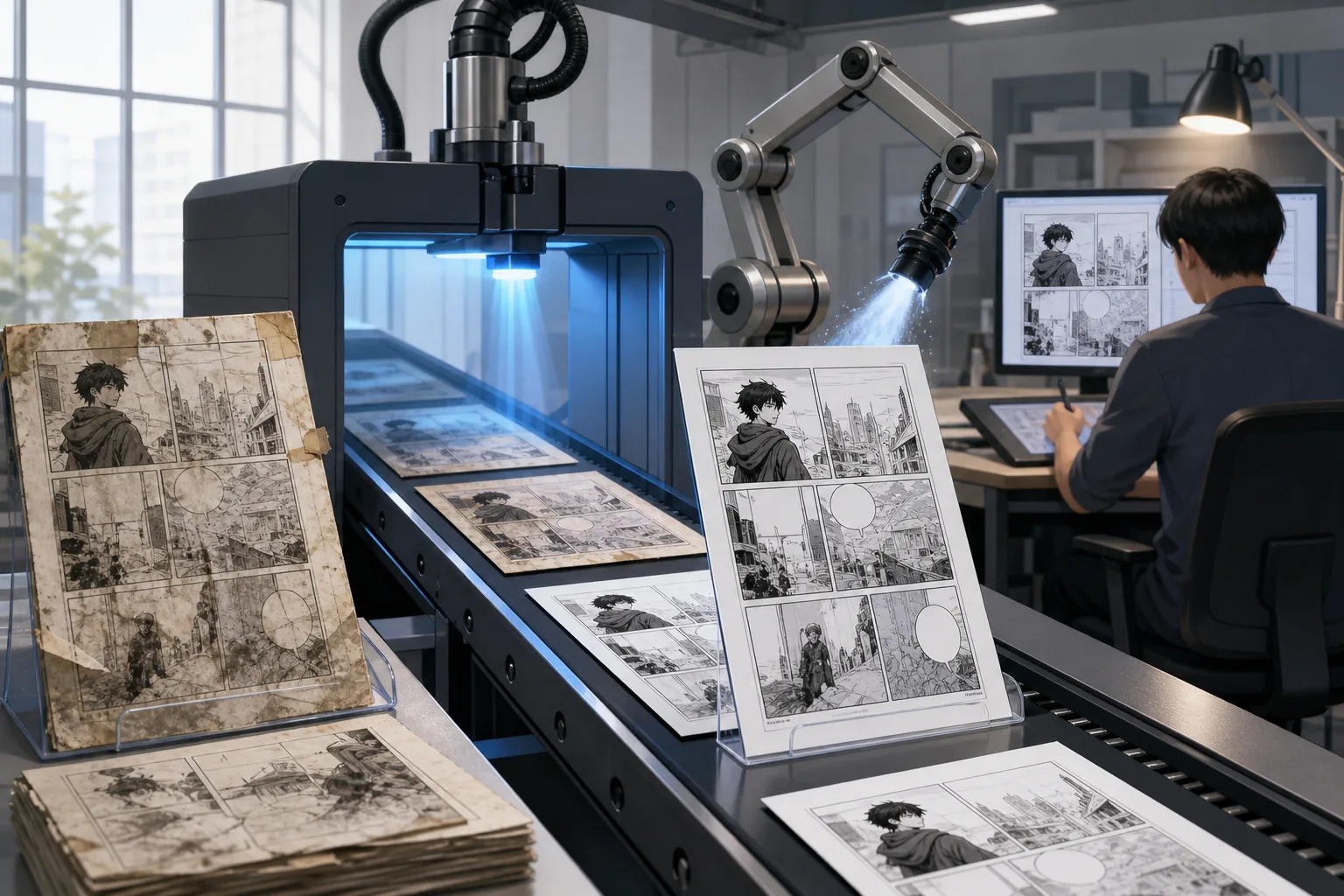
The useful piece is the separation of concerns. Your pipeline can detect a text region, pass a mask to the inpainting service, then send the cleaned image to a typesetting stage. That works well when you need to preserve your own translation rules or editor tools.
But inpainting only solves the art cleanup problem. It doesn’t read comic text, decide reading order, translate dialogue, or fit the result into a speech bubble. A full batch job still needs image preprocessing, OCR, a language model, font rules, and a review queue.
Its REST API returns results alongside the platform’s image generation workflow. Treat that as one component, not as a finished comic translator. Choose Pixazo when your team wants an API endpoint and already owns the rest of the pipeline.
3. Stable Diffusion Inpainting, flexible self-hosted rendering
Stable Diffusion’s inpainting pipeline fits teams that want local control over image repair. It can work with ComfyUI or Diffusers, which makes it a reasonable choice for a custom rendering stage.
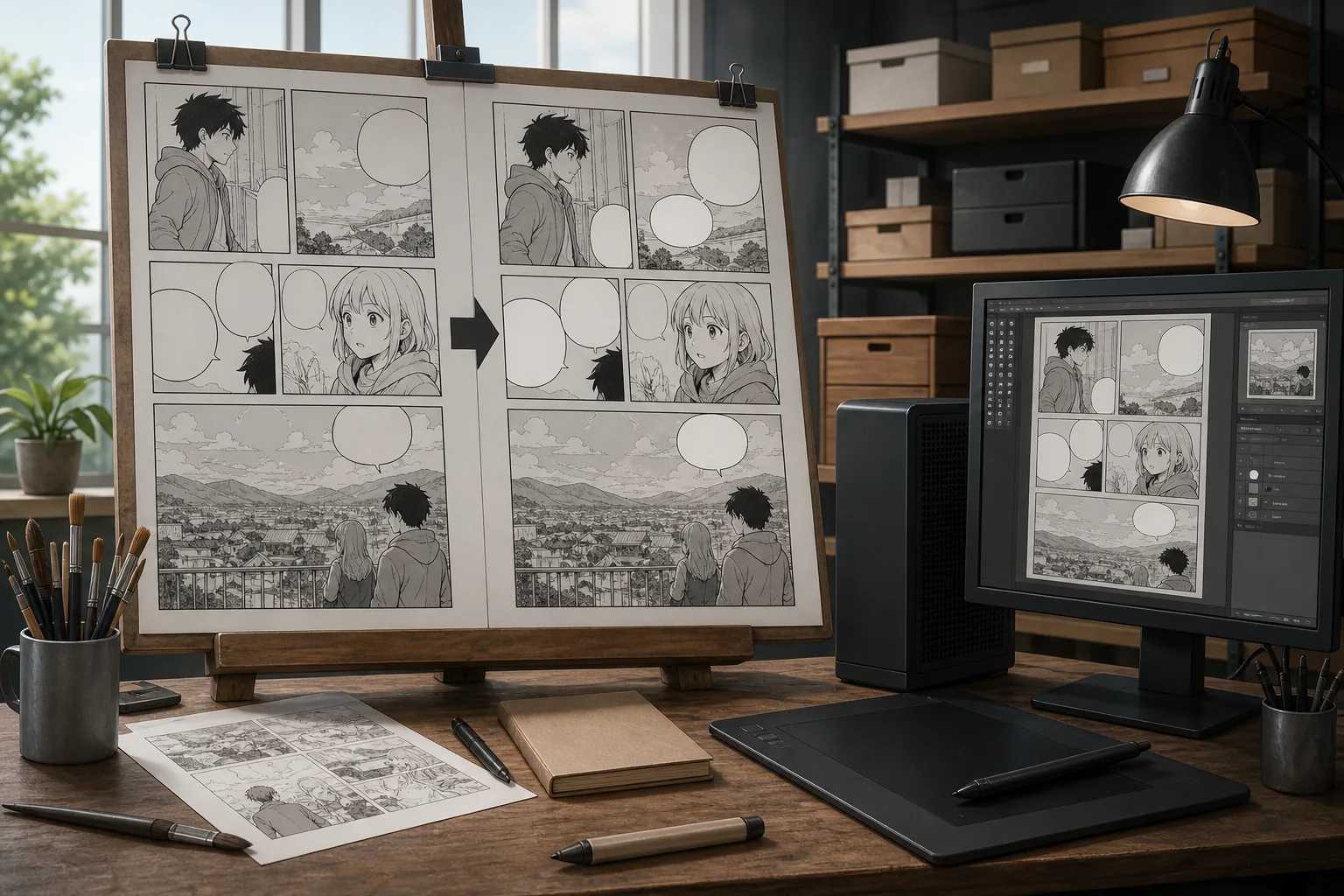
A typical comic flow starts with a mask around the original text. The model fills that area from nearby artwork. For clean white bubbles, the job may be simple. Text over busy hair, speed lines, clothing, or textured backgrounds needs more care.
The rest of the system remains your responsibility. You still need speech-bubble detection, image cleanup, text line ordering, translation, and final rendering. You also need a way to retry failed pages without rerunning the whole chapter.
Self-hosting gives you more control over data and model settings, but it adds GPU setup and maintenance. Use this route when your team has ML skills and wants the inpainting stage to live inside its own infrastructure.
4. FLUX.1 Fill, high-control fills for ML-equipped teams
FLUX.1 Fill is aimed at teams with ML infrastructure that need controlled image fills. It connects with ComfyUI, while access comes through self-hosting or third-party API wrappers.
That setup can work for comic pages where the erased area is large or visually complex. Your team can build a mask from OCR coordinates, send the page through the fill model, then pass the result to a text renderer. The same workflow can be repeated across many pages.
The hardware requirement is the first serious check. Self-hosting the full model requires 24GB+ of VRAM. API access avoids local hardware, but adds another service and another failure point.
FLUX.1 Fill is a strong rendering option for a team that already has queues, masks, and monitoring. It isn’t the right first choice if you still need to design the OCR and translation layers.
5. GPT Image 1.5, text-directed edits for targeted corrections
GPT Image 1.5 suits teams that want to describe an image edit in text and call it through an API. It makes sense for targeted corrections rather than a complete comic translation stack.
For example, a workflow might ask for a small damaged patch around a removed sound effect. That can be useful after the main inpainting pass, when a reviewer flags one awkward mark or a missed background fragment.
The API’s mask drawing interface is limited for precise selections. A production system may need separate software to draw masks from OCR boxes. Rate limits and per-image costs also need a place in your queue design, though exact rates should be checked before launch.
Use GPT Image 1.5 as a correction tool when text instructions help. Don’t mistake it for the OCR, translation, or typesetting layer. A comic pipeline still needs those stages around it.
6. ComfyUI-based visual pipeline builders, no-code workflow assembly
ComfyUI-based builders let teams assemble image workflows with connected nodes instead of writing every call by hand. They suit artists, technical editors, and small teams that want to see each stage on one canvas.
A visual workflow can place image loading first. Then it can pass the page to a detector, a mask step, an inpainting model, and a render node. Custom nodes can add translation calls or file output, depending on the setup you install.
ComfyUI also makes repeat runs easier. Save a workflow as JSON, load it for another chapter, and change the input folder or target language. The visual graph helps you spot where a page failed, which is much easier than reading a long script log.
The tradeoff is setup. Missing custom nodes can break a downloaded workflow, and local runs need suitable hardware. Cloud hosting can solve that hardware problem, but it changes the cost model. Pick ComfyUI when visual control matters more than a ready-made upload-and-export experience.
7. Cloud batch translation API workflows, multilingual scale and throughput
Cloud batch translation workflows fit publishers and teams that need several target languages at once. A common design sends OCR text to a cloud translation API, such as Google Cloud Translation or Amazon Translate, while another model may handle context or tone checks.
Start with a page record that keeps the source image, panel or bubble coordinates, source text, target language, and glossary key together. Never pass loose strings through the system. If the translation comes back without its region ID, the renderer won’t know where to place it.
Use asynchronous jobs for large chapters. Put pages in a queue, process several jobs at once within your limits, then save each result with a stable chapter and page name. Retry only failed pages. That keeps a single bad image from holding up an entire release.
Language rules need their own data. Right-to-left scripts may need mirrored reading order. Vertical text needs a different line layout. German or Finnish may expand inside a bubble, while short English text may leave too much empty space. Build those rules into rendering rather than fixing every page by hand.
Cloud APIs scale well, but image transfer, API limits, and repeated calls can raise costs. Test one chapter first and measure failures before sending a full series.
8. Custom comic model training, vocabulary and sound-effect control
Custom model training is for series with names, invented terms, or sound effects that general translation systems keep mishandling. It helps when a glossary alone can’t keep the tone and vocabulary stable.
Begin with a clean term set. Store the preferred spelling, source form, meaning, character or faction, and any words the model must avoid. Keep sound effects separate from dialogue because a crash, sigh, or impact often needs visual treatment rather than a plain sentence.
Tokenization deserves care here. Language models break text into smaller units, and unusual names or symbols may split in odd ways. Preserve the original region ID and source string beside the tokenized text. That lets you trace a bad result back to the exact input instead of guessing.
Training takes data, testing, and upkeep. A new character can expose gaps in the term set. Review a sample from each chapter, then add confirmed corrections to the shared glossary. Don’t fine-tune a model just to fix one typo. A rule or glossary entry may solve that problem with less work.
9. CI/CD pipeline deployments, reproducible version-controlled releases
CI/CD pipeline deployments suit teams that release translated chapters on a schedule. The goal is to make translation jobs repeatable, so a model change or glossary edit doesn’t quietly alter old output.
Keep source pages, OCR records, glossary files, masks, and final images tied to a version. A build can pull new translation work, check whether every page has a result, then stop before release if required files are missing.
Translation files should remain available when an external service is down. Keep translation files in version control while treating the translation system as the source of truth. That gives the build a fallback without inviting manual edits in several places.
Branch rules help when two chapters are in progress. Give feature work its own translation space, then merge its terms when the chapter joins the main release. Add checks for missing strings, wrong page counts, broken image files, and incomplete language sets.
CI/CD won’t improve a weak translation. It will make weak output repeatable. Pair release checks with human review before publishing, especially for names and sensitive dialogue.
10. Human-in-the-loop editing workflows, quality control for publishable pages
Human-in-the-loop editing is the quality layer every batch comic translation pipeline needs before public release. It works best when reviewers correct the highest-risk issues first instead of rereading every page with equal effort.
Keep the machine path fixed: OCR, translation, inpainting, then typesetting. Give the reviewer the source crop, translated text, glossary state, and final page together. That makes it easier to see whether a bad line came from OCR, meaning, or layout.
Review in this order:
- Character names and recurring terms
- Reading order and missed text regions
- Sound effects and tone
- Bubble fit, line breaks, and font size
- Inpainting marks around faces or detailed backgrounds
When memory is tight, run stages one at a time. Keep the local comic pipeline notes with the project references.
| Review issue | First check | Best owner |
|---|---|---|
| Wrong name | Glossary and prior page | Translator |
| Missing bubble | OCR region map | Editor |
| Bad fill | Mask and source art | Image editor |
| Overflowing text | Bubble size and line breaks | Typesetter |
| Wrong language layout | Script direction and font rules | Production lead |
Set a clear approval state for each page. A reviewer should be able to mark it as passed, needs changes, or blocked. That small control prevents unfinished pages from slipping into a chapter ZIP.
FAQ
What is the best tool for a batch comic translation pipeline?
MangaGloss is the best first option when you want OCR, translation, inpainting, and typesetting in one workflow. It is built for manga, manhwa, and manhua rather than general image editing. Use a custom API stack when your team needs deeper control over each stage or must run inside its own infrastructure.
How does OCR fit into comic translation?
OCR turns text inside speech bubbles, narration boxes, and sound effects into data that a translation model can read. In a batch pipeline, detection must also save each region’s coordinates and reading order. If those details are lost, the translated words may be correct but appear in the wrong bubble.
Should comic translation use batch or real-time requests?
Batch requests are better for full chapters because they let a queue process many pages without waiting for each upload. Real-time requests fit an editor who needs one quick correction while reviewing a page. For either mode, save job IDs and retry failed pages instead of starting the whole chapter again.
How do I handle Japanese vertical text or right-to-left languages?
Handle script direction and layout as data, not as a last-minute fix. Store the text orientation with each detected region, then choose a renderer that supports vertical lines or right-to-left order. Review the first pages of every target language by hand because bubble shape alone won’t catch all layout errors.
Do I need human review after AI comic translation?
Yes, human review is still needed for publishable pages. AI can miss small text, change a name, flatten a joke, or place a long translation badly inside a bubble. A reviewer should check names first, then text coverage, tone, sound effects, and the final artwork. Keep approved glossary changes for later chapters.
What file formats should I confirm before building the pipeline?
Confirm both input and output formats before you write integration code. The surveyed tool descriptions do not consistently state whether PNG, JPG, WebP, PDF, or CBZ files are accepted. Test a real page, a ZIP chapter, and a final export early. Format gaps can stop a pipeline even when every model call works.
For most creators and translation teams, start with MangaGloss and test one legally sourced chapter in one target language. If the project later needs custom rendering or private infrastructure, add a dedicated inpainting or cloud stage around a stable page record rather than rebuilding the whole workflow.