Best Scanlation Software for Manga Teams

A good manga translation tool can save hours, but only if it handles the whole page. OCR alone won’t clean a bubble or fix a bad line break. Here are the best scanlation software options for teams, solo editors, readers, and creators, with a clear use case for each.
1. MangaGloss
MangaGloss is an AI-powered manga, manhwa, and manhua translation editor built for scanlation teams and indie creators. It’s the best fit when you want one workflow for raw pages, translation, cleanup, and typesetting.
Tip: the quickest way to see this in practice is to run a page through our free manga translator and compare it with the original.
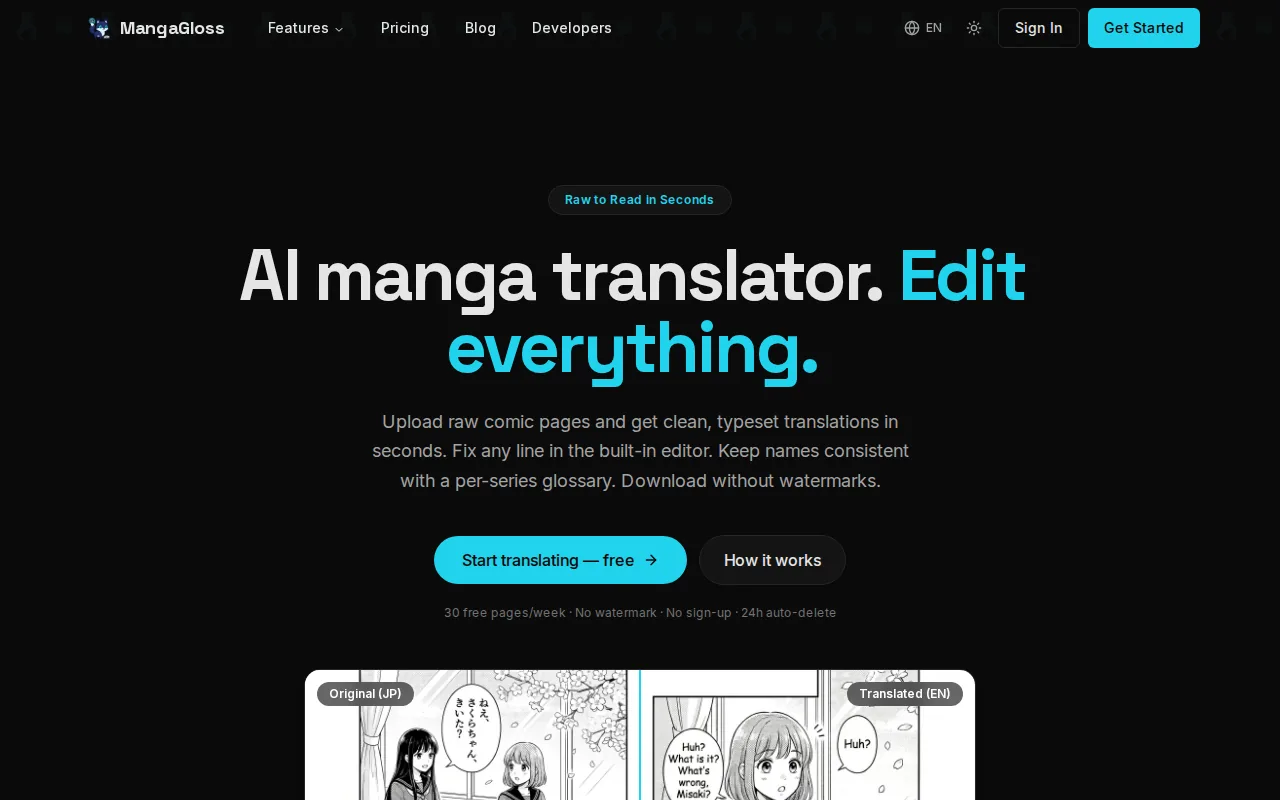
MangaGloss combines AI OCR with AI translation and native inpainting. That means the system can find text, translate it, remove the original lettering, and place the new text into the page. You still need a human review pass, especially for names, jokes, slang, sound effects, and terms that repeat across a series.
That all-in-one setup cuts down on file handoffs. Instead of moving a page between an OCR tool, a translation window, an image editor, and a lettering app, a small team can keep the core work in one place. The MangaGloss workflow for translation teams is aimed at this exact handoff problem.
| Need | What MangaGloss handles | What the editor still checks |
|---|---|---|
| Text capture | AI-powered OCR | Missed text and reading order |
| Translation | AI translation | Voice, names, jokes, and terms |
| Page cleanup | Built-in inpainting | Lines, screentones, and art detail |
| Lettering | Typeset translated text | Font choice, spacing, and overflow |
The tradeoff is simple: automation gives you a strong first pass, not a finished editorial decision. For solo users or small groups, that is often the right balance.
2. ImageTrans – flexible OCR and inpainting for scanlation groups
ImageTrans is a desktop comic translation tool for groups that want control over OCR engines, translation sources, and page cleanup. It suits users who don’t mind a more technical setup.
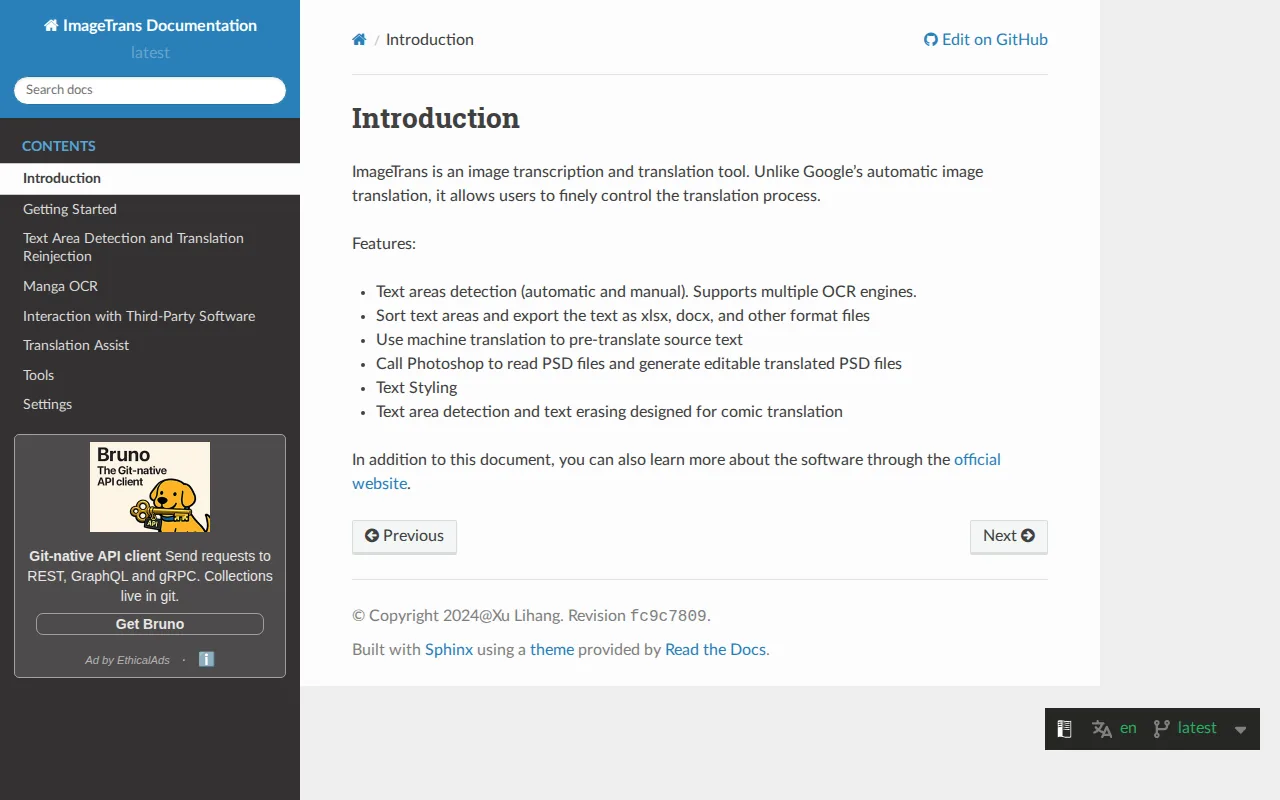
Its comic workflow can detect text areas, handle vertical Japanese or Chinese text, erase source text, and add translations. The software also supports multiple OCR engines through plugins.
That makes ImageTrans useful when a team needs to compare results or process many pages in one run. It can also work offline on a local computer, which may matter when raw pages shouldn’t move through several cloud services.
The caveat is learning time. The many settings help skilled users, but beginners may spend more time tuning a pipeline than editing a page.
3. Sugoi Translator – local Japanese-to-English translation
Sugoi Translator is a local tool for Japanese-to-English work. It’s best for users who care about keeping translation on their own computer.
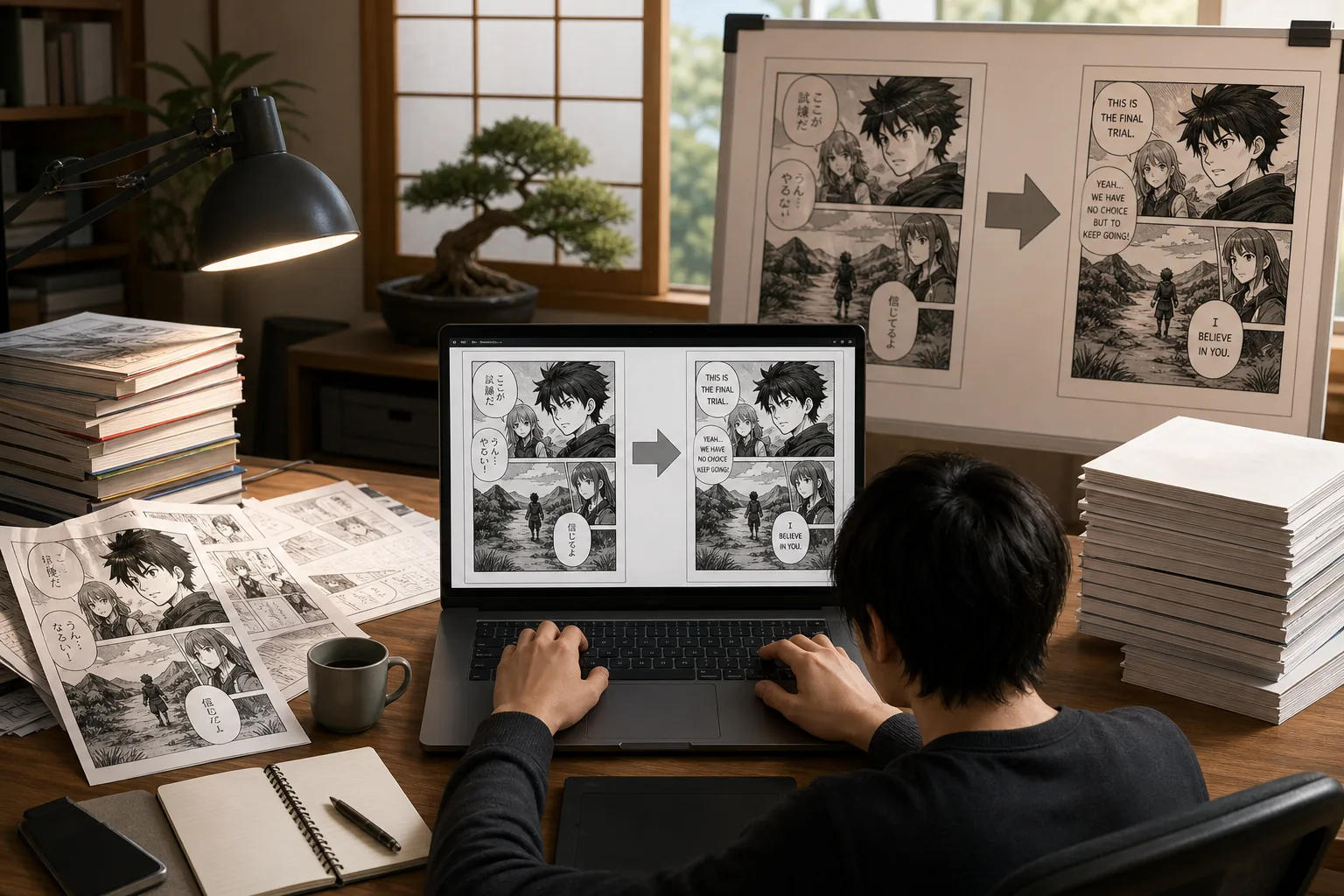
Its custom-trained Japanese-to-English neural machine translation model runs locally. That can be a useful choice for private projects or teams that don’t want to upload raw pages to a web service.
The built-in Sugoi OCR supports the first text-capture step, but the cleanup side is less complete. Inpainting needs a third-party tool, so the workflow becomes modular: detect and translate text in Sugoi, then move the page elsewhere for erasing and lettering.
That split can work well for a technical user with an established editing setup. It is less appealing if your goal is a finished page with as few handoffs as possible.
4. AI Manga Translator – context-aware automated editing
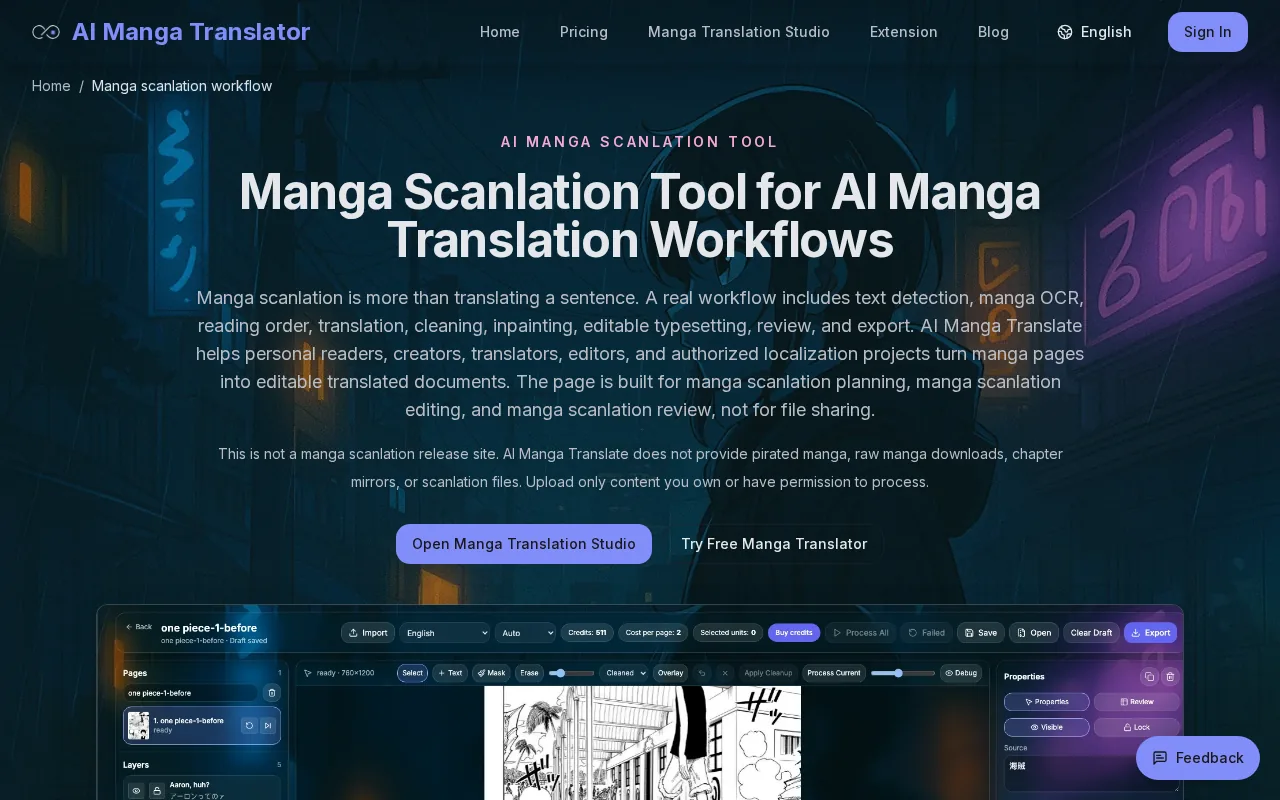
AI Manga Translator is a browser-based option for teams that want batch translation with layout-aware editing. It’s aimed at users who don’t want to install a large desktop suite.
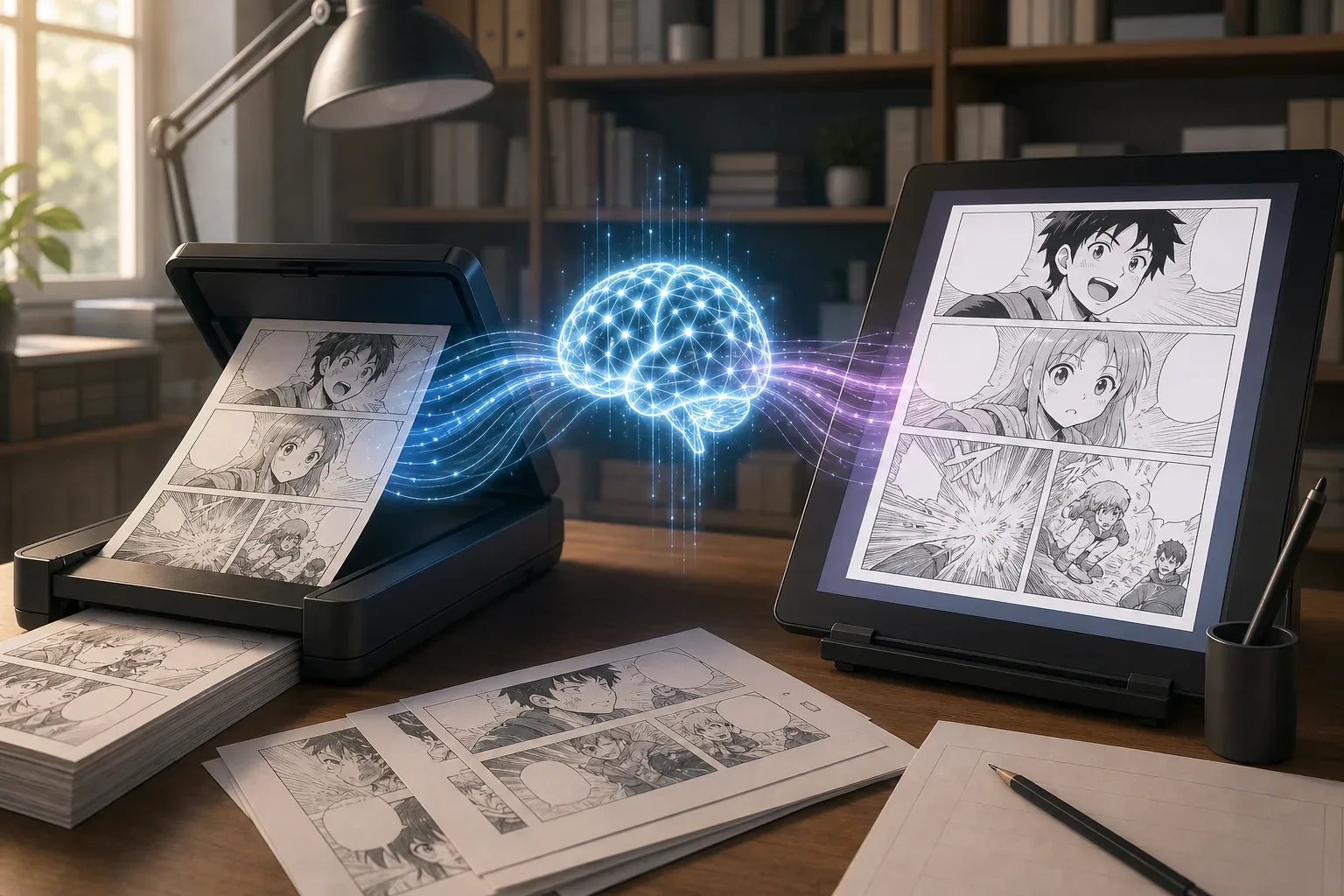
The documented workflow uses specialized manga OCR, including vertical text support, then writes the translation back into bubbles and captions. A review screen lets an editor fix line breaks, ruby text, spacing, and overflow before export.
That review step matters. Japanese text can fit neatly in a narrow bubble while the English version spills into the next line. A tool that lets you correct the result before export is safer than one that gives you a flat translated image with no edit path.
The tool’s published workflow also describes batch chapter uploads. Still, the source material says the interface and API are being refined, so teams should test a full chapter before committing to it.
5. mangatranslate – multiple translation engines in one workflow
mangatranslate is a good pick for users who want to compare translation engines instead of relying on one output. It lists GPT-4o, Papago, and Google Translate as available choices.
That choice helps when a title has mixed needs. One engine may handle plain dialogue well, while another gives a better first pass on a short phrase or a common expression. A reviewer can compare the wording before typesetting.
mangatranslate is less suited to teams seeking a full production editor with native page cleanup. Before choosing it, confirm how much OCR, inpainting, lettering, and export work your group must do outside the translation step.
Use it when wording choice is your main concern. Pick a fuller editor when page repair is the bottleneck.
6. manga-image-translator – quick free translations without signup
manga-image-translator is aimed at quick, free translations without signup. It’s useful for a reader who wants to understand a page or test a short batch.
The listed workflow centers on OCR and fast image translation. That makes it a handy first look at an unfamiliar chapter, especially when you don’t need a polished release file.
It is a weaker match for a scanlation group with a style guide. Groups usually need repeatable fonts, term choices, clean source removal, and a review trail. If the tool doesn’t cover those jobs, the team must move the pages into another editor.
Think of this as a low-friction test tool. It can answer, “What does this page say?” It may not answer, “Can we publish this chapter after one review?”
7. cotrans.touhou.ai – self-hosted translation for CUDA GPU users
cotrans.touhou.ai is for developers who want to self-host a translation workflow on a CUDA GPU. It also includes inpainting in the same pipeline.
Self-hosting gives a technical team more control over its setup and data path. It can also fit a group that already runs local models or has a dedicated machine for image work.
The catch is hardware and setup. A CUDA-focused tool isn’t the easiest starting point for a casual reader or a volunteer editor using an older laptop.
Choose this when control matters more than convenience. Otherwise, a hosted all-in-one tool will take less effort to start.
8. Ichigo Reader – translate manga while reading online
Ichigo Reader is built for translating manga while you read online. It fits language learners and readers who need help with a page, not a finished chapter file.
Its place in the shortlist is its reading context. You can use a browser-based reader when stopping to copy text into a separate app would break your flow.
That convenience has limits for scanlation teams. Online reading tools usually aren’t the same as a page editor with layers, inpainting controls, font rules, and export checks. They are better for private study or a quick phrase lookup than for making a chapter ready for release.
If your goal is reading, keep the workflow light. If your goal is editing, use a tool built around page output.
9. Google Translate Camera – instant text lookups on mobile
Google Translate Camera is the simplest mobile choice for a small text block. It’s best for a reader who wants a quick lookup without opening a desktop editor.
Point the camera at a speech bubble or crop one panel, then review the translated text. This works well when you only need the rough meaning of a phrase while reading.
It doesn’t remove the original lettering, repair art, or typeset a new page. So the source text stays visible, and the result isn’t a scanlation file. That distinction matters: mobile lookup tools help you read, while production software must help you edit.
Use it as a pocket reference. Don’t build a chapter workflow around it.
How to choose scanlation software
Start with the part of your workflow that takes the most time. For some groups, OCR is the hold-up. For others, it’s cleaning a bubble without damaging screentones or fitting English into a narrow space.
- For a full chapter pipeline: choose MangaGloss or another tool that combines OCR, translation, inpainting, and typesetting.
- For local work: consider Sugoi Translator, ImageTrans, or cotrans.touhou.ai, based on your technical setup.
- For translation comparison: mangatranslate gives you multiple engine choices.
- For reading help: Ichigo Reader or Google Translate Camera is enough for short lookups.
- For free testing: manga-image-translator can help you judge whether automated translation fits your pages.
Before a full run, prepare clean source files. Keep pages in order, use the highest-quality scans you have, and test one page with dense dialogue plus one page with sound effects. Check vertical text, tiny bubbles, names, and art behind erased lettering.
A basic production flow still needs human judgment: import the raw pages, detect and translate text, clean the original lettering, redraw damaged areas, typeset the new text, then export and review the chapter in reading order. Paid suites such as Photoshop or Clip Studio Paint can handle manual cleanup and drawing, while free drawing tools can suit beginners. The best choice depends on how much of that work you want automated.
Rights matter too. Work with pages you have permission to translate, licensed material, or projects allowed under the rules that apply to you. Don’t treat a technical ability to process a scan as permission to distribute it.
FAQ
What is the best scanlation software for a small team?
MangaGloss is the strongest fit for a small team that wants one place for OCR, translation, inpainting, and typesetting. It reduces the need to pass pages through several separate tools. Editors should still review names, tone, sound effects, and bubble spacing before export. If local processing is your top concern, compare it with ImageTrans or Sugoi Translator.
Is there free scanlation software?
Yes, several options in this shortlist are positioned as free or low-friction tools. manga-image-translator targets quick translations without signup, while free drawing apps can handle manual lettering and cleanup. Free tools may still require more hand work, especially when they lack inpainting, batch processing, or a built-in review editor.
Can AI translate a full manga chapter?
AI can process a full chapter, but the result still needs human review. Automated scanlation software may miss small text, read a panel in the wrong order, mistranslate names, or place long English text badly. Batch processing helps with speed, while a review pass protects tone and keeps terms consistent across pages.
What features should manga translation software have?
The most useful features are manga-aware OCR, source-text removal, translation support, editable lettering, and reliable export. Vertical text handling matters for many Japanese pages. Batch upload helps with chapters. A glossary or translation memory can keep names and key terms stable. Collaboration is still a gap, since none of the nine surveyed tools reported shared editing or cloud sync.
Is scanlation legal?
Scanlation can raise copyright and distribution issues, so legality depends on the work, permission, location, and intended use. Translation software doesn’t change those rights. Get permission or work within a licensed project when possible, and avoid sharing unauthorized translated chapters. For private study, keep copies limited and respect the creator’s terms.
Conclusion
For most solo editors and small manga teams, MangaGloss is the clearest starting point because it joins OCR, translation, inpainting, and typesetting in one workflow. Upload a permitted sample chapter, review one difficult page, and test the export before moving to a larger batch.