How to Segment Comic Panels for Translation

Panel segmentation looks simple until a page has borderless art, nested panels, or a speech balloon crossing a gutter. A clean split gives OCR the right image and keeps translated text tied to the right scene. This step-by-step guide to panel segmentation for comic translation shows how to prepare pages, detect reading order, check results, and move into translation.
Step 1: Prepare Raw Comic Pages for Segmentation
The goal is to give your segmentation tool a clean page with a known file order. Good input removes many errors before any model sees the image.
Want to try it on your own pages? Our free raw manga translator translates and typesets a raw page in about a minute.
Start with pages you have the right to use. Keep each page as one image when the source already has a full page layout. Save pages in a consistent format, then name them with leading numbers, such as001,002, and003. This stops alphabetical sorting from placing page 10 before page 2.
Check each file before upload. Look for these issues:
- A dark scanner edge that looks like a panel border.
- A clipped speech balloon near the page edge.
- Two pages joined into one wide spread.
- Heavy blur, glare, or JPEG blocks around small text.
- A watermark or page number that may become a false region.
Crop scanner shadows, but don’t crop away art at the edge. If a spread contains two separate pages, split it at the gutter first. A center gutter can confuse both panel detection and reading order, especially when text sits near the fold.
For a local workflow, note the file limits and formats before you build a batch. Panelizer, for example, works with DRM-free CBZ and PDF files. It requires user verification and correction, so treat its output as a draft rather than final truth. Review the results and correct them before using them in your workflow.
Make a small test batch first. Pick one normal page, one page with a full-width panel, and one page with unusual borders. Keep the originals untouched. Save processed copies in a separate folder so you can compare the source with each result.
By now you should have clean page files, a stable page order, and three test pages that represent the hard cases in your chapter.
Step 2: Detect Panel Boundaries and Reading Order
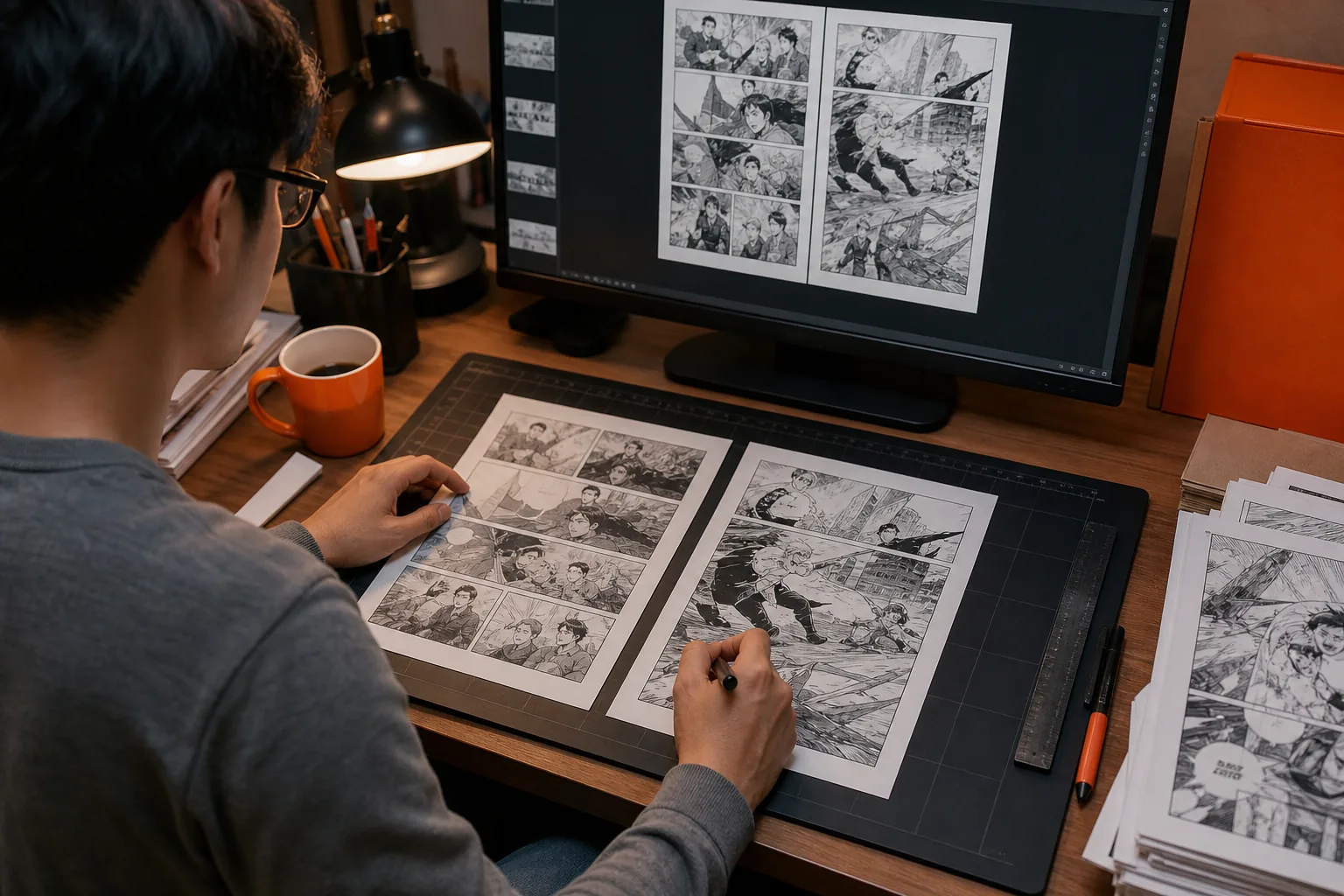
In this part of the process, you detect each panel boundary, then assign the order a reader should follow. These are separate jobs. A tool can find every box and still place them in the wrong sequence.
Begin with the page structure. Look for clear gutters, frame lines, changes in background tone, and empty space between scenes. Classical computer vision can work well when those boundaries are sharp. Edge detection is one common method. It turns strong changes in tone into lines that a later step can join into panel borders.
For a simple page, a useful sequence is:
- Convert the page to grayscale.
- Detect strong edges.
- Thicken broken edge lines.
- Fill enclosed areas.
- Label connected regions.
- Merge regions whose boxes overlap.
- Remove tiny regions caused by page numbers or print marks.
Don’t set one rule for every chapter. A threshold that works on a clean digital page may erase a faint frame on an old scan. A borderless panel may have no edge to detect at all. In those cases, a vision model may make a better proposal, but you still need a visual check.
Reading order needs its own pass. For a right-to-left manga page, start with the top-right group. For a left-to-right comic page, start with the top-left group. Then move across the row before moving down, unless the layout clearly nests one group inside another.
| Page condition | First method to try | Check by hand |
|---|---|---|
| Clean rectangular gutters | Edge or line detection | False borders inside the artwork |
| Irregular or broken frames | Model-based region proposals | Missing corners and merged panels |
| Borderless artwork | Visual layout review | Where one scene ends |
| Nested panels | Grouped reading-order logic | Which panel comes first |
| Two-page spread | Split at the gutter first | Text that crosses the fold |
A classical approach can be light and fast on pages with pixel-clean borders. These methods may struggle when frames are hand-drawn, missing, or unusual.
Test the order by placing a small temporary number in each detected panel. Read the numbers as a viewer would. If the path jumps backward, fix the group logic before sending the page to OCR.
The milestone is simple: every panel has a box or mask, and the sequence matches the intended reading direction.
Step 3: Separate Panels from Balloons, Text, and Artwork
Panel segmentation finds the scene area. Layout segmentation finds the parts inside it. For comic translation, you need both because OCR must know where text lives.
Mark speech balloons, narration boxes, sound effects, and free text as separate regions. Keep the panel boundary as its own object. Don’t replace the panel with the balloon. A balloon may sit across a frame, and a sound effect may appear directly on top of the art.
A useful data record for each region contains:
- Page number.
- Panel number.
- Region type.
- Bounding box or pixel mask.
- Reading-order position.
- Confidence score.
A bounding box is a rectangle around a region. A mask follows the actual shape more closely. Masks help when a balloon is round or when text sits over a detailed background. Boxes are easier to store and edit, but they may include extra art that hurts OCR.
One current open model is designed to mark three manga page regions: frame, text, and balloon. Its model card says the results can feed later OCR, reading-order work, translation, inpainting, or human review. It also warns that the model doesn’t understand speaker identity, story context, or translation quality. That distinction matters. Detection tells you where pixels are. It doesn’t tell you what the words mean.
Use separate colors in your review view. For example, draw panel frames in orange, balloons in blue, and sound effects in green. This makes overlap easy to spot. If a balloon mask cuts off the first character, OCR may return a wrong word. If the mask includes a character’s face, later inpainting may damage the art.
Watch for balloons that cross two panels. Decide whether the balloon belongs to the first panel, the second panel, or the page as a whole. The answer depends on the art and the intended reading order. Don’t force every region into one panel when the layout says otherwise.
For long vertical webtoon pages, panel boxes may be less useful than text-region order. The page can contain a continuous strip with no closed frames. In that case, preserve the full image and sort text by vertical position instead of inventing panel cuts.
By now you should have separate panel and text-region data. You should also know which regions need a person to decide their meaning.
Step 4: Verify and Correct Segmentation Results
Verification is where a rough panel split becomes usable translation input. Plan to inspect every page, even when the model reports high confidence.
Open a review view that shows the source page with all boxes or masks drawn on top. Check the page in this order:
- Confirm the number of panels.
- Check each panel’s edges.
- Check balloons and text regions.
- Read the proposed panel order.
- Look for regions that overlap incorrectly.
Fix large errors first. A missing panel affects every later step. A slightly loose box may only add a small amount of background. If you fix tiny details before a missing frame, you’ll have to repeat the work.
Use a short error log. Record the page number, error type, correction, and whether the same issue appears elsewhere. Common entries include “panel merged,” “borderless panel missed,” “SFX treated as balloon,” and “order reversed.” After ten or twenty pages, patterns appear. You can then change a threshold or mark a page type for manual review.
A confidence score helps sort work, but it isn’t a guarantee. A high score can still hide a bad split when two panels look alike. Review pages with low scores first, then sample some high-score pages to test the model’s reliability.
Pay close attention to these hard cases:
- Panels with no visible frame.
- Art that bleeds through the gutter.
- Small inset panels inside a larger scene.
- Speech balloons that cross a frame.
- Vertical text beside a character.
- Full-page illustrations with no panel grid.
Keep the corrected geometry in a reusable file if your tool supports it. Re-running OCR should not erase your manual fixes. If you work with a team, agree on how to mark uncertain areas. One reviewer may use a flag while another silently changes the box, which makes handoff hard to audit.
A useful stopping rule is this: don’t send a page onward until a reader can follow its panel path without hesitation and every text region sits inside the area you want OCR to read.
Step 5: Send Segmented Panels Through OCR, Translation, and Typesetting
Now connect the checked regions to the translation workflow. The aim is to preserve panel order while keeping each text block tied to the right artwork.
First, pass each text region to OCR with its page and panel IDs attached. Keep the source crop as well as the recognized text. When OCR makes a mistake, the reviewer needs to see the original characters without searching through the full page.
Then review the OCR output before translation. Separate dialogue from sound effects when your workflow treats them differently. Mark names, place names, titles, and repeated terms. A translation can sound fluent and still use two spellings for the same character.
Next, translate in scene order. Page-level context can help with short lines that have several possible meanings. But don’t assume a model understands the story perfectly. Human review still matters for jokes, honorifics, slang, speech style, and words written over busy art.
MangaGloss is useful when you want these stages in one workflow. It combines automatic panel segmentation with OCR, translation, inpainting, and typesetting. You can follow the MangaGloss AI manga translation workflow to see how page upload leads into text detection, translation, cleanup, and export.
After translation, inpainting removes the source text from the chosen region. Inspect the cleaned area before typesetting. A broad mask may wipe out a line in the background, while a narrow mask may leave fragments of the original script.
Typeset only after the text and mask are stable. Check font size, line breaks, alignment, and balloon shape. English often needs a different line layout than Japanese, Korean, or Chinese. If the text does not fit, edit the wording before shrinking it until it becomes hard to read.
Use a final page check that compares four things:
- The original panel order.
- The translated text order.
- The cleaned artwork.
- The final text placement.
MangaGloss can reduce the handoff between these tasks because the page stays inside one translation chain. A modular setup can still work well, but you must carry region IDs and corrected geometry from one tool to the next.
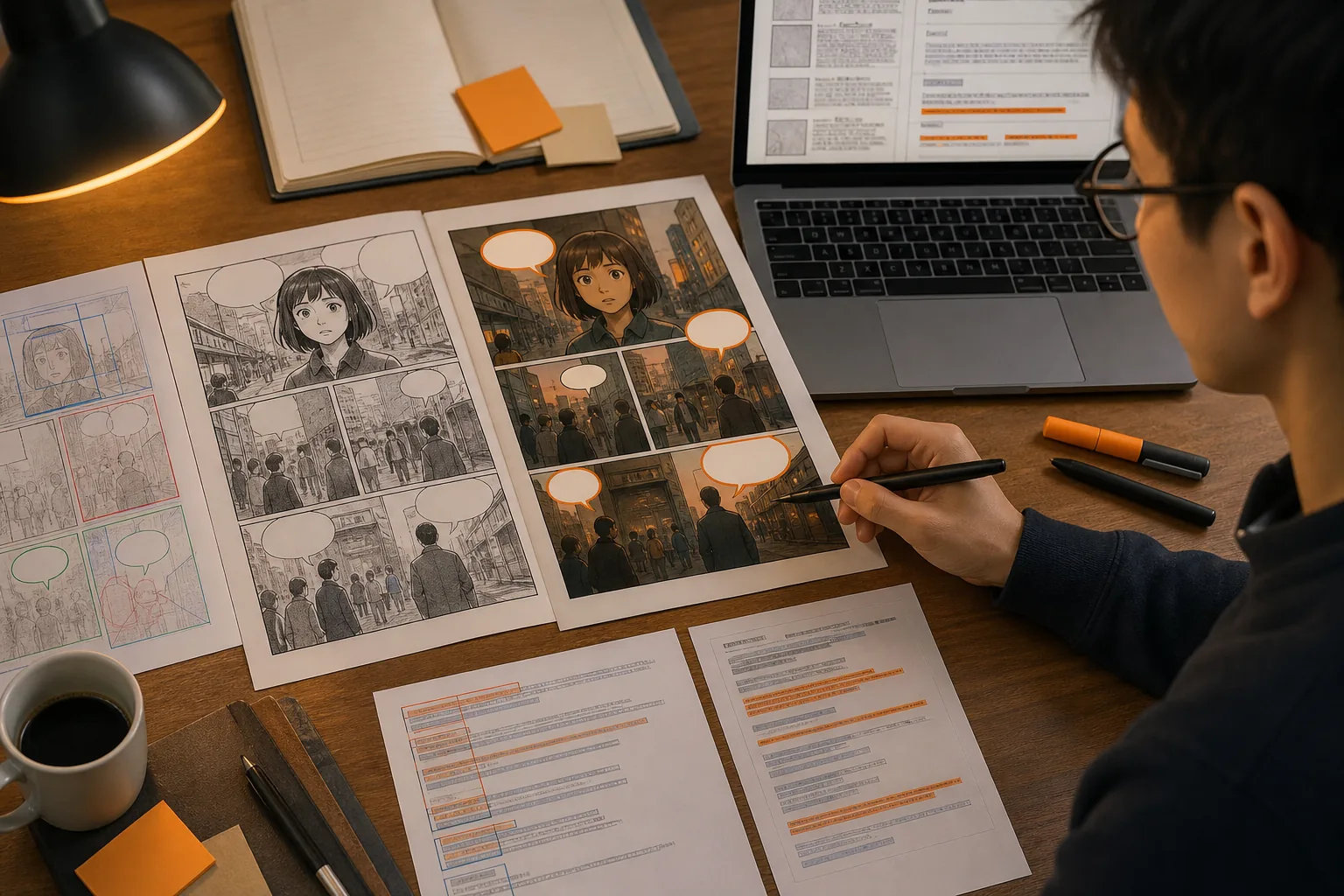
The final milestone is a page that reads in the right order, keeps the art intact, and has translated text placed in the correct regions. Export the finished pages only after that check.
FAQ
What is panel segmentation in comic translation?
Panel segmentation splits a comic page into separate scene areas before OCR or translation. A good split also preserves reading order and keeps panels separate from balloons, text, and artwork. In a step-by-step comic translation workflow, this gives each later task cleaner image data and a clear place to return translated text.
Can AI automatically detect comic panels?
Yes, AI can detect many comic panels, but the result still needs review. Borderless scenes, nested frames, overlapping balloons, and unusual layouts can confuse a model. MangaGloss combines automatic panel work with OCR, translation, inpainting, and typesetting, while some other tools stop after detection or require manual correction.
How do you fix the wrong reading order?
Fix the reading order by grouping panels into rows or nested layout groups, then sorting each group according to the comic’s direction. Test the result by placing temporary numbers on the panels. If the sequence jumps backward, correct the group rule before running OCR or translation.
Should speech balloons be included in panel segmentation?
Speech balloons should be tracked as separate regions inside or across panels. Treating every balloon as a panel can break reading order and cause poor crops. Keep a panel boundary for scene layout, then store balloon and text masks separately so OCR and inpainting can work on the right pixels.
What should I check before OCR?
Before OCR, check that every panel is present, every text region is complete, and the reading order is correct. Look for clipped characters, text mixed with background art, false regions from page numbers, and balloons that cross gutters. Fix those issues first because OCR cannot recover text that the segmentation mask has removed.
Conclusion
Use a small test batch, review panel order by hand, and keep panel masks separate from text masks. For a shorter handoff between segmentation and finished pages, try MangaGloss with legally obtained comic pages, then inspect the translated output before you export it.