How Publishers Choose Comic Translation Tools

Comic translation breaks when a tool handles words but ignores the page. Publishers need text detection, clear translation, clean art repair, and readable lettering in one workflow. The best way to compare tools is to follow a page from raw scan to final review, then test each handoff before adopting it.
Start With the Publisher’s Comic Translation Workflow
When publishers choose automated translation tools for comics, they should start with the work already done by their team. A page may pass OCR and still fail as a finished comic if text lands outside a bubble or a sound effect loses its visual force.
You can test this yourself with the MangaGloss online manga translator: upload a page, then fix any line in the editor.
Map the full path first. A typical process begins with a raw page. Someone detects the text, checks the source script, translates the dialogue, removes the original lettering, places the new words, and reviews the page beside its neighbors.
That order matters. A tool that only exports text may leave the team with the hardest jobs still ahead. Someone must erase the source words in an image editor. A typesetter then fits English into bubbles that were built for a different language.
Look at the page as a reader would. Speech bubbles carry dialogue, while captions set time and place. Sound effects can describe an action, but they can also act as part of the art. A good workflow keeps those roles distinct during review.
Source quality belongs in the first check. A clean scan with sharp edges and good contrast gives OCR more useful shapes. A compressed screenshot may contain blur, shadows, or artifacts that look like extra marks.
MangaGloss is built around this full page workflow. It uses OCR, an AI-powered translation engine, inpainting, and automated typesetting for raw manga, manhwa, and manhua pages. Teams can then focus on wording and quality checks instead of repeating the same cleanup work on every page.
Its AI manga translation workflow is most useful when the desired output is a readable page, not a plain script file.
Review should happen at two levels. A single-page pass catches missed text and bad bubble placement. A spread or chapter pass catches changes in tone, pacing, names, and terms that only make sense across nearby pages.
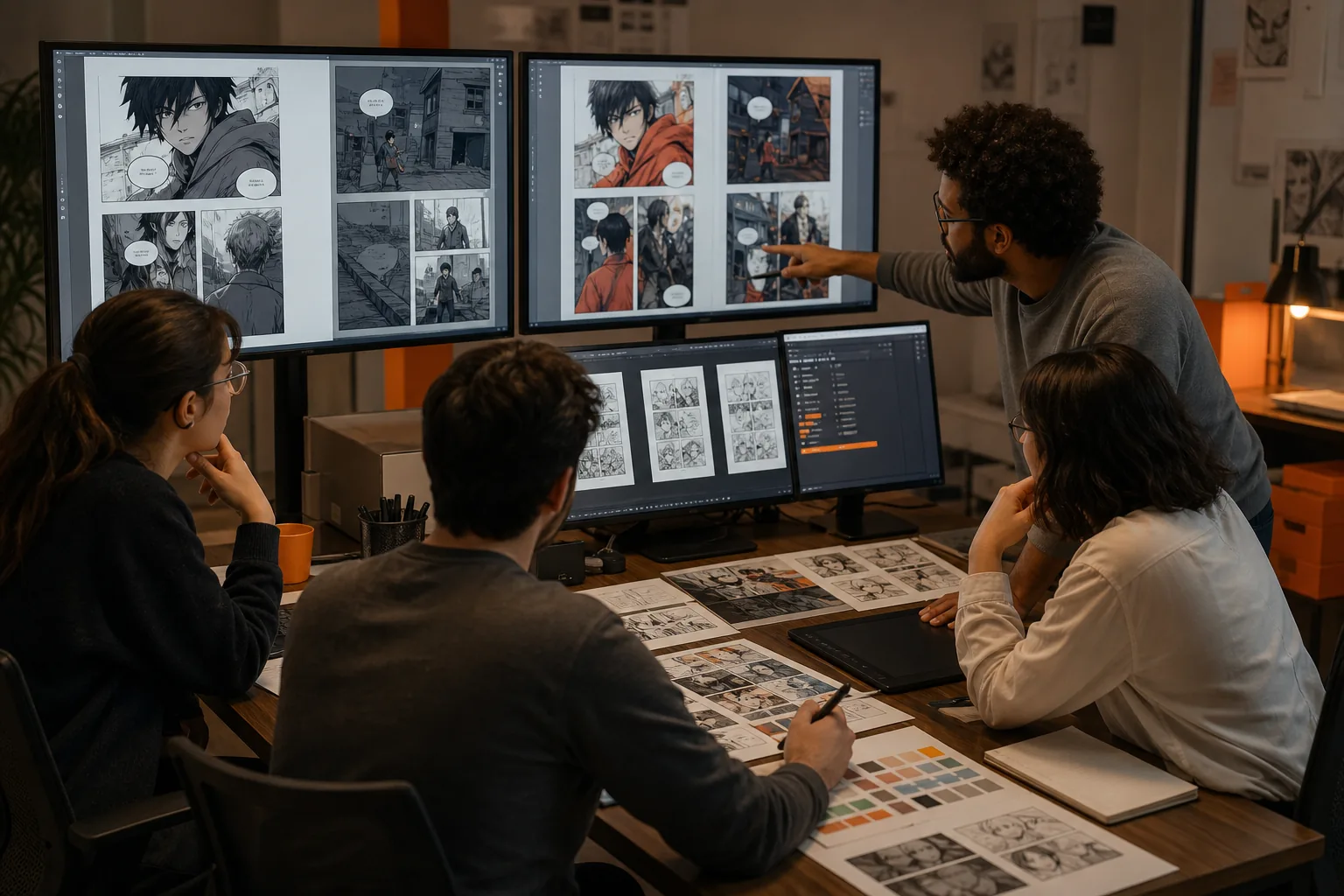
Compare OCR, Text Detection, and Page Structure Handling
OCR is the first gate in any comic translation workflow. It finds text inside images, but publishers also need to know where each text block belongs and what kind of text it contains.
Optical character recognition turns visible letters into machine-readable text. On a comic page, the task is harder because fonts may be hand drawn, words may follow a curve, and text may sit over a busy background.
Ask how the tool handles more than standard dialogue. A useful test page should include a speech bubble, a caption box, a small reaction, and at least one sound effect. Add a double-page spread if the publisher uses them.
Text detection is different from OCR alone. Detection marks the location of text. OCR reads the characters. The tool needs both pieces if it will later erase the source lettering and place a translation in the right spot.
Page structure also affects reading order. Japanese pages may use a different direction from English editions. Vertical text can appear beside horizontal text. A tool that reads blocks in the wrong order can produce a script that looks fluent but makes the scene hard to follow.
| Test area | What to check | Why publishers care |
|---|---|---|
| Speech bubbles | Does the tool find all dialogue and keep each line tied to the right bubble? | A missed phrase can change a scene. |
| Captions | Does it separate narration from spoken text? | Different text types may need different style rules. |
| Sound effects | Can the team review them instead of forcing every effect into plain dialogue? | Some effects need translation, while others belong to the art. |
| Vertical writing | Does the tool detect narrow or rotated text? | Small errors can break reading order. |
| Spreads | Can the team inspect both pages as one scene? | Panel flow may cross the page fold or image boundary. |
| Low-quality scans | Does the tool flag uncertain text for review? | Editors need to know where OCR may be wrong. |
Translation engines such as Google Translate, DeepL, ChatGPT, Papago, and similar tools may help with text once it has been extracted, but the publisher still needs another system to read the page.
Test page structure before judging translation quality. If the source text is incomplete or assigned to the wrong bubble, a fluent result can hide a poor first step.
Evaluate Translation Quality Beyond Literal Accuracy
Translation quality is more than matching each source word to an English word. Publishers choosing automated comic translation tools should judge voice, context, names, jokes, and the space available in each bubble.
Machine translation produces text from one language in another, but comic dialogue adds context that short lines often hide. A two-word reaction may depend on the panel before it. A joke may need a new phrase rather than a word-for-word copy.
Build a test set that reflects the title. Include casual speech, formal speech, insults, honorifics, names, invented terms, and lines with missing subjects. Add a few very short reactions. These are easy to mistranslate because the source offers little context.
Then review the output with a native or highly skilled reader of the target language. Ask that reviewer to mark four things:
- Meaning errors that change the action or intent.
- Voice errors that make a character sound unlike themselves.
- Term errors involving names, places, powers, or repeated phrases.
- Fit errors where the English text is too long for the bubble.
Consistency deserves its own score. If a character’s name changes spelling across pages, the problem reaches search metadata, fan discussion, and later editorial work. The same applies to attack names, ranks, family terms, and recurring jokes.
Publishers should also decide what “good” means for each release. A private draft can accept more machine output than a licensed edition. A language learner may value a close reading of the source. A reader-facing release needs natural dialogue that still matches the scene.
MangaGloss uses an AI-powered translation engine as part of its page workflow. That can reduce handoffs, but it doesn’t remove the need for an editor. Proper names and series terms still deserve a human pass, especially when the source uses slang or leaves meaning unstated.
A simple rule works well: judge the translated page in context, not as a list of isolated sentences.
Check Inpainting and Automated Typesetting Capabilities
Inpainting and typesetting are where many comic translation tools stop short. Publishers need to ask what happens after the words are translated, because the final page still contains the original lettering.
Inpainting removes source text while rebuilding the area behind it. On a plain speech bubble, that may be easy. On a textured wall, a speed line, or a character’s clothing, the repair needs closer review.
Typesetting places the new text on the page. It must respect bubble shape, line breaks, font size, alignment, and reading order. English often takes more or fewer characters than the source, so a direct replacement may overflow or look cramped.
The tool should give editors a way to fix a bad fit. Look for controls that let a reviewer edit wording, adjust a bubble, or correct a name without sending the page back through the whole process.
Our 33-tool review found inpainting in only two products. It found automated typesetting in one. That gap creates a hidden labor cost. A publisher may save time on translation, then spend it again erasing text and placing letters by hand.
| Capability | Pass condition | Warning sign |
|---|---|---|
| Inpainting | Source text disappears without damaging nearby art. | White patches, repeated textures, or broken lines remain. |
| Bubble fit | New text stays inside the intended area with room to read. | Small type or crowded line breaks hide the dialogue. |
| Lettering style | Text has a consistent size and alignment across the chapter. | Each page looks like it came from a different editor. |
| Sound effects | Editors can choose how each effect should be handled. | Every effect is treated like ordinary speech. |
| Manual correction | A reviewer can fix text and layout in the same workflow. | Small changes require a full export and re-edit. |
MangaGloss combines automated inpainting with automated typesetting. That makes it a better fit for publishers who need finished pages rather than translated text alone. The output still needs review, especially where lettering overlaps detailed art.
Validate the Tool With a Controlled Pilot Before Adoption
A controlled pilot shows how publishers choose automated translation tools for comics without trusting a demo page. Use a small set of real pages, fixed review rules, and the same source files for every test.
Start with a chapter sample that includes normal dialogue and difficult pages. Add one spread, one page with sound effects, one page with dense text, and one page with a name or term that repeats later.
Keep the input fixed. Use the cleanest legal source files available, then record their format and resolution. Do not compare one tool using a sharp scan against another using a compressed screenshot.
Set review roles before the pilot starts. One person can check OCR. Another can assess the target-language wording. A third reviewer can inspect art repair and lettering if the project has those roles.
Track findings in a small scorecard:
- Text found versus text missed.
- Meaning changes that need edits.
- Names or terms that need correction.
- Pages needing manual art repair.
- Pages needing manual typesetting.
- Time spent reviewing each page.
Don’t score speed by itself. A quick first pass may be costly if every page needs a second export. Count the full path from upload through approved output.
Also test the handoff. Can the editor find a bad line quickly? Can the team keep a term list? Can someone else understand what changed after the first reviewer finishes?
MangaGloss is worth testing when the team wants OCR, translation, inpainting, and typesetting in one place. Run the same sample through it, then compare the number of manual fixes against the current process.
Use a decision rule before reviewing the results. Adopt the tool only if it reduces total work while keeping the review standard your release requires. If it saves upload time but adds cleanup time, it has not solved the workflow problem.
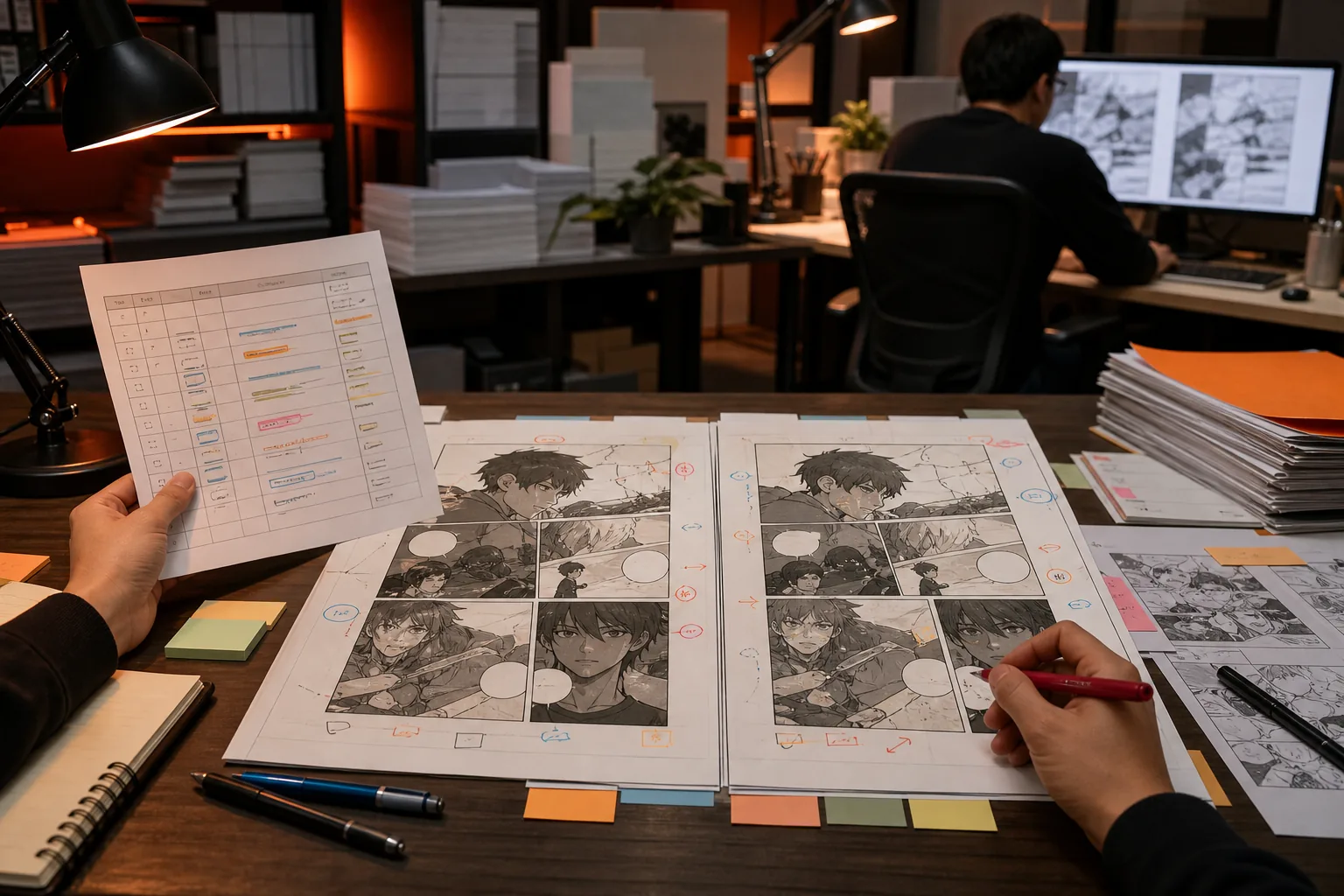
FAQ: Automated Translation Tools for Comics
What should publishers look for in an automated comic translation tool?
Publishers should look for a tool that covers text detection, translation, art cleanup, and typesetting. A plain translation engine may produce useful draft text, but it leaves the page work to the team. Check how the tool handles sound effects, vertical writing, spreads, proper names, and manual review before choosing it.
Is OCR enough for manga translation?
OCR alone isn’t enough for manga translation because it only addresses text recognition. Publishers also need the correct reading order and a link between each text block and its page location. If OCR misses a small reaction or assigns words to the wrong bubble, later translation and layout checks can both fail.
Why does inpainting matter in comic translation?
Inpainting matters because it removes the original words while rebuilding the artwork behind them. Without it, an editor must erase lettering by hand before typesetting the translation. That work becomes slow on textured backgrounds or art crossed by speed lines, so it should be part of any serious pilot.
Can AI translate comic dialogue without human review?
AI can produce a useful first draft, but human review remains needed for reader-facing comic releases. Short reactions, jokes, names, slang, and repeated terms depend on context. A reviewer should check the full page and nearby panels, then fix wording that sounds literal or no longer fits the character.
Is MangaGloss suitable for a publisher’s comic workflow?
MangaGloss is suitable for teams that want one workflow for raw comic pages. It automates OCR, AI-powered translation, inpainting, and typesetting for manga, manhwa, and manhua. Publishers should still run a sample chapter and set their own quality bar before using any automated output at scale.
Conclusion
Choose a tool by measuring finished pages, not translation text alone. For an end-to-end test, start with MangaGloss and run a controlled sample through OCR, translation, inpainting, typesetting, and review. Compare the remaining manual work with your current process before making the switch.