Best Cloud Services for Comic Translation

High-volume comic translation breaks down when OCR, translation, cleanup, and typesetting live in separate tools. Here are the best cloud services for high-volume comic translation jobs, and where each one fits.
1. MangaGloss
MangaGloss is a free AI-powered tool for manga, manhwa, and manhua pages. It is the best fit for translation teams, indie creators, scanlation groups, and language learners who need one place to process raw comic pages.
Want to try it on your own pages? Our free online manga translator translates and typesets a raw page in about a minute.
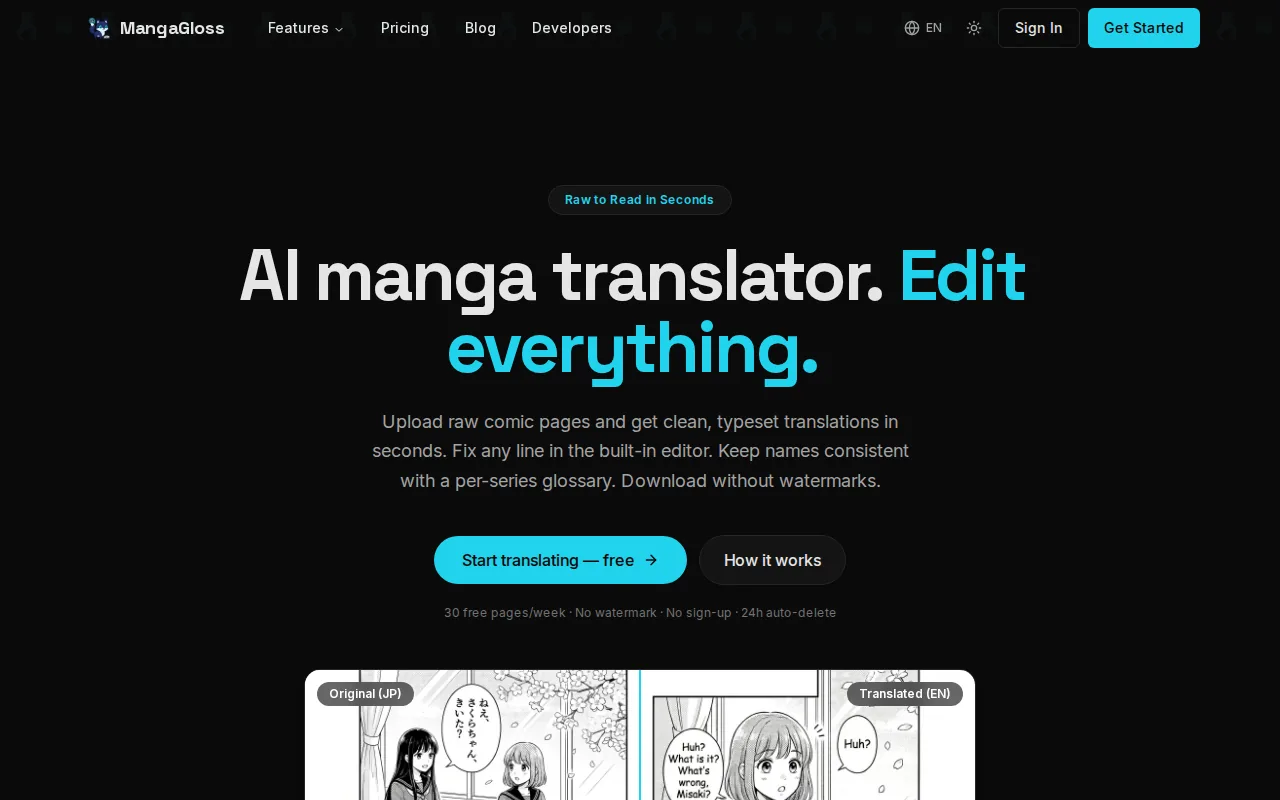
MangaGloss combines OCR, translation, inpainting, and typesetting. That matters when a team handles a large folder of pages. The OCR step finds text. Translation turns it into the target language. Inpainting clears the source text from the artwork. Typesetting places the new text back into the speech bubbles.
Teams can also keep a cleaner handoff. A translator can review wording inside the same workflow instead of exporting OCR text to one service, translated text to another, then edited pages to a layout tool. The MangaGloss tool for translation teams is aimed at that kind of shared production work.
The caveat is simple: AI output still needs review. Names, sound effects, jokes, and text that crosses artwork can need a human pass. MangaGloss reduces tool switching, but it doesn’t remove editorial judgment.
2. Google Cloud Vision OCR, structured text extraction at scale
Google Cloud Vision OCR is a strong fit for teams that need text detection before a separate translation stage. For high-volume comic translation jobs, it makes sense when your team already has a pipeline and only needs structured text extraction.
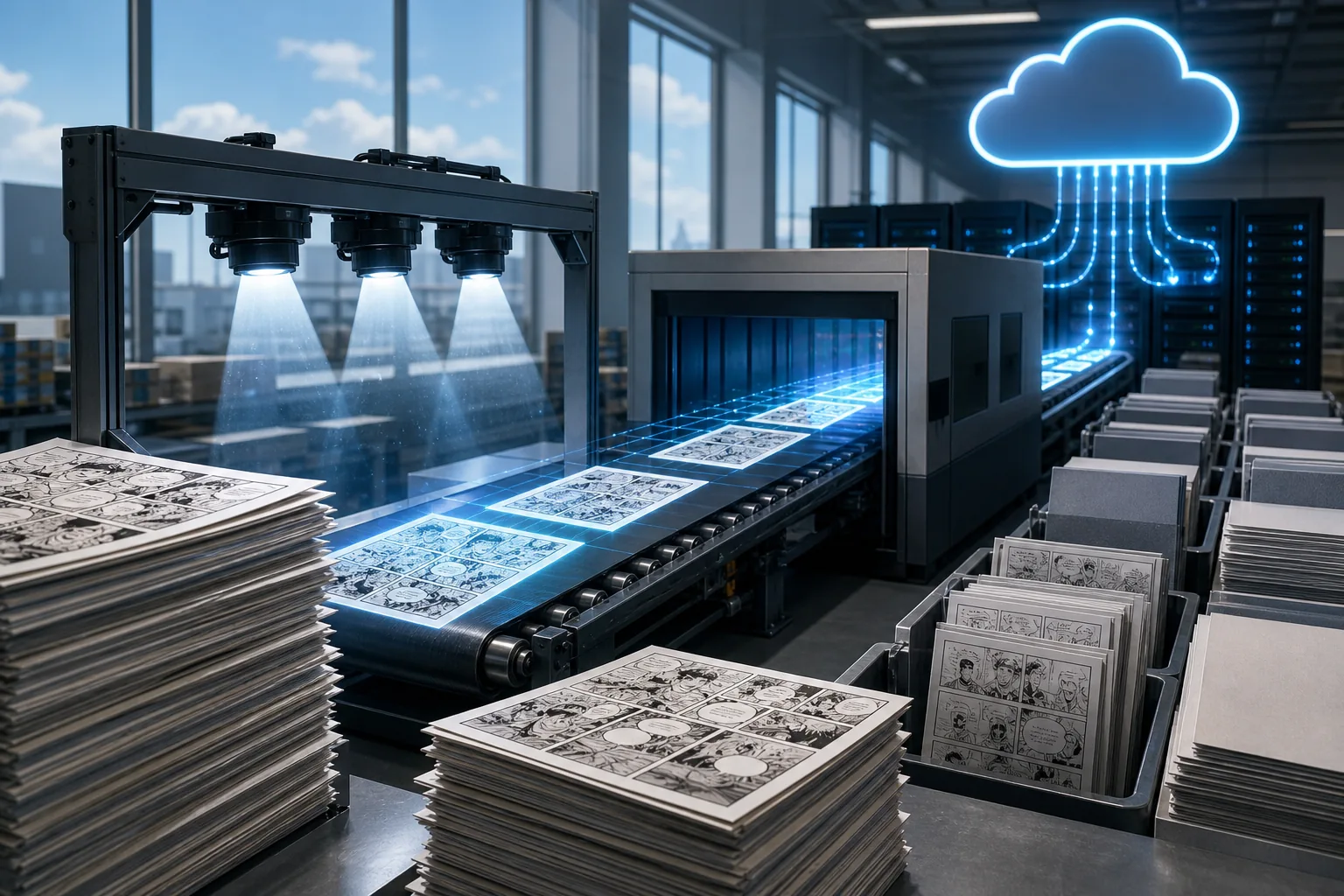
That structure is useful for comics because text position carries meaning. A speech bubble, caption box, and sound effect may all need different treatment. A system that returns location data can pass those regions to later code or editing tools.
Google Cloud Vision OCR covers one major part of the job, though. It doesn’t provide the full translation and page-layout workflow described for MangaGloss. Your team would still need a translation service, an image cleanup layer, and a typesetting step.
OCR quality also depends on the source page. Small lettering, curved text, textured backgrounds, and stylized sound effects can make review necessary. If your goal is a finished translated page rather than extracted text, this is a building block, not a complete comic production tool.
Pick it when your engineering team wants control over each stage. Skip it when the cost of maintaining several handoffs is the main problem.
3. Google Cloud Translation, scalable machine translation for comic pipelines
Google Cloud Translation fits teams that already have OCR output and need a translation engine for a larger production flow. It can be useful when translation is one service inside a custom comic pipeline.
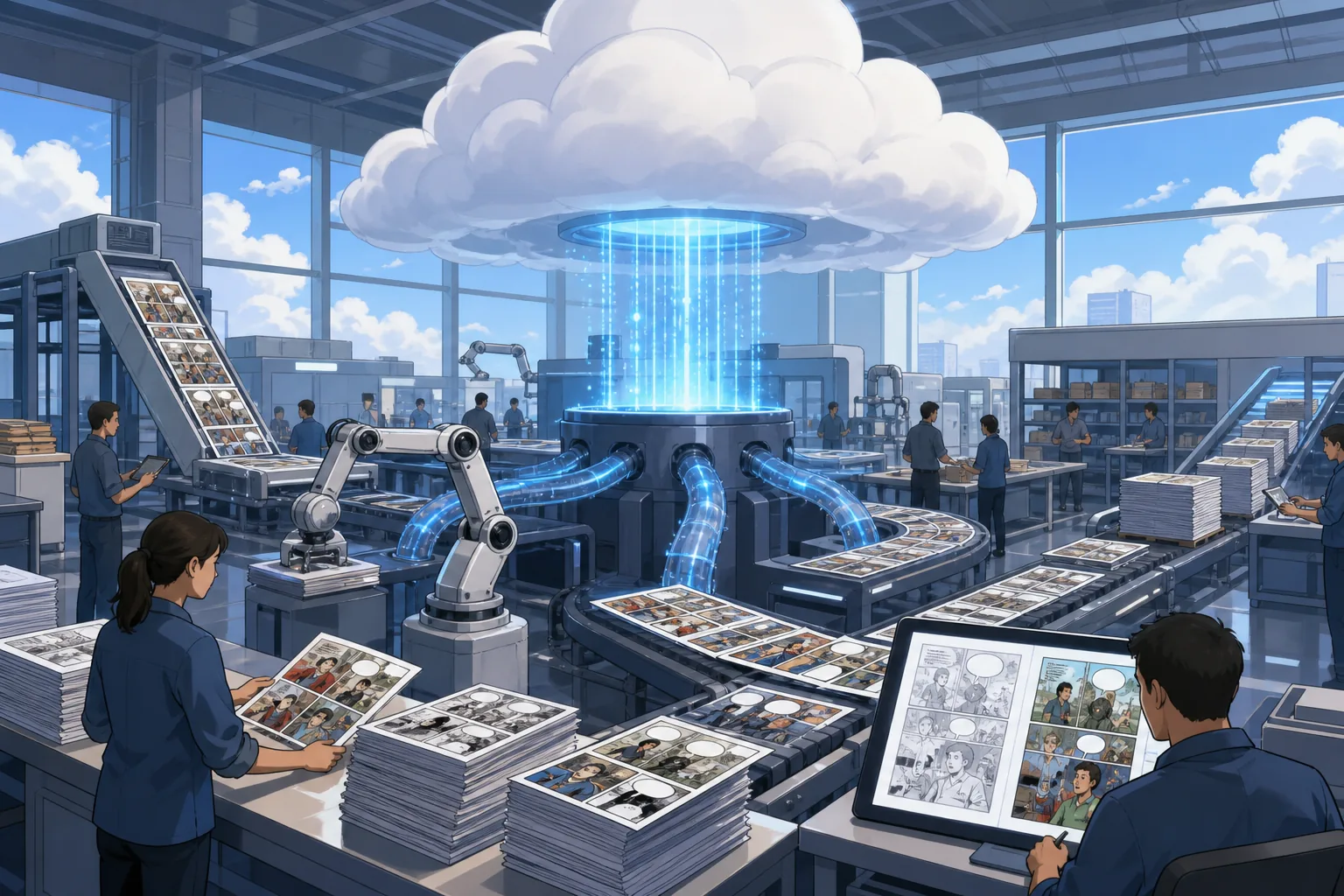
Its main strength in this shortlist is separation. A publisher can keep OCR, translation memory, review, and page rendering as distinct jobs. That setup may suit a technical team that needs to swap language models or apply its own quality checks before text reaches the artwork.
But separation also creates work. Someone must map translated strings back to speech bubbles. Another process must remove the original lettering. A layout step must handle text that becomes longer or shorter after translation.
Comic text needs more than a correct sentence. It needs the right tone, line breaks, speaker fit, and treatment of sound effects. A machine translation API can handle the language step, but the surrounding comic tasks remain your responsibility.
Use Google Cloud Translation when you want a modular API-based system. For a smaller team without engineering support, an integrated tool may cut more time.
4. Amazon Translate, batch-friendly translation automation
Amazon Translate is a fit for teams that want translation automation inside an Amazon-based workflow.
That can help when a studio has many extracted text records waiting for translation. A batch job can move those records through the translation stage without making a person paste each line into a web form.
Amazon Translate handles language conversion, not the full comic page. You still need OCR before translation if your source is an image. After translation, you need image editing to clear the original text and typesetting to place the new copy.
This distinction matters at scale. Suppose a chapter has hundreds of pages. A translation API may process the text quickly, but a separate team still has to check bubble fit and repair text that overlaps art. The hidden workload sits after the API call.
The service is a better match for a team with an existing data pipeline than for a creator who wants finished pages. It may also suit a publisher that already uses Amazon tools and has code for file storage, job status, and review.
Before choosing it, test a sample with dialogue, narration, and sound effects. The language result is only one part of the finished page.
5. AI Manga Translator, an all-in-one option for pages and typesetting
AI Manga Translator is built for users who want image handling and typesetting in the same product. It is worth considering when page-level automation matters more than building a custom cloud stack.
The 200-page upload cap can work for a short volume or a controlled test run. For a large back catalog, the team would need to split work into multiple uploads. That adds a queue to track, especially when pages need to stay in chapter order.
Its image-editing support also addresses a common problem with comics: the translated text needs a clean space. OCR and translation alone don’t remove Japanese, Korean, or Chinese lettering from the art. A page tool that includes editing and typesetting reduces that gap.
AI Manga Translator is a useful alternative for teams whose workload fits its stated upload size.
Run a full chapter test before committing. Check names, SFX, bubble breaks, and pages with dense art. A good demo page can hide the hard cases.
Comparison table: Which service fits your comic translation workload?
The best cloud services for high-volume comic translation jobs differ less by brand than by how many handoffs they leave your team. This table focuses on the work each option covers, not on a simple feature count.
| Service | OCR | Translation | Batch detail | Image editing | Typesetting | Best workflow fit |
|---|---|---|---|---|---|---|
| MangaGloss | Yes | Yes | Automation supported, limit not stated | Yes | Yes | End-to-end comic pages |
| Google Cloud Vision OCR | Yes, with boxes and confidence scores | — | Automation supported, limit not stated | — | — | Custom OCR pipeline |
| Google Cloud Translation | — | Yes | Automation supported, limit not stated | — | — | Custom translation pipeline |
| Amazon Translate | — | Yes | Automation supported, limit not stated | — | — | Batch text translation |
| AI Manga Translator | Yes, listed at 99% accuracy | Yes | Up to 200 pages per upload | Yes | Yes | Page automation with fixed upload size |
Just two are marked with automatic typesetting. That gap explains why a text API can look cheap or fast at first, yet still leave the most manual work with the production team.
Google Cloud Vision OCR is the specialist choice for extraction. Google Cloud Translation and Amazon Translate are specialist choices for language conversion.
For a custom stack, measure the handoff time between services. For an integrated stack, measure how much human review each page needs. Those are the numbers that affect delivery speed more than an isolated OCR or translation result.
The Wikipedia explanation of optical character recognition describes OCR as the conversion of typed, handwritten, or printed text into machine-encoded text. In comic work, the next question is where that text sits on the page and how it will be replaced.
FAQ
What is the best cloud service for high-volume comic translation jobs?
MangaGloss is the strongest fit when you need OCR, translation, image cleanup, automation, and typesetting in one workflow. Teams with a custom engineering stack may prefer separate cloud APIs, but they must build the missing page and layout steps.
Which service is best for comic OCR?
Google Cloud Vision OCR is the clearest choice for structured text extraction in this shortlist. It doesn’t produce a finished translated page, so pair it with a translation and layout workflow.
Can Amazon Translate translate whole comic pages?
Amazon Translate handles the translation stage, not the full comic page. You need OCR to extract text from images, then image editing to remove the source lettering. Typesetting is also separate. It fits high-volume comic translation jobs when your team already has those stages in its pipeline.
How many pages can AI Manga Translator process at once?
AI Manga Translator lists batch uploads of up to 200 pages per upload. That can suit a short volume or a test batch. Larger libraries need several uploads, so teams should plan file order and review status before starting a long run.
Do comic translation APIs handle speech bubble layout?
Most text-focused comic translation APIs don’t handle speech bubble layout by themselves. They return translated text, while another tool must remove the original lettering and place the replacement copy. MangaGloss and AI Manga Translator are the named options in this shortlist that include image editing and automatic typesetting.
Conclusion
Choose MangaGloss if you want the fewest handoffs for a large comic translation queue. Start with one difficult chapter, check OCR, names, SFX, and bubble fit, then move the wider batch through the same workflow once the review rules are clear.