How to Set Up a Comic Translation Glossary

Comic translation breaks down fast when one character has three spellings by chapter five. A glossary locks key terms, while translation memory saves approved sentence-level work for reuse. This workflow shows how to set up a glossary and translation memory for comics, starting with clean files and ending with a review system you can keep current.
Step 1: Prepare Your Comic Translation Files
Good source files give your glossary and translation memory clean material to work with. Start by collecting the original comic pages in one folder. Keep each chapter separate, then sort pages in reading order.
Want to try it on your own pages? Our free free manga translator translates and typesets a raw page in about a minute.
Use a clear file name such as series_ch001_p001. This small step helps when a translator reviews a segment later. It also keeps batch uploads from mixing pages or chapters.
Before translation, check each page for common problems:
- Text that is too small or blurred to read.
- Pages saved in the wrong order.
- Scans with heavy compression or dark shadows.
- Double-page spreads split into mismatched files.
- Sound effects placed over art with no clear text boundary.
Next, make a source text file. It can hold the text found through OCR, or a script prepared by a human translator. Give each line a stable ID, such as ch001_p003_bubble02. Add the speaker when you know it. Add a short note when the line depends on an image or panel.
A glossary is a custom dictionary for domain terms. A glossary can help control named entities, ambiguous words, and borrowed terms. That same idea fits comics well. A character name should not change because the spelling around it changes.
MangaGloss can reduce this file work when you start with raw comic pages. Its workflow accepts common image files or a chapter archive, then runs OCR before translation and typesetting. You should still keep your source folder and text export as a record.
Step 2: Build a Comic Translation Glossary
To set up a comic glossary, begin with terms that can change the reader’s understanding. Do not try to list every word. Add terms that need one approved form across the whole series.
Useful groups include:
- Character names and nicknames.
- Place names, school names, and organization names.
- Attack names, rank names, and magic terms.
- Honorifics and family titles.
- Recurring slang or invented words.
- Sound effects that need a set translation style.
- Terms that must stay in the source language.
Record more than the source term and its translation. Context keeps a short word from being used in the wrong way. A term such as “master” may refer to a teacher, an owner, or a formal title. The glossary needs a note that tells the translator which meaning applies.
| Field | What to enter | Why it helps |
|---|---|---|
| Source term | Original spelling | Finds the term in OCR or the source script |
| Approved translation | One chosen target form | Stops spelling drift |
| Category | Name, title, SFX, place, or rank | Helps reviewers filter entries |
| Context note | Speaker, scene, or meaning | Prevents wrong use |
| Status | Proposed, approved, or retired | Shows which terms are safe to use |
| Do-not-use form | Old spelling or bad machine output | Helps catch repeat errors |
Keep one approved translation per language unless the story truly needs variants. If a character uses a nickname in private but a title in public, make two entries. Add a usage note instead of asking the translator to guess.
Sound effects need their own rule. You might translate a sharp impact as “BAM” in action scenes, but use a softer word for a small bump. The right choice depends on the art, not the dictionary alone. Reference material on manga terminology commonly separates sound effects by action, emotion, food, weather, and movement, which is a useful way to sort a large SFX list.
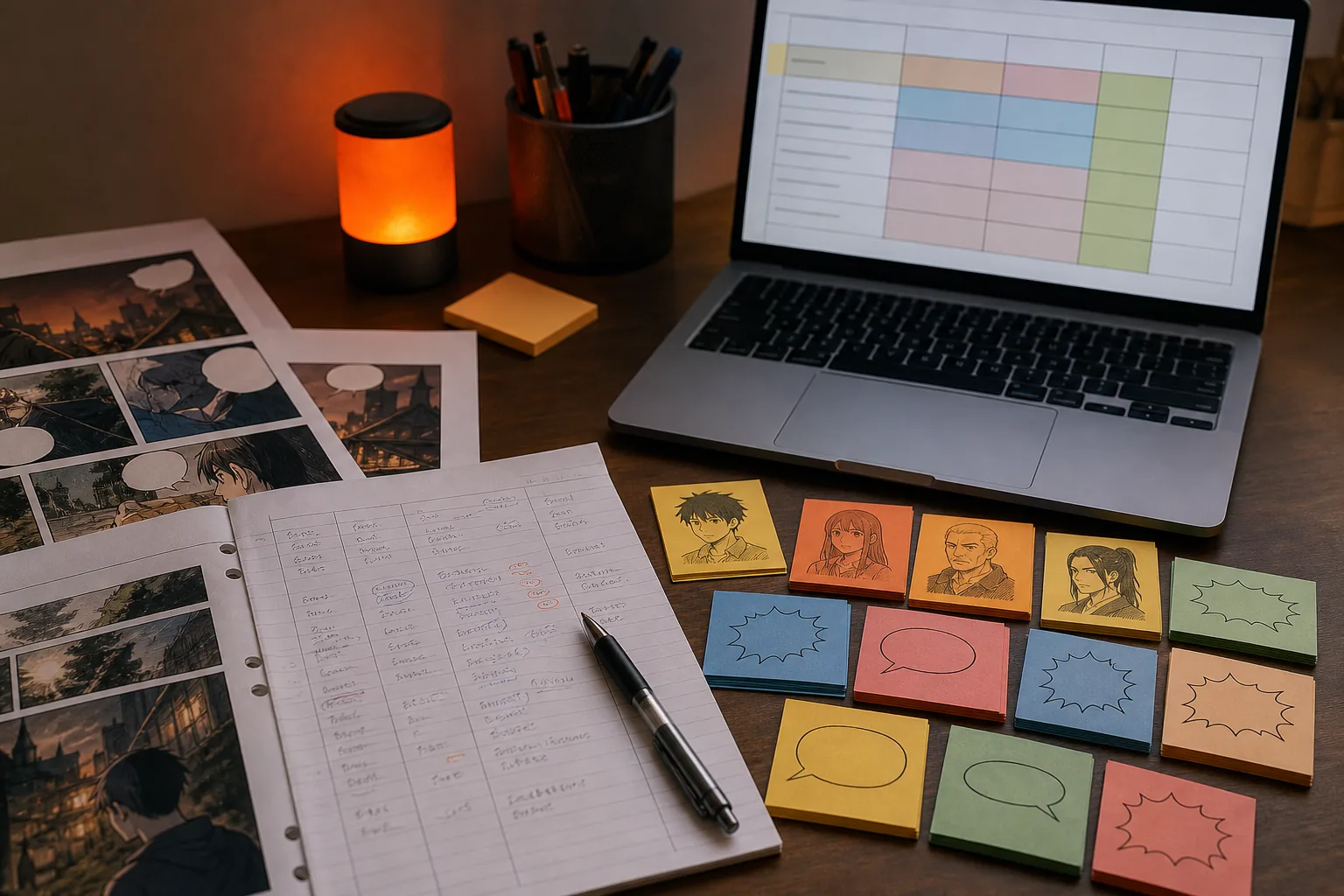
Set a review rule before the first chapter goes out. A translator may suggest a term, but one named editor should approve it. Mark rejected terms as retired rather than deleting them. Old chapter files may still contain those forms, and reviewers need to know why they changed.
Step 3: Create and Populate Your Translation Memory
A translation memory, or TM, stores approved source and target segments. A glossary controls terms. The TM controls reusable lines. You need both when a comic repeats dialogue, narration, warnings, or chapter labels.
Start with approved translations only. Do not fill the TM with raw machine output that no one has checked. Bad segments can return months later and look trustworthy because they match an earlier translation.
Each TM record should contain:
- The source segment.
- The approved target segment.
- The source and target language codes.
- The chapter or file name.
- The speaker or scene when known.
- The review status and date.
Split text into useful units. A speech bubble is often a good starting point, but a long bubble may contain two separate thoughts. Keep a sentence together when its meaning depends on the next clause. Avoid saving page numbers or layout notes as translation segments.
If you already have a translated chapter, align the source and target files. Use paired source and target files, language codes, segmentation rules, and an aligned output file. Those are the same details you need to check in any TM workflow.
For a new project, the first approved chapters become your seed memory. After each review pass, add the final version. If a line changes, update the old record or mark it deprecated. Otherwise, the TM may return two competing translations without showing which one is current.
MangaGloss fits the same sequence inside a comic-focused workflow. It can read page text through OCR, translate it, remove the original text through inpainting, and place the new text on the page. Use the built-in editor to approve corrections before treating a repeated line as trusted source material.
Remember the limit of a TM. It is strongest when a line repeats or closely resembles an earlier line. A unique joke, a visual pun, or a line shaped by a character’s mood may need fresh human work.
Step 4: Connect Glossary Terms to Comic Context
Context is what makes a glossary and translation memory useful for comics. The same source phrase may need a different translation when the speaker, scene, or nearby text changes.
For each important TM segment, save at least one context clue. Good clues include the speaker, panel location, chapter, character relationship, and whether the line is spoken, shouted, whispered, or written as narration.
Previous and following segments can also help. A match with the same source text and matching context can be more useful than one with different context. That difference matters when a title or phrase changes with the speaker.
Comic pages need visual context too. Add a note when the translation depends on:
- A character pointing at an object.
- A sound effect placed beside an action.
- A speech bubble that belongs to a nearby panel.
- Text written vertically or across a sign.
- A joke that depends on facial expression.

Give each entry a scope. A series-wide term can cover a character name. A chapter-only term may cover a one-time joke. A scene-only rule may apply to a formal speech. Scope stops a narrow choice from spreading across the whole project.
When a TM suggestion conflicts with the glossary, follow the approved glossary term. Then edit the target segment and save the corrected version. This keeps terminology rules above old sentence matches.
Think of it this way: the glossary answers “What should this word be?” The TM answers “Have we translated this line before?” Context helps you decide if the old answer still fits.
Step 5: Apply, Review, and Maintain the System
Applying the system means using the glossary first, checking TM matches next, then sending the remaining text to translation. This order gives fixed terms priority without forcing old sentences into a new scene.
Run a review pass in four parts:
- Check names, titles, ranks, and invented terms against the glossary.
- Review high-confidence TM matches for speaker and scene fit.
- Read new lines for tone, joke meaning, and natural word flow.
- Inspect the final page for line breaks, bubble fit, and SFX placement.
Keep a change log. Write down when a term changes, who approved it, and which chapters may need review. This matters when several people work on the same series. A translator should not have to search old chat messages to learn why a name changed.
Set a maintenance cycle that matches your release pace. Review new glossary terms after each chapter. Scan the TM for outdated forms when a major term changes. Once a story arc ends, review its names and ranks together so the next arc starts with a clean base.
When choosing a tool, ask how it handles page images, chapter archives, OCR output, and export before you build your process around it.
MangaGloss is a sensible starting point when you want the comic page workflow in one place. Its free tier lowers the first barrier for indie creators and scanlation groups, while its series glossary helps keep recurring terms stable. Start with one chapter, approve the key terms, then use that approved work as the base for later chapters.
FAQ
What is the difference between a glossary and translation memory?
A glossary stores approved terms, while translation memory stores complete source and target segments. In comic translation, the glossary can lock a character name or attack term. The TM can reuse a repeated warning or narration line. Use the glossary for word-level control and the TM for sentence-level reuse.
How do I make a glossary for manga translation?
Make a manga glossary by listing source terms beside approved translations, then add context notes and review status. Start with names, honorifics, places, ranks, attack names, and recurring sound effects. Keep rejected forms in a do-not-use field so reviewers can spot old machine output.
Can AI translation tools use a comic glossary?
Yes, some AI comic tools can apply a series glossary during translation. MangaGloss uses per-series terms for recurring names and terminology, while its OCR and typesetting steps work on comic pages. Still, review each chapter. A glossary can lock a term, but it cannot judge every joke or visual reference.
How do I populate a translation memory?
Populate a translation memory with source and target segments that a human has approved. Add language codes, file names, chapter details, and context when available. If you have older translated chapters, align the source and target files first. Do not add unreviewed machine output as trusted memory.
Should the glossary or translation memory take priority?
The glossary should take priority when the two resources disagree about terminology. A TM match may contain an older spelling or a term that once fit another speaker. Apply the current glossary term, revise the segment, and save the corrected translation for future use.
Conclusion
Build the glossary before you translate a full series, then grow the TM from reviewed chapters. For a comic-first workflow, try MangaGloss with one chapter, lock the key terms, review the output, and keep the approved files as your source for the next release.