Top Japanese Comic OCR Pipelines Compared

Japanese comic OCR can fail on one page and shine on the next. Vertical text, furigana, mixed fonts, speech bubbles, and art-based sound effects all raise the bar. Here are 10 named options, ranked by how well they fit a full manga workflow, not raw OCR alone.
1. MangaGloss
MangaGloss is a free AI tool for translating and editing raw manga, manhwa, and manhua pages. It fits translation teams, indie creators, scanlation groups, and language learners who want a finished page instead of a text dump.
Want to try it on your own pages? Our free AI manga translator translates and typesets a raw page in about a minute.
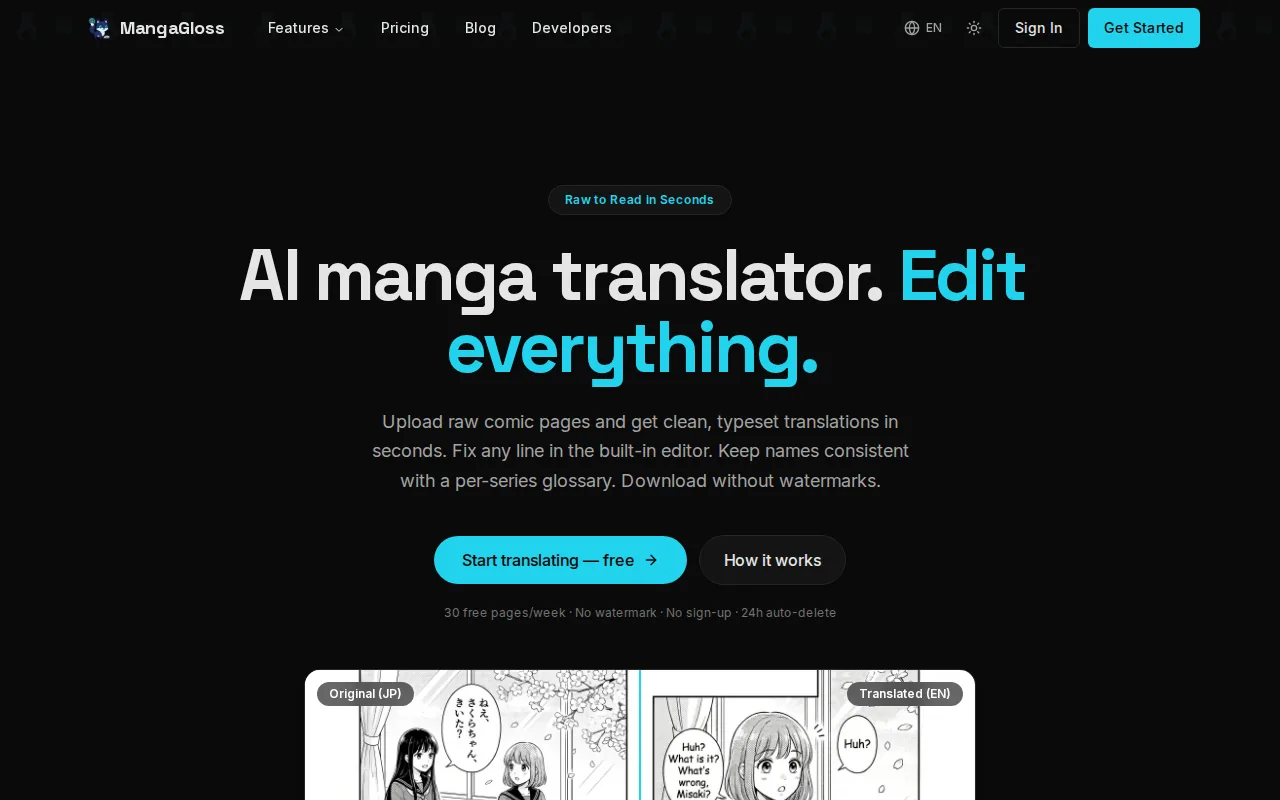
The pipeline handles OCR first. It then translates the text, removes the source text with inpainting, and typesets the result on the page. That matters because OCR is only one part of the job. An OCR-only tool still leaves someone to clean bubbles, rewrite dialogue, and place each line by hand.
MangaGloss also targets the layout problems that make Japanese pages hard. Its detector reads vertical and horizontal regions, including speech bubbles, narration boxes, and some sound effects. The built-in editor gives a reviewer a place to fix names, terms, or awkward line breaks before download. See the MangaGloss AI manga translation workflow for the full pipeline view.
The tradeoff is simple: MangaGloss is best when the end goal is a readable translated page. If you only need raw Japanese text for a research corpus, a smaller OCR package may be easier to control.
2. Magiv3, Character-Aware Automation for Accessible Reading
Magiv3 is built for visually impaired readers and accessibility-focused comic reading. It goes well beyond character recognition by linking page structure with who is speaking.
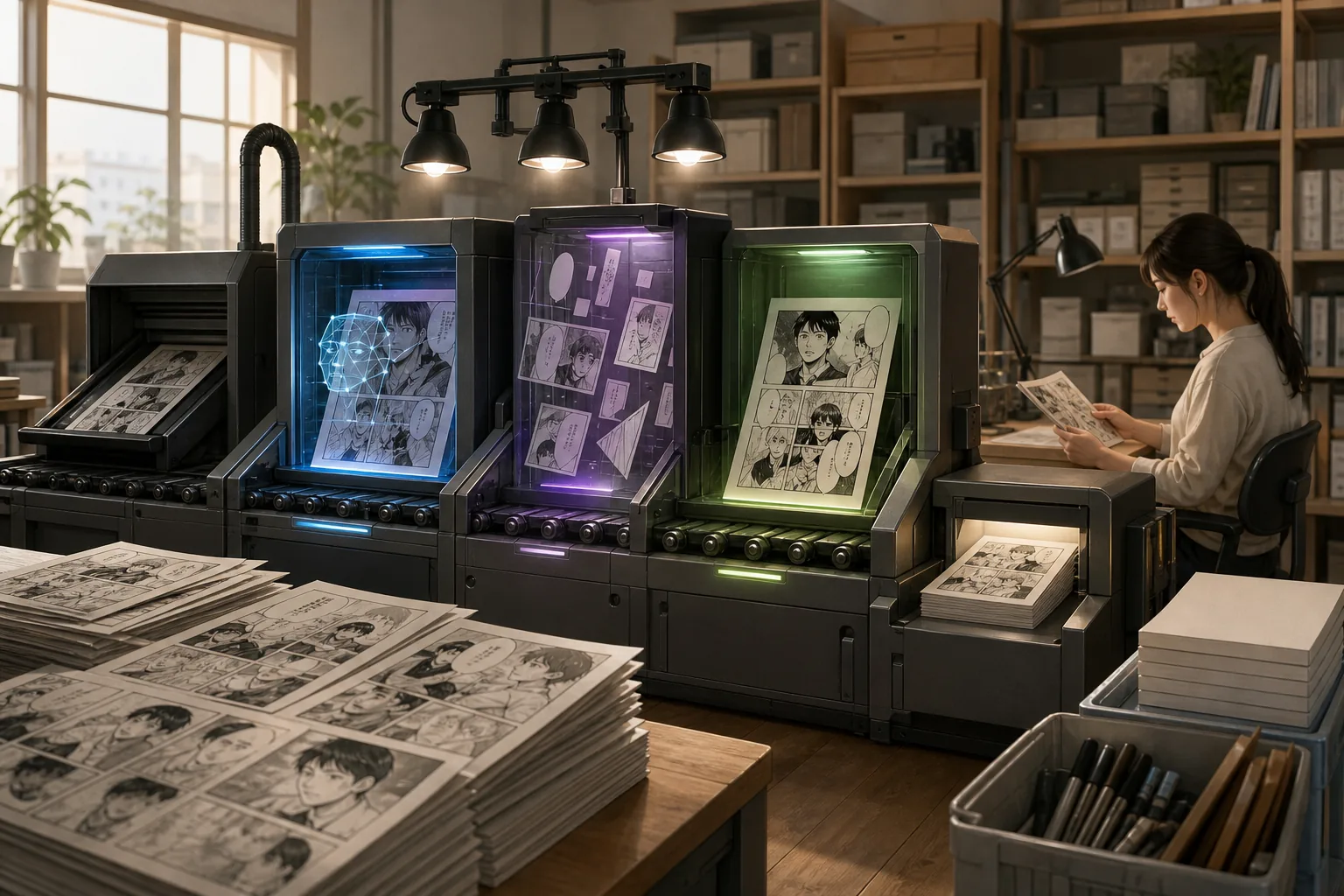
The system detects panels, characters, text regions, and speech-bubble tails. It can associate text with speakers, cluster characters, and ground a character in the scene. That makes it useful when a reader needs an ordered spoken account of a page rather than an exported translation.
For accessibility, this is a strong design choice. A plain OCR result may contain the right words but lose the relationship between a line and its speaker.
Treat it as a research-led accessibility option.
3. Baberu OCR, Flexible APIs and Self-Hosting
Baberu OCR suits startups, researchers, content creators, and teams that want a quick prototype. It focuses on extracting dialogue and comic text, with a Web UI and JSON API endpoint.
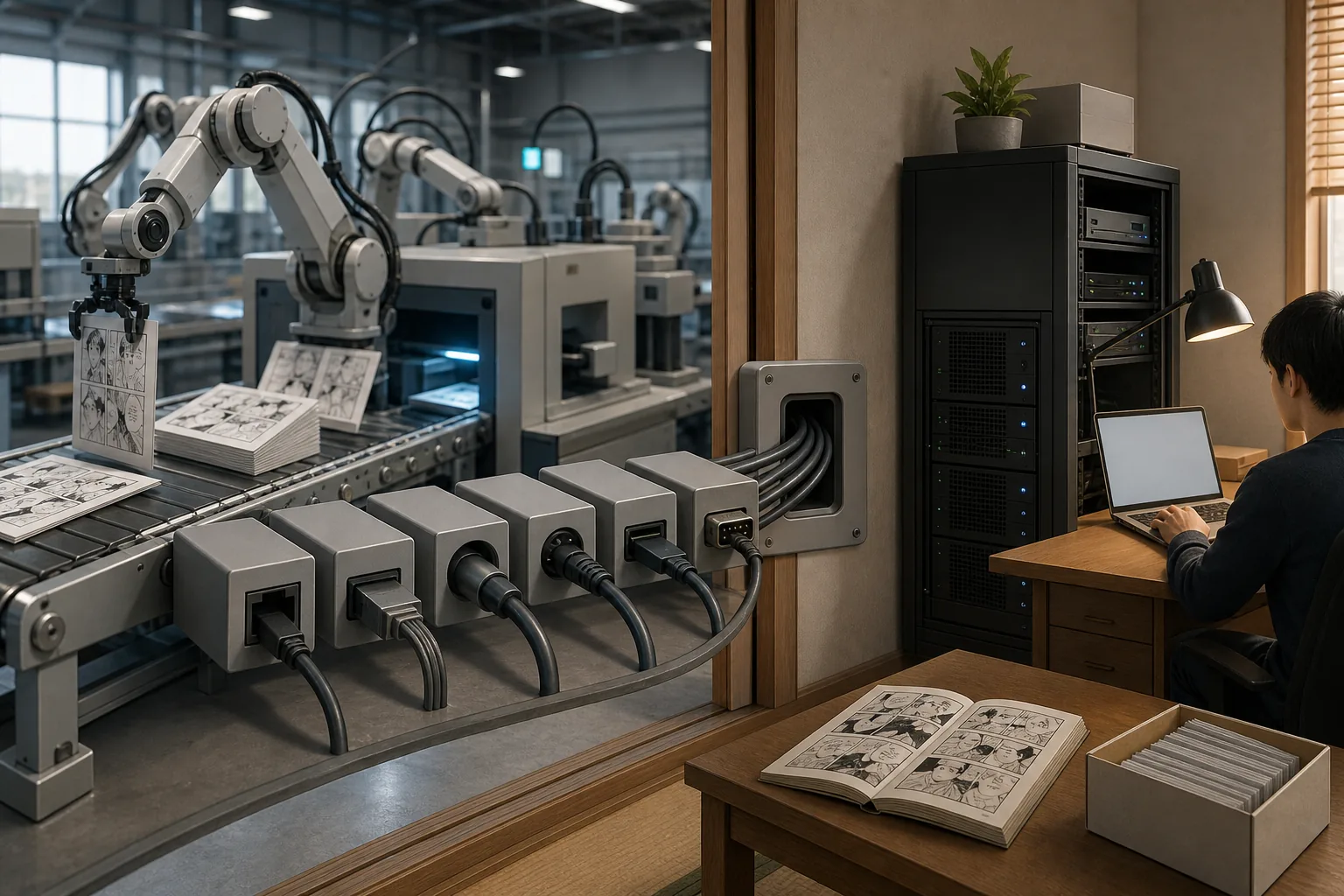
Baberu is also aimed at comic layouts, including bubble detection and bounding-box extraction. Those boxes help a later translation or typesetting stage preserve page position. You still need to add those later stages yourself.
That is the key limit. Baberu OCR can form the OCR layer of a larger pipeline, but it is not presented here as a full translation and editing suite. For private archives, confirm storage, logs, and deletion rules before sending pages to a hosted endpoint.
4. MangaLMM, Multimodal OCR and Visual Question Answering
MangaLMM combines OCR with visual question answering, or VQA. It is the most interesting choice for researchers who want a model to read text while also answering questions about the page.
VQA can help with context. A system may be asked who speaks a line or what happens in a panel, instead of receiving isolated text alone. Still, multimodal inference can cost more and run slower than a small local OCR engine. Use MangaLMM for experiments and evaluation before building a large archive around it.
5. PaddleOCR, Free OCR with Vertical-Text Support
PaddleOCR is a free OCR choice for teams that want a general engine with automatic vertical-text detection. It fits developers who plan to build their own comic pipeline.
Vertical Japanese text is a basic requirement for manga. A developer can place detection and recognition inside a service, then add translation and image cleanup as separate jobs.
That modular shape is useful, but it shifts work onto your team. PaddleOCR does not become a translator, cleaner, or typesetter by itself. You will need rules for reading order, bubble grouping, furigana, and art-integrated sound effects.
Choose it when control matters more than a ready-made editor. Choose MangaGloss when the handoff needs to end with a translated page.
6. MangaOCR, Japanese-Focused Recognition
MangaOCR is a Japanese-focused recognition option for readers and developers who care about source text extraction.
That score gives it a useful reference point. It also shows why readers should compare results on their own pages. A page with clean bubble text is a different test from a battle spread with brush fonts, small furigana, and sound effects drawn over the art.
MangaOCR is narrower than a full translation pipeline. Privacy is another point to check. A local model keeps page files inside your own setup, while an online service may require a review of upload and retention terms.
It is a sensible test model for Japanese text. It is less useful when your success metric is a publish-ready translated chapter.
7. Magi, Panel Detection and Reading-Order Estimation
Magi focuses on the page structure that comes before OCR. It detects panels and estimates their reading order, which makes it useful for manga archives and page analysis.
Reading order is easy to lose when a page has several overlapping panels. A text engine may read boxes in the wrong sequence even when every character is correct. Magi can provide a structural layer before you pass each panel to an OCR model.
Pair it with an OCR engine when page order is your main failure point.
8. comic-ocr, Lightweight Python Integration
comic-ocr is a Python package fine-tuned for comics and manga. It suits developers who want a small local component they can call from code.
The package installs with pip and supports PNG files. That makes it practical for a notebook, a batch script, or a custom research set.
This is a good fit for a notebook, a batch script, or a custom research set. It does not provide the full editing path. You will still need to solve translation, cleanup, reading order, and typesetting. Check install details and current package behavior before deployment.
Keep it in the shortlist when Python integration matters. Skip it if your team does not want to maintain glue code around OCR.
9. Tesseract, A Low-Cost Baseline for Custom Pipelines
Tesseract is a completely free baseline for teams testing OCR at low cost. It works best as a control point in an evaluation, not as the whole manga workflow.
A baseline gives you something to measure against. Run it on a small set of pages, record the errors, then compare a manga-tuned or multimodal model against the same set. This can reveal whether a more complex model fixes your actual problems or only adds cost.
Japanese comics can expose its limits quickly. Vertical layout, stylized type, low contrast, furigana, and text over artwork all need extra handling. Preprocessing may help, but each extra image step adds code and another place for a batch job to fail.
Use Tesseract when local execution and zero license cost come first. Do not mistake a free OCR baseline for a free finished chapter.
10. Mantra Inc. Commercial API, Benchmark Reference for Production Use
The wider production lesson is that model quality alone does not define a usable pipeline. A production system needs queues, retries, monitoring, version control, and a clear split between GPU work and CPU orchestration.
| Decision point | What this shortlist shows | Usable reading |
|---|---|---|
| Reported Japanese OCR | MangaLMM leads at 71.5%; MangaOCR and Mantra Inc. commercial API report 62.9% | Scores help compare models, but they do not prove page-level quality |
| Full page output | MangaGloss covers OCR, translation, inpainting, and typesetting | Best fit when the deliverable is a translated page |
| Local control | Tesseract, PaddleOCR, MangaOCR, and comic-ocr can support custom local setups | Useful for private archives and tailored preprocessing |
| Scene structure | Magiv3 links text with characters; Magi estimates panel order | Choose these when context or accessibility matters |
| Scale planning | Baberu OCR lists API and self-hosting paths | Check GPU capacity, queues, storage, and failure handling |
Ask for throughput, retention, support, and integration terms before comparing it with free local tools.
How the Pipelines Compare for Japanese Comics
To compare automated OCR pipelines for Japanese comics, test the full chain rather than one recognition score. Start with panel detection. Then find text regions, detect reading direction, run OCR, and attach each result to its panel or speaker.
Japanese pages mix tategaki, or vertical text, with yokogaki, or horizontal text. Furigana can sit above kanji. Sound effects may live inside bubbles or appear as shapes woven into the drawing. A system that reads only clean dialogue will miss part of the page’s meaning.
The shortlist shows a split between accuracy and usability. MangaLMM has the highest reported Japanese score, but it lacks the deployment details a production team needs.
Cost changes with volume. At a few pages, model fees may not matter. At millions of panels, every inference call, image transfer, retry, and human review adds up. Local tools shift cost toward GPU time and maintenance. Hosted tools shift it toward usage fees and data controls.
For batch work, keep original pages, OCR boxes, text output, and edited translations as separate artifacts. Add confidence review for weak regions. If a team links several services together, a workflow tool can help manage handoffs, and a comparison of n8n alternatives for email automation can help frame that wider automation choice, even though the OCR engine remains a separate decision.
Run a small test set that includes a quiet dialogue page, a dense text page, a double-page spread, and a page with large sound effects. Judge character accuracy, reading order, speaker links, edit time, processing speed, and output quality. That test will tell you more than a single headline score.
FAQ
What is the best OCR pipeline for Japanese comics?
MangaGloss is the best fit when you need OCR plus translation, inpainting, and typesetting in one workflow. For Japanese comic OCR alone, compare a local tool such as comic-ocr or PaddleOCR with a research model such as MangaLMM. Your best choice depends on whether the output is raw text, structured data, accessible reading, or a finished translated page.
Which OCR tool handles vertical Japanese text?
MangaGloss also targets pages with vertical and horizontal Japanese text. Reading order, furigana, and text over artwork can still cause errors.
Is MangaLMM more accurate than MangaOCR?
The supplied benchmark results do not by themselves determine which tool is best for every page.
What is the cheapest way to OCR manga?
Tesseract and PaddleOCR are listed as completely free, while the other tools in the sample have free entry-level access or a free demo. The cheapest full workflow is different from the cheapest OCR engine. A free recognizer may still require paid compute, translation, image cleanup, typesetting, and human review.
Can OCR tools read manga sound effects?
Some can read sound effects when they look like separate text regions, but art-integrated effects remain difficult. MangaGloss detects some bubble-contained sound effects, while comic pipelines may return boxes without knowing how to translate the visual meaning. Include large effects and background lettering in your test set before trusting batch output.
Conclusion
Pick MangaGloss when you want a free path from raw comic page to editable translated page. If you need only OCR, test two local tools against a fixed set of Japanese pages. Start with 20 to 50 representative pages, review the errors by type, and choose the pipeline that cuts the most manual work.