Best Manga Translation Workflows for Publishers

Translating a Japanese comic for publication means more than swapping Japanese words for English ones. The text must be read, cleaned from the art, translated with context, and placed back into each bubble. Here are four workflows publishers can choose from, with MangaGloss first for teams that want one pipeline instead of several handoffs.
1. MangaGloss
MangaGloss is a free AI-powered manga translation and editing tool for publishers, translators, creators, and study groups. It brings OCR, translation, inpainting, and typesetting into one automated workflow.
You can test this yourself with the MangaGloss raw manga translator: upload a page, then fix any line in the editor.
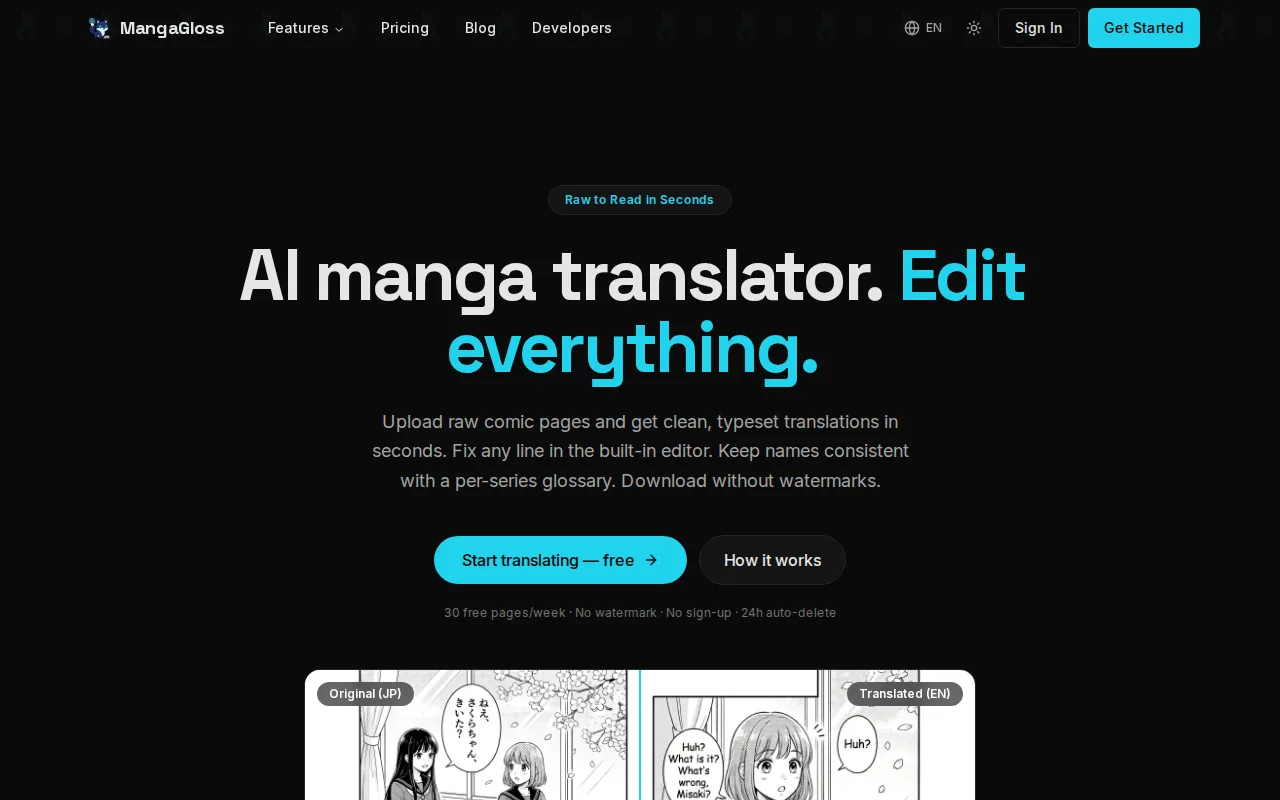
That unified design is the main reason it earns the first spot. A publisher can upload raw comic pages, let the system detect Japanese text, translate the copy, remove the source text, and place English into the page. The work stays in one flow instead of moving between an OCR app, a translation window, an image editor, and a typesetting program.
For a small team, that cuts down on file handoffs. A translator can focus on names, tone, jokes, and terms after the first pass. An editor can then inspect the page rather than rebuild every speech bubble by hand. The Manga translation tool for translation teams is aimed at this kind of shared production flow.
The tool also fits common publisher file work. Pages can be prepared as image files or chapter archives, then reviewed before download. Clean scans still matter. Tiny text, curved pages, busy backgrounds, and unusual lettering can cause OCR errors in any system.
There is a limit. AI output is a draft, not a signed proof sheet. Proper names, honorifics, slang, sound effects, and cultural references need human review. Publishers should also ask how source pages are stored, which translation models are used, and what rights apply to the raw files.
For a publisher that wants the fewest moving parts, MangaGloss is the clearest starting point. It gives the team one place to process pages and one place to inspect the result.
2. AI-first workflow: automated layout preservation for publisher teams
This AI-first workflow suits manga publishers that want layout help but are willing to assemble separate stages. Its focus is keeping translated text inside the original page structure.
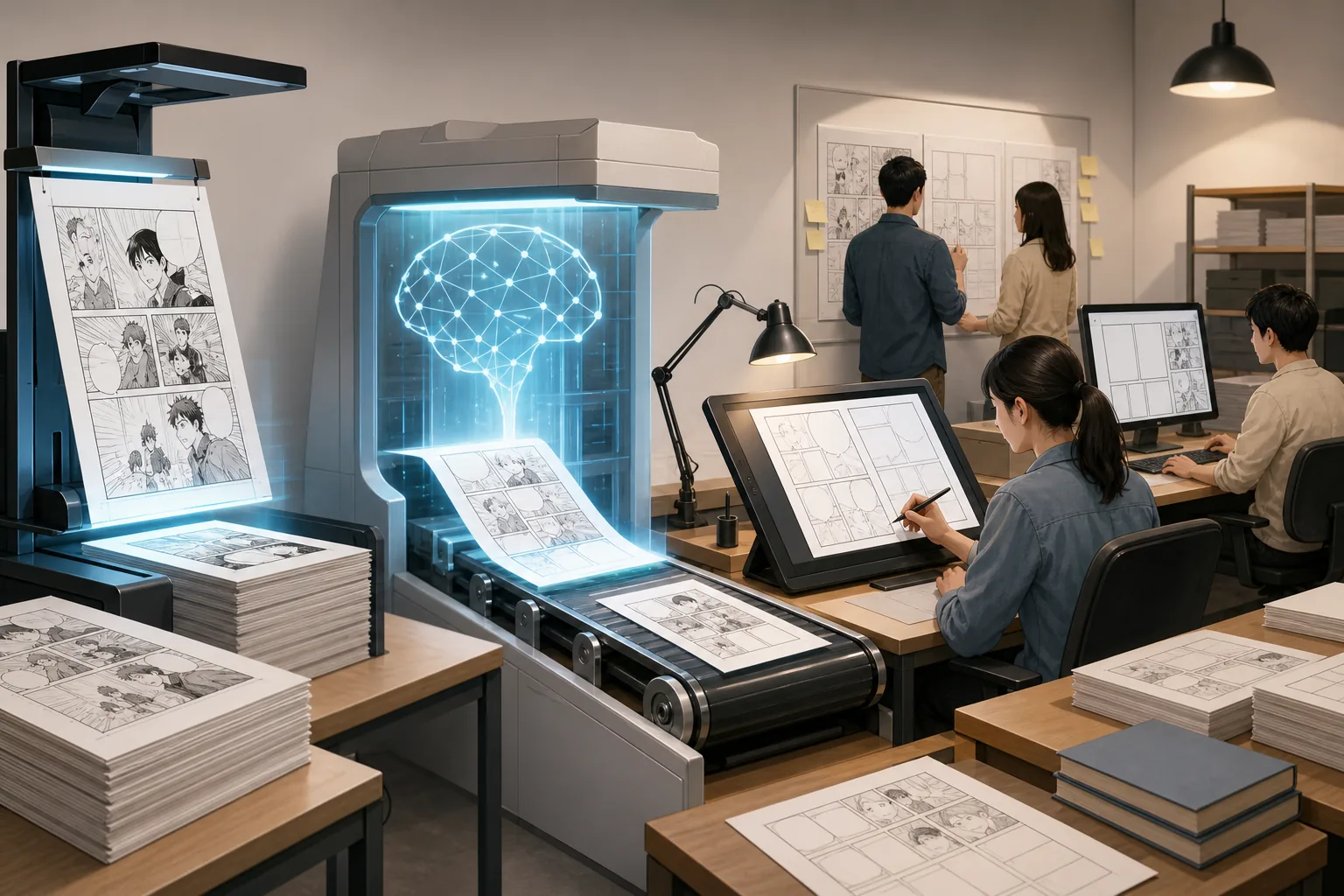
This workflow can adjust font size to fit the available space. It can also use neighboring-page context, which helps when a short line depends on the page before it.
That last point matters in manga. A line may be cut across bubbles, carried by a character’s speech style, or understood only after a reveal on the next page. Page-by-page translation can miss that link. Context processing gives the translator a better first draft, though a human still needs to confirm the meaning.
Teams should treat this as a modular setup. One tool may read the Japanese. Another may translate it. A third may clean the art and place English text. Each handoff adds a chance for lost filenames, mismatched page order, or a text box that no longer lines up with its source.
OCR means optical character recognition, the process of turning text inside an image into machine-readable characters. As the Wikipedia explanation of optical character recognition notes, recognition quality depends on the source image and the shapes being read. Manga adds extra trouble through vertical writing, furigana, hand lettering, and text placed over art.
ShareX can help with quick screen captures and OCR checks. The Luna is a specialist choice for real-time reading because it includes a manga mode for vertical Japanese text, pause controls, model switching, and CPU or GPU processing choices. Those tools can help a translator inspect a tricky panel, but they are less suited to a full publisher handoff unless the team builds its own file process.
This option works best when a publisher already has staff for cleaning, translation, and lettering. It gives specialists control. It also leaves the manager responsible for keeping every stage in sync.
3. Complete step-by-step workflow: controlled translation and lettering quality
This controlled workflow is for publishers that value review at every stage. It follows the full path from Japanese text extraction to a checked export, with a person responsible for each decision.
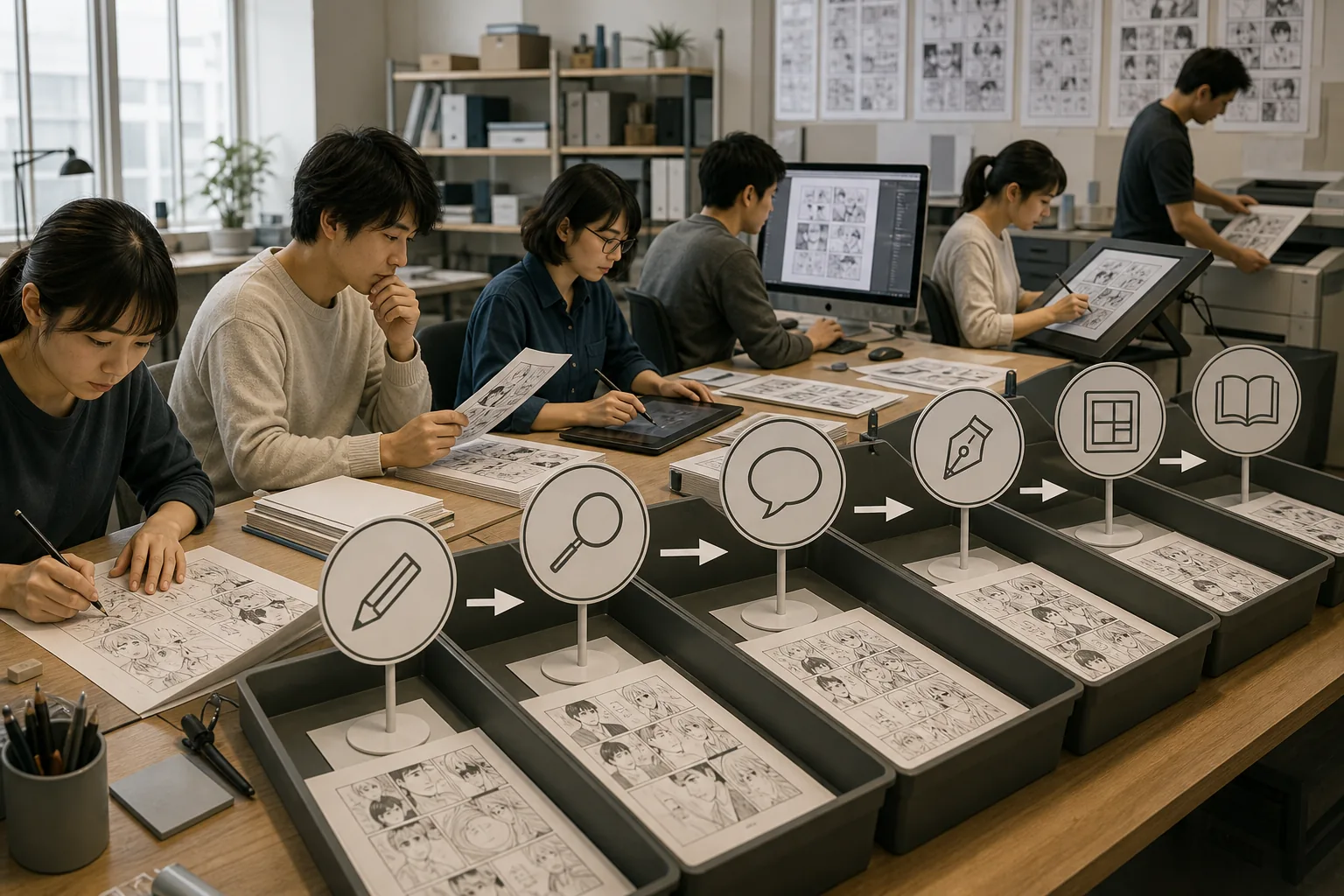
Begin with clean, high-resolution pages. Keep the original files untouched. Rename copies in reading order, such as chapter and page numbers, so a later export cannot scramble the sequence.
Next, run OCR across the pages. Check vertical text from top to bottom. Zoom in on small kana and furigana. Stylized fonts may need a second pass or manual transcription. A white bubble with dark, clear text is easier to read than pale text over a textured panel.
Then translate the extracted script. Give the translator page context and a term sheet. The term sheet should record character names, place names, titles, recurring attacks, honorific choices, and words that must stay in Japanese. This prevents one name from changing spelling halfway through a chapter.
After the language pass, clean the original Japanese from the art. This is the inpainting stage. Inspect the edges of bubbles and any background lines that cross the erased text. A clean white bubble is easy. A sign, patterned wall, or speed-line effect needs more care.
Typesetting comes next. English often takes more room than Japanese. Adjust line breaks before shrinking the font too far. Keep text centered when the bubble calls for it, and match the reading flow of the original page. Sound effects need special judgment because they are part of the artwork, not plain dialogue.
Professional teams may hand the final lettering to Clip Studio or Adobe InDesign. That can make sense when a licensed edition needs exact style control, layered source files, or an editor’s established production template. It also means the team must export the text and page assets in a way the typesetter can use.
Finish with a proof pass. Read the English without looking at the Japanese first. Then compare it with the source. Check names, jokes, tone, page order, overflow, missed background text, and sound effects. Export a high-resolution PNG set for page images, a PDF for review, or an InDesign package when the publisher’s production desk requires it.
This workflow gives the strongest audit trail. It is also the slowest choice when every stage is manual. Use it for sensitive licensed work or as the review standard for AI-assisted output.
4. 10-minute chapter workflow: fast batch production with review checkpoints
This batch workflow is built for teams that need speed across many pages. It combines chapter uploads with layout-preserving typesetting, then leaves time for a short human review.
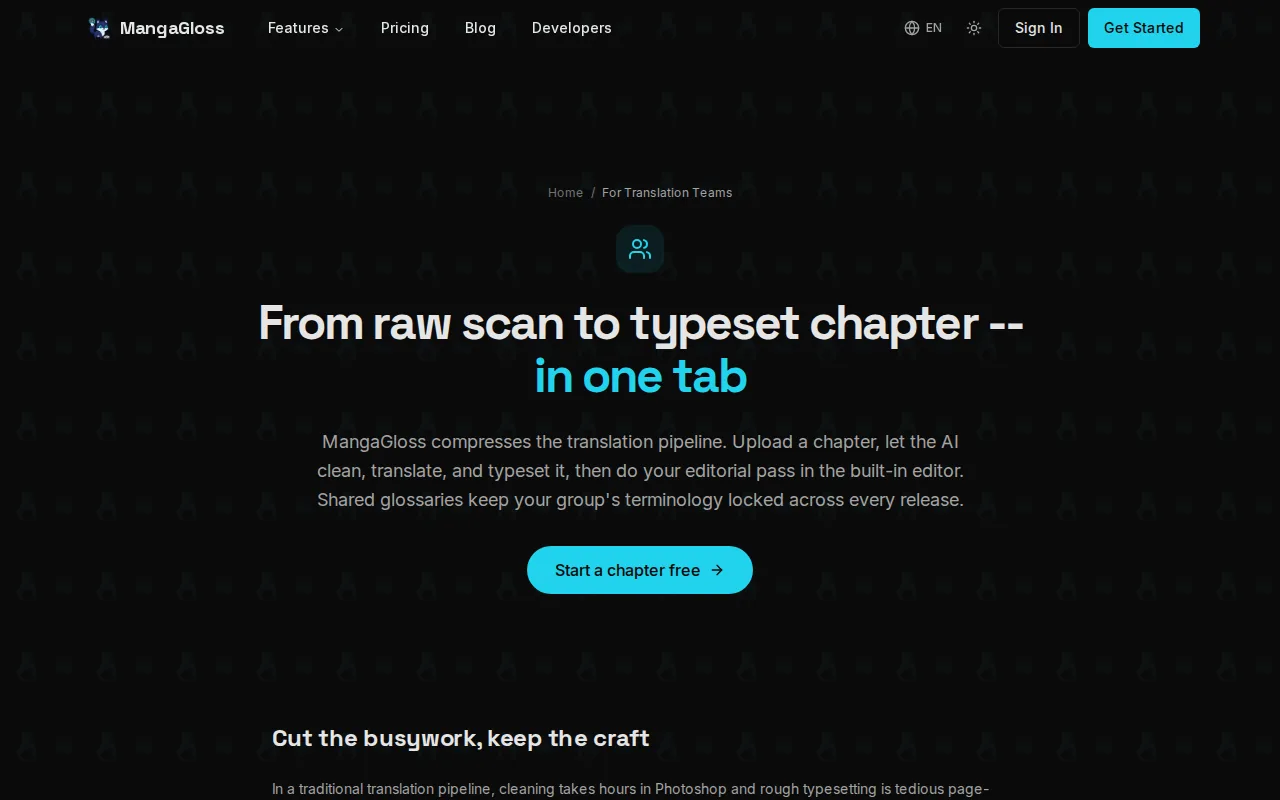
Start by grouping pages into a chapter folder or ZIP file. Use fixed filenames and keep double-page spreads together. Before upload, remove obvious shadows, crop errors, and unreadable scan borders. Better input gives the OCR stage less noise to sort through.
Run the full batch instead of processing each page in a separate window. A batch system can keep the chapter sequence intact while applying the same layout rules across all pages. That matters when a character’s speech style or font choice must remain steady.
Use the review interface as a checkpoint, not as a final seal of approval. Scan every page for empty bubbles, odd line breaks, text that spills outside the art, and Japanese fragments left behind. Spend more time on dialogue-heavy scenes than on panels with only a few clear words.
| Checkpoint | What to inspect | Best response |
|---|---|---|
| Input | Resolution, page order, shadows, and cropped edges | Replace or clean the source page before processing |
| OCR | Vertical writing, tiny text, furigana, and sound effects | Zoom in and correct the script by hand |
| Translation | Names, honorifics, jokes, and recurring terms | Apply the glossary before the proof pass |
| Layout | Overflow, line breaks, font size, and bubble alignment | Rewrite short lines or adjust the text box |
| Export | Page order, image quality, PDF display, and leftover source text | Open the final package on a second device |
Batch work is useful for a weekly release schedule, but speed can hide repeated errors. If the same name is wrong on ten pages, a quick visual scan may miss it. Keep a chapter glossary and review repeated terms first.
The research behind this workflow points to batch chapters, auto-typesetting, layout preservation, and a review UI. Those features reduce routine labor, but they don’t remove the need for a language editor. A ten-minute production target should mean ten minutes to a reviewable draft, not ten minutes to a publication-ready book.
For large projects, save the original script beside each exported chapter. Git or another version system can track text changes, while a shared project board can record who approved each page. None of the four examined workflows documents built-in collaboration support, so publishers may need a separate team system.
Publisher buyer’s checklist for comparing translation workflows
The best workflow for translating Japanese comics for publishers depends on the handoff your team can support. Before committing, test one difficult chapter rather than one easy page.
- OCR: Can it read vertical text, small fonts, furigana, and sound effects?
- Context: Can the translator view nearby pages and apply a shared glossary?
- Layout: Does English stay inside the bubble without becoming too small?
- Cleanup: Can the system remove text without damaging art or background lines?
- Review: Can an editor fix wording and placement before export?
- Files: Does the output fit your PNG, PDF, Webtoon, or InDesign process?
- Rights: Are you allowed to scan, upload, translate, and distribute the pages?
- Security: Do you know how source pages and translated text are handled?
Also ask what the vendor reveals about its OCR method and translation engine. This information matters when a publisher needs model transparency, licensing checks, or a clear data policy.
FAQ
What is the best workflow for translating Japanese comics for publishers?
The best workflow for most small publisher teams is an AI-assisted pipeline followed by human editing. MangaGloss combines OCR, translation, inpainting, and typesetting in one flow. An editor should still review names, tone, sound effects, cultural references, bubble fit, and the final export before release.
How does OCR work on Japanese manga pages?
OCR reads text inside an image and turns it into editable characters. For manga translation work, the team should check vertical writing, tiny fonts, furigana, hand lettering, and text over art. Clean, high-resolution pages help, but no OCR system reads every stylized panel correctly.
Should publishers use AI or human translation for manga?
Publishers should use AI for a first draft and human review for the approved text. AI can reduce repeated OCR and lettering work, while a skilled editor handles voice, jokes, names, honorifics, and cultural meaning. A licensed release should never rely on an unchecked machine translation.
What file format should a translated manga use?
Use high-resolution PNG files for individual pages and PDF for review or print handoff. A publisher may need an InDesign package when its production team works in Adobe InDesign. Confirm the required color mode, dimensions, resolution, and bleed settings before final export.
How do you translate vertical Japanese text in manga?
Translate vertical Japanese text by checking its reading order before editing the English. A manga-focused OCR mode can help, but the reviewer should confirm each bubble and small annotation. Keep the English readable inside the original space, and treat sound effects as artwork when the scene depends on them.
Conclusion
Choose MangaGloss when your team wants one place for OCR, translation, cleanup, typesetting, and review. Start with a legally obtained test chapter that includes vertical text and busy panels, then have an editor mark every error before you set a repeat production schedule.