
AI Manga Translator Test: 11 Real Pages, Timed (Honest Results)
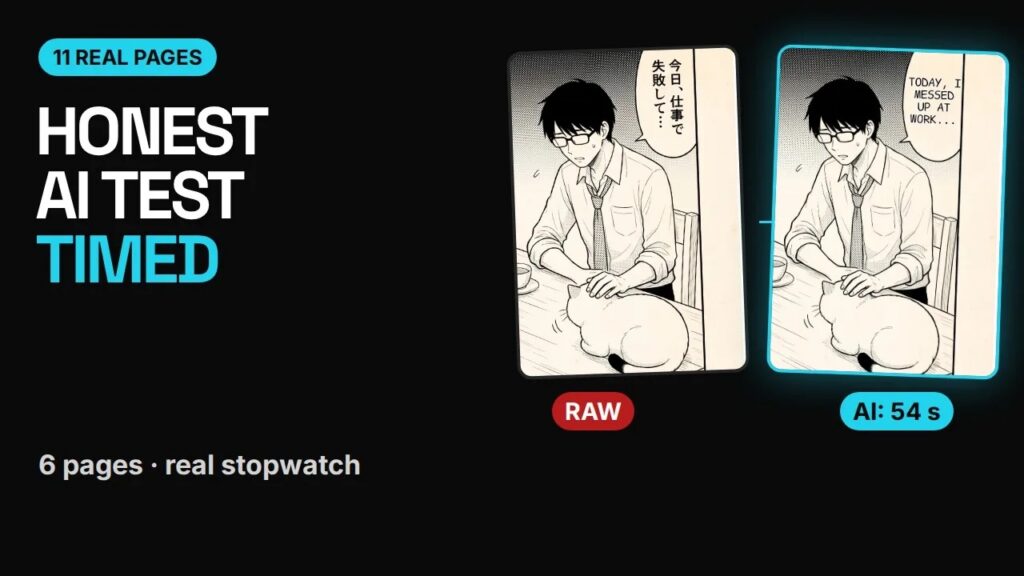
Is an AI manga translator good enough to read with, or even to publish? Instead of guessing, we timed one on 11 real pages: a 6-page Japanese chapter, a Korean webtoon strip, a Chinese manhua page and three single Japanese pages. Here are the real numbers, what the AI got right, and the five problems we found.
Full disclosure: the tool we tested is MangaGloss, the translator we build. That’s exactly why we wanted an honest test, including the parts that don’t work well yet. All the pages are original art made for this test, so you can see the full results.
Watch the test (2:15)
The test pages
| Test | Language | Format |
|---|---|---|
| 6-page chapter, uploaded together | Japanese | Manga pages, vertical text |
| Webtoon strip | Korean | Long vertical strip |
| Manhua page | Chinese | Full-color painted page |
| 3 single pages | Japanese | Manga pages |
Result 1: Speed
- Whole 6-page chapter: 54 seconds from upload to all six pages translated and typeset.
- Single pages: 13 to 44 seconds each.
- Korean strip on a phone: 33 seconds.
- Re-render after an edit: about 4 minutes. This is the slow part.
For reading, speed isn’t the problem anymore. A chapter is ready in about the time it takes to make a coffee. The bottleneck is re-rendering after you edit a bubble, which matters more if you’re preparing a release.
Result 2: Accuracy
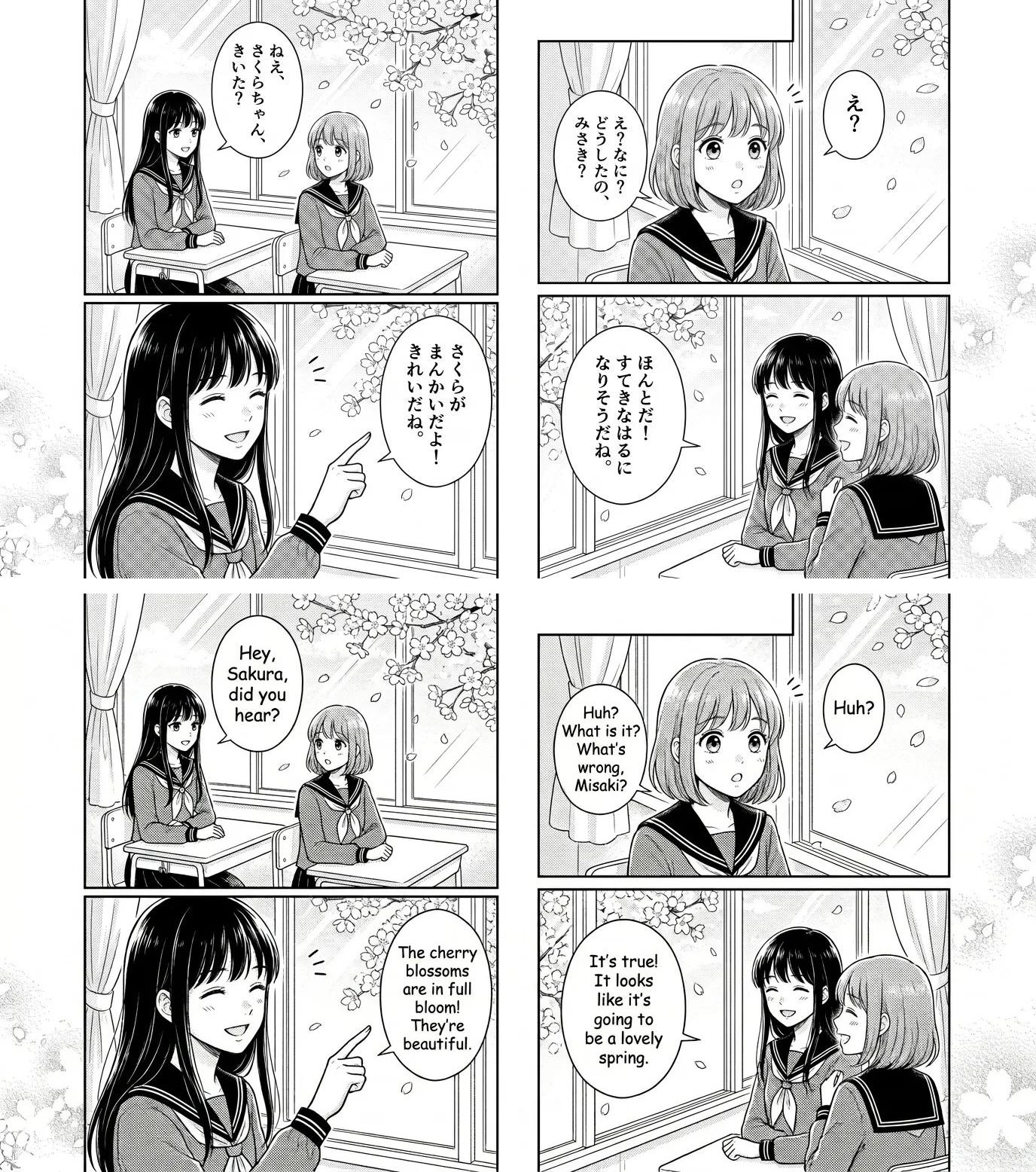
The translations read naturally in all three languages:
- Korean webtoon: lines like “I knew you’d be here. Why did you follow me?” read like normal English dialogue.
- Japanese chapter: the quiet lines kept their tone, for example “Today I messed up at work. On days like that, please come here.”
- Chinese manhua: the page came out clean, and the painted art was left alone.
Result 3: The five problems we found
1. Sound effects are inconsistent
On one page, a hand-drawn “pyon” (a bounce sound) was replaced with plain typed text. On another, a purring sound was left in Japanese. Sound effects are drawn into the art, and they still need a human.
2. Some English is too long for its bubble
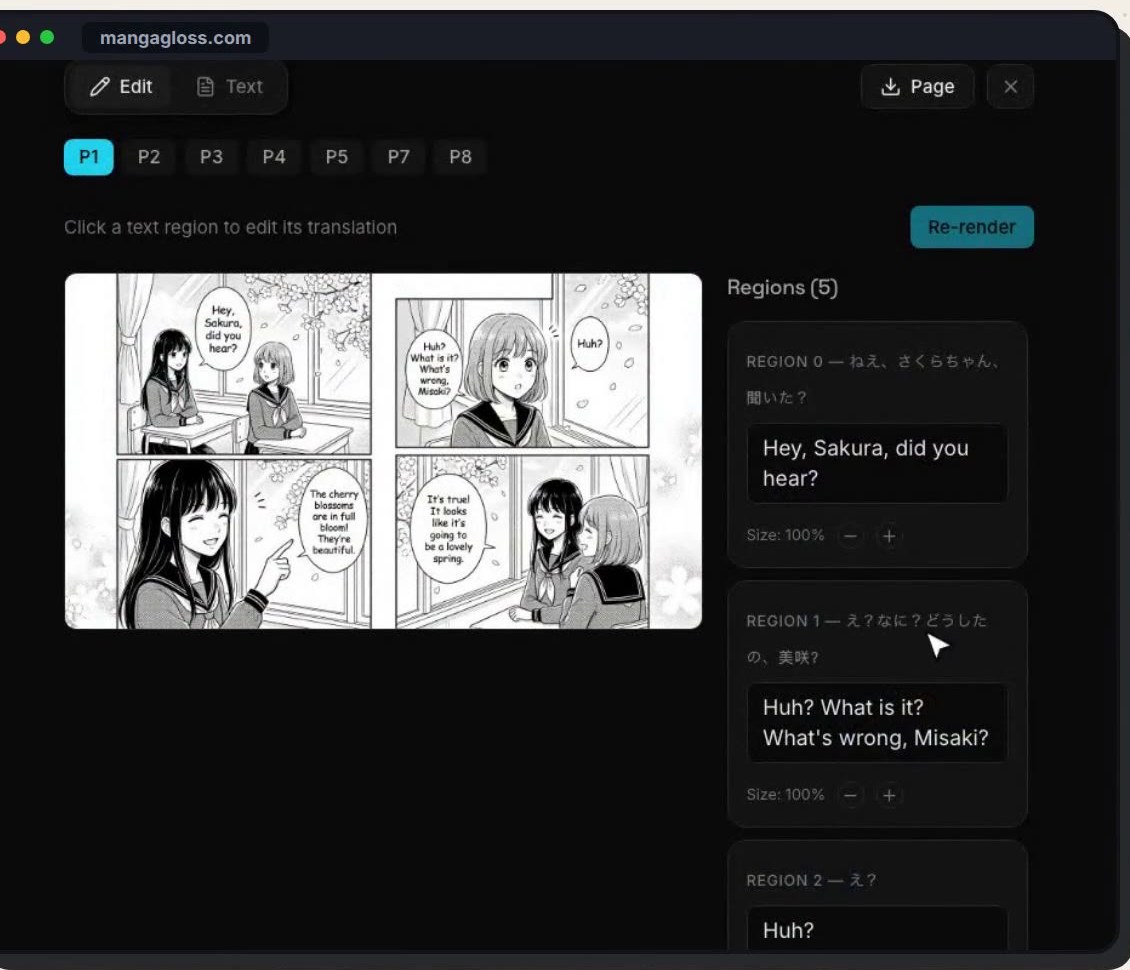
English often needs more space than Japanese, so a few lines ran off the edge of their bubble. The fix is in the editor: shrink the lettering for that region and re-render.
3. A bubble was split into two regions
In one run, a single bubble was detected as two regions, and the two lines landed on top of each other. Merging them in the editor fixed the overlap.
4. Names and terms change without a glossary
Without a glossary, a menu item in one test became “special ramen”. With a glossary, it stayed “Midnight Tonkotsu Special” every time. If you translate a series, a glossary is worth setting up.
5. Re-rendering is slow
Every fix means re-rendering the page, and that took about four minutes in our tests. Batch your edits and re-render once per page.
Since the test: the automatic quality check
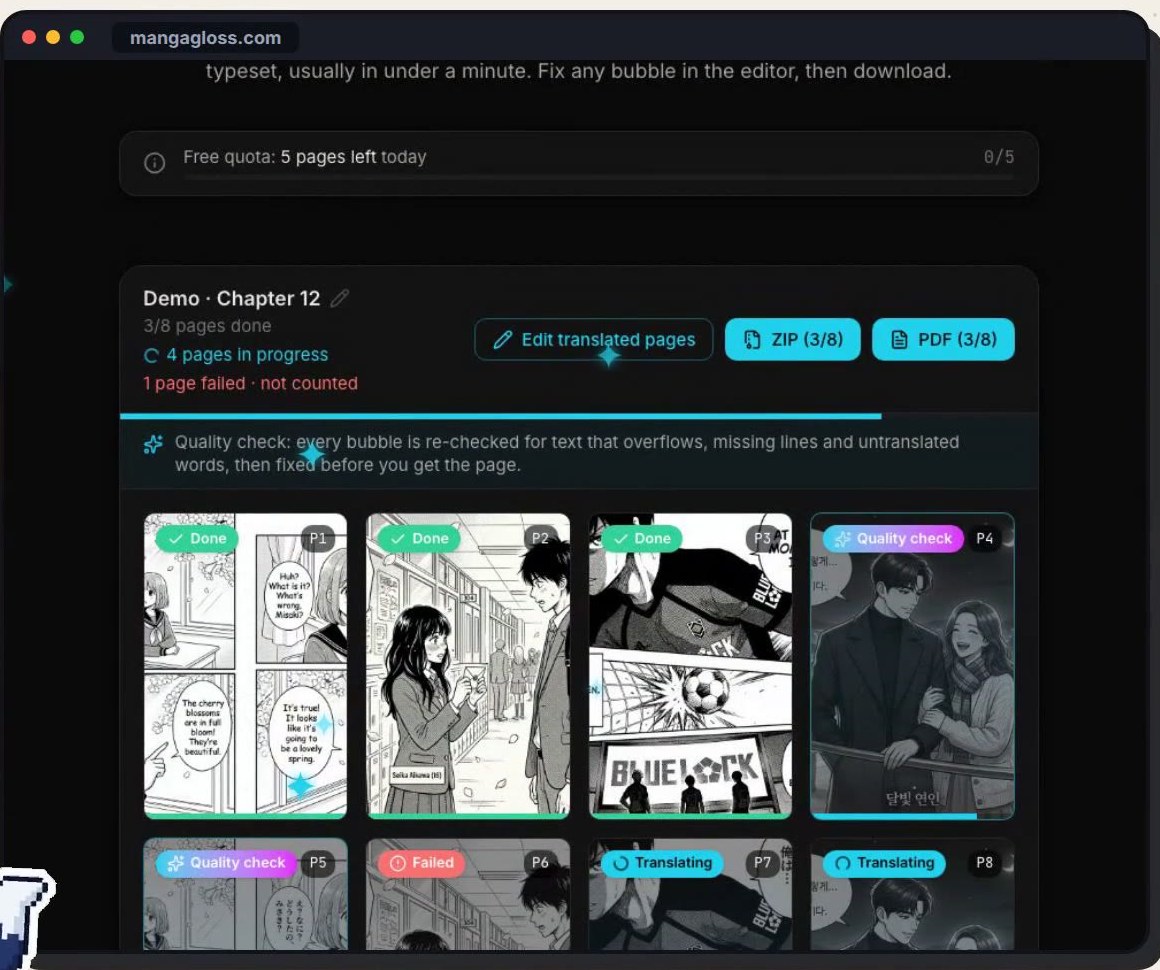
Since this test, MangaGloss added an automatic quality check that targets problems like 2 and 3. After a page is translated, every bubble is checked again for text that overflows, lines that were missed and words left untranslated, and those are fixed before the page is marked done. It doesn’t replace a human read, but it catches the most visible issues before you see the page. You can see it working in the whole-chapter guide.
The verdict
| Category | Result |
|---|---|
| Speed | Excellent: a 6-page chapter in 54 seconds |
| Translation quality | Natural dialogue in Japanese, Korean and Chinese tests |
| Typesetting | Clean, but check every bubble |
| Sound effects | Inconsistent, still need a human |
| Editing | Easy, but re-renders are slow |
Use it to read raws today, and as a fast first draft for scanlation or localization. If you plan to publish, plan a human pass first.
How to run the same test yourself
- Pick 3 to 6 pages from one chapter, plus one page in another language if you read manhwa or manhua.
- Upload them together to the AI manga translator and note the time.
- Read every bubble against the original (hold a page to compare).
- Count overflowing lines, missed bubbles, wrong names and untouched sound effects.
- Fix what you find in the editor and time a re-render.
If you’re comparing several tools, use the same pages for each. Our best manga translator guide covers what to look for in each category.
Frequently asked questions
Is AI manga translation accurate?
For dialogue, it’s usually natural and accurate in our tests across Japanese, Korean and Chinese. Sound effects, names without a glossary and very long lines are where it needs help.
How fast is an AI manga translator?
In our test, single pages took 13 to 44 seconds and a 6-page chapter took 54 seconds when uploaded together.
Can I publish AI-translated manga?
Only if you have the rights to the work, and even then, plan a human editing pass. For reading raws privately, AI translation is already good enough for most readers.
Does it work for manhwa and manhua?
Yes. The test included a Korean webtoon strip and a Chinese manhua page, and both came out clean.
Try it on your own pages
Run a page through the free manga translator and tell us what it gets wrong.