Best Manga Translator Tools in 2026

Hit a wall of Japanese text every time you open a raw manga chapter? A good manga translator can read the page, replace the lettering, and keep the story moving. But many tools still make you capture each panel by hand. Here are the strongest options for readers, creators, and translation teams.
1. MangaGloss
MangaGloss is the best fit for people who need a full manga translation workflow. It automates OCR, translation, inpainting, and typesetting in one process, so you can move from a raw page to an edited page without switching between several apps.
That depth matters when you work on more than one page. OCR finds the text. Translation changes the language. Inpainting clears the old lettering and rebuilds the background. Typesetting places the new words in the bubbles. The result is closer to a finished translated page example than a plain text translation.
It also suits several groups, including scanlation teams, indie comic creators, translators, and language learners. The tool has a free tier, which lowers the barrier for a first test. You can also review how AI manga translation works and compare the MangaGloss pricing and plans before you commit to a larger workflow.
| Need | Best match | Reason |
|---|---|---|
| Finished translated pages | MangaGloss | OCR, translation, inpainting, and typesetting in one workflow |
| Quick reading in a browser | Scan Translator | Works on image-based text inside the browser |
| Chapter review and edits | Inkover | Lets users check and adjust text blocks |
| Mobile reading | Madomi | Translates while you read on web and mobile |
If you want clean output you can still edit, start here. It is the clearest choice for a workflow that must go beyond OCR.
2. Scan Translator, Fast casual reading across 80+ languages
Scan Translator is built for quick reading of raw manga, manhwa, webtoons, screenshots, and other image text. Its browser workflow uses AI OCR to detect text and translate it without manual copy and paste.
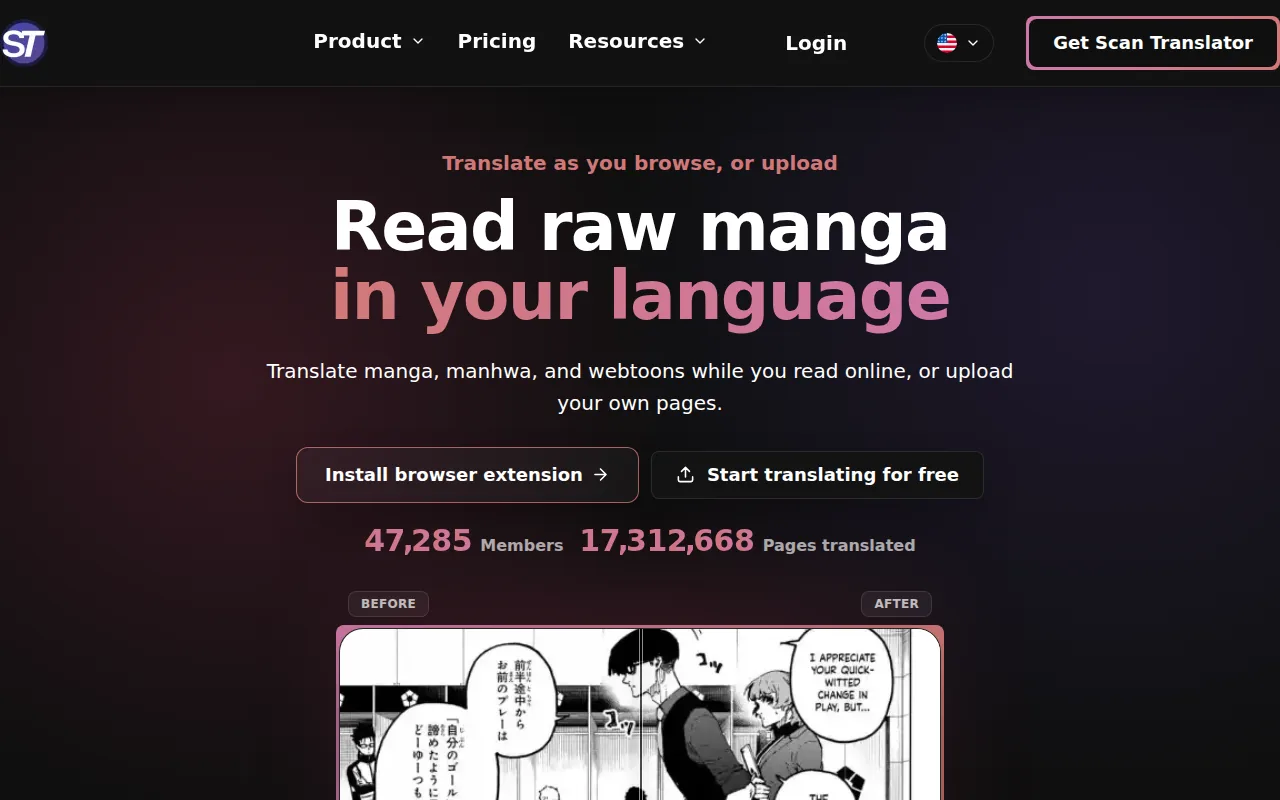
The tool supports horizontal and vertical text. It also lists more than 80 target languages, which helps readers who work outside the usual Japanese-to-English path. Chrome and Firefox support make it useful when the source already sits in a browser tab.
New accounts get 30 free credits, and credits sync across devices after sign-in. The tradeoff is workflow depth. Research for this shortlist found that Scan Translator follows a manual screenshot pattern in some use cases. That is fine for a single panel, but it gets slow across a full chapter.
Read the privacy details before processing pages you don’t own or have permission to use. For casual reading, Scan Translator is handy. For production work, choose a tool with stronger editing control.
3. AI Manga Translator, On-platform browser translation
AI Manga Translator targets readers who want to stay on an existing comic site. Its Chrome extension can translate raw comics with one click while keeping the original layout in place.
The listed platform support includes MangaDex and MANGA Plus. It also supports several languages and uses AI translation engines such as DeepL. That makes it a natural pick for someone who reads online and doesn’t want to download every page.
There is a free plan with a limited number of weekly translations. The main weakness is the extension model itself. A browser tool can only translate images it can access. Sites that load images in unusual ways may block that step, so an upload-based tool can be more reliable for saved files.
Pick AI Manga Translator when reading on a supported site is your main goal. It isn’t meant to replace a full editing desk.
4. Torii, Choose the AI model behind the translation
Torii is for readers who want more say in the engine that translates the page. Instead of treating the model as a hidden setting, Torii lets users choose the AI model behind the result.
That choice can help when one model handles a character’s tone better than another. Manga dialogue often depends on age, rank, sarcasm, and mood. A model switch won’t solve every bad OCR result, but it gives power users a useful test path.
The creator is active on Discord, which gives users a place to share feedback. Torii remains consumer-focused, though. It is better for trying a page or settling on a preferred model than for managing a large chapter with a team.
Choose Torii when translation style matters more than batch production. If you need page cleanup and editable text layers, look elsewhere.
5. Mantra Engine, Enterprise localization for publishers
Mantra Engine is aimed at publishers and professional localization teams. It combines manga-focused machine translation with tools for human correction and typesetting.
The vendor describes support for 14 languages in a published product update. Its tools cover CJK layout issues such as vertical and horizontal text, ruby text, font work, and baseline shifts. Those details matter in a publisher workflow, where the final page must meet a style guide.
Mantra Engine also supports browser-based work and progress tracking for teams. The product is built around review rather than blind acceptance. A translator can correct the machine result before the page moves toward release.
This level of control comes with a professional buying process. It is likely too much for a fan who wants to read one raw chapter. Publishers should assess it alongside rights, language coverage, review steps, and handoff needs.
6. Inkover, Quality control for chapter-by-chapter translation
Inkover is designed for people who want to inspect and edit the translation before the final page is made. It breaks a page into dialogue, captions, and sound effects, then gives each text block a confidence score.
That review layer is useful when a line depends on context the page doesn’t state. Ambiguous blocks can be flagged for a human check. Users can edit the words, change fonts, and move the text before export.
Inkover can clean the background behind bubbles and keep the artwork untouched. It also handles long vertical strips by splitting them into frames. The first chapter includes 1,000 tokens without a credit card, which gives a team room to test the workflow.
Batch mode costs fewer tokens than instant processing but waits in a queue. That tradeoff makes sense for a large chapter when speed is less important than cost control. Inkover is a strong alternative for translators who don’t want a black-box result.
7. Madomi, Real-time translation on web and mobile
Madomi is a manga reader with real-time AI translation built in. It can read CBZ, ZIP, PDF, and image files, then translate pages as you scroll.
The app supports manga, manhwa, manhua, and webtoons. On mobile, it includes several reading modes, offline downloads, and chapter-to-chapter scrolling. Its browser tools work with Chrome and Firefox, while apps are available for Android and iOS.
Madomi can also connect to a self-hosted library or use online sources through compatible extensions. That gives readers more control over where their files come from. Free credits reset each month, while paid plans add faster and unlimited translation.
The key strength is continuity. You don’t need to stop after each panel. The weakness is that Madomi focuses on reading, not finished localization. Use it for a smooth personal reading session, not a publisher handoff.
8. Google Translate, Convenient single-panel checks
Google Translate remains a useful fallback when you need to check one panel fast. Its mobile camera feature can read text from an image, which helps with a sign, menu, or isolated speech bubble.
It is familiar and free for basic text translation. But manga pages are hard input. Decorative lettering can confuse OCR, and a panel-by-panel workflow gives the tool little story context.
Research for this topic found that Google Translate often follows the manual screenshot pattern. A reader captures a panel, uploads it, checks the result, and repeats the task. That works for a quick language check. It becomes tiresome across a 70-page chapter.
Use it as a second opinion or study aid. If you need the page itself cleaned and typeset, use a manga-specific tool such as MangaGloss for Japanese manga translation instead.
9. DeepL, Natural-sounding translations for quality-focused users
DeepL is a strong choice when the wording matters more than the workflow. Its translations often read more naturally than basic machine output, especially when a sentence needs a smoother English voice.
That can help with dialogue. A villain, child, and teacher shouldn’t all sound the same. DeepL is better suited to a close reading of a line than to automated chapter production.
Image translation depends on the plan and platform. The free web version doesn’t provide image translation, so it doesn’t offer the same manga workflow as a dedicated page tool.
There is also no native manga context across a long run of panels. You may get better wording on one upload, yet still spend more time managing screenshots. DeepL is best used for checking a tricky sentence after OCR has found it.
10. ChatGPT, Context-rich image translation for power users
ChatGPT can help power users translate a manga image while giving the model extra context. You can explain who is speaking, describe the scene, or ask for several possible readings of an unclear line.
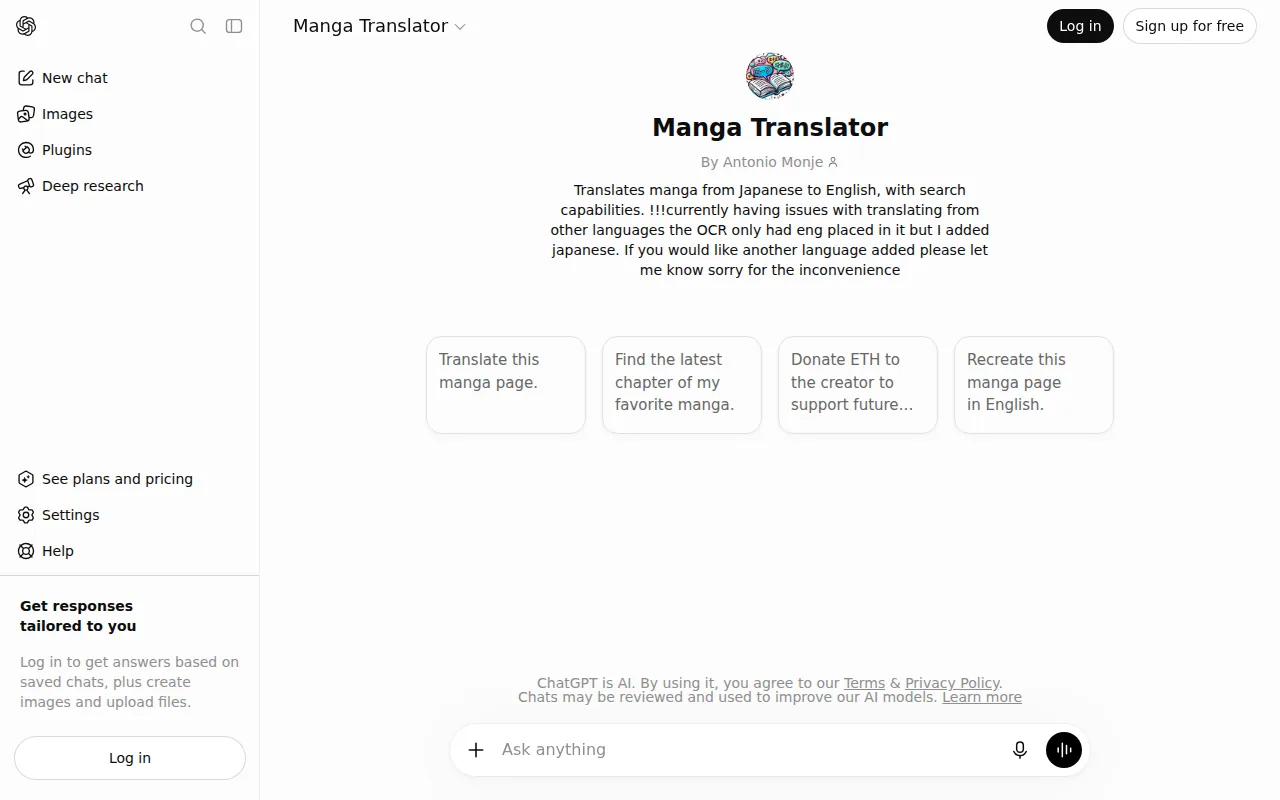
That flexibility is useful for jokes, slang, and speech that depends on emotion. A prompt can also ask the model to keep names consistent across a scene. This makes it more useful than a bare OCR result when the panel is hard to read.
The cost is control and repeatability. You still need to upload images, check the output, and place the words back on the page. Results can vary with the prompt, and a long chapter needs a careful review system.
Use ChatGPT when a difficult panel needs explanation or a second translation. For repeat work, a fixed manga pipeline is easier to manage. MangaGloss gives creators a more direct route to OCR, translation, cleanup, and typesetting in one place.
11. Papago, A free mobile option for Korean manga and manhwa
Papago is a free mobile translator from NAVER, with strong support for Korean-to-English work. Its app can translate text from images, which makes it useful for a single panel or a short page.
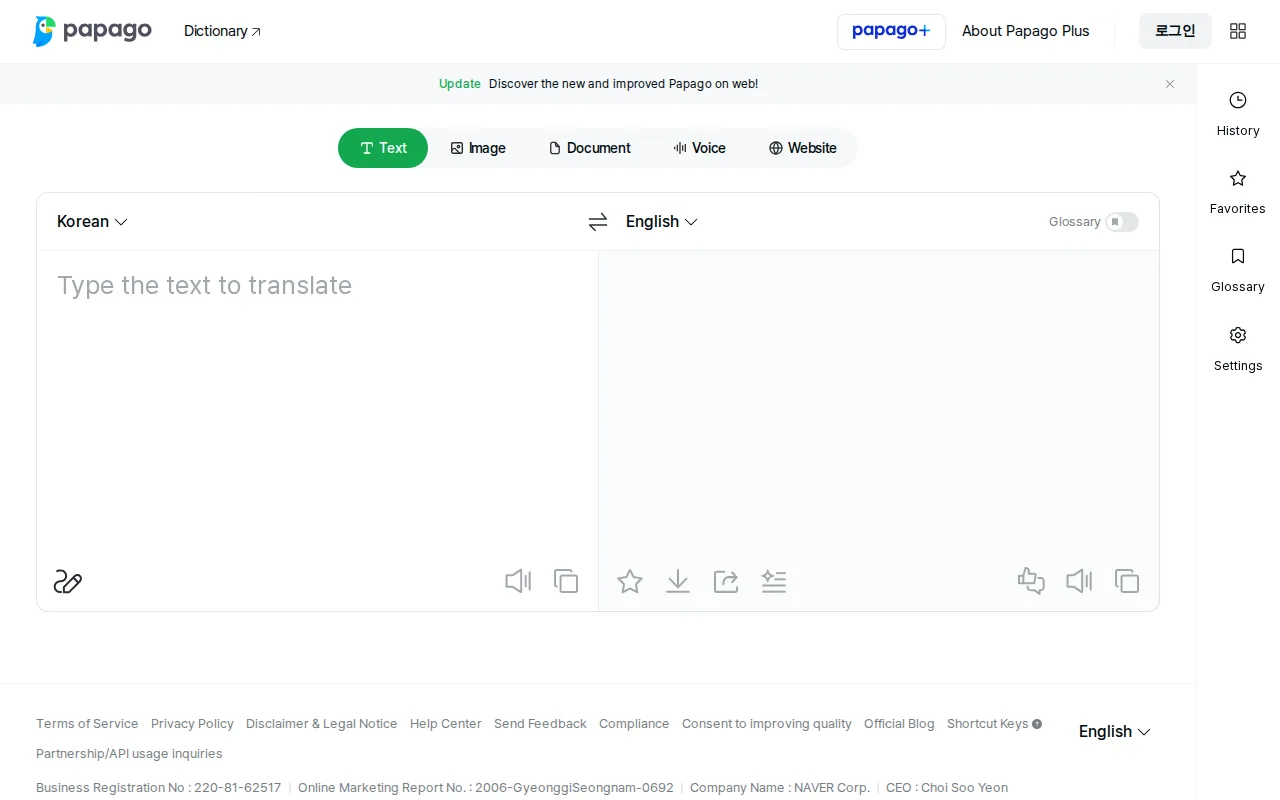
Papago is a practical free option for readers translating Korean manga or manhwa and checking short passages. Its strong Korean-to-English translation makes it especially useful when you need a quick reading aid rather than a complete translated chapter.
Image translation starts with a photo or uploaded image. Its limits are similar to other general tools: OCR can struggle with stylized lettering, and the app doesn’t provide a full manga typesetting workflow.
For Korean manhwa, Papago is worth keeping as a free spot-check tool. For complete translated pages, compare it with a dedicated Korean manhwa translation workflow.
FAQ
What is the best manga translator for full chapters?
MangaGloss is the best manga translator for full chapters when you need OCR, translation, inpainting, and typesetting in one workflow. It is aimed at creators, translators, and teams that need finished pages rather than plain translated text. A browser reader may be faster for one chapter, but it usually gives you less control over the output.
Can AI translate manga images?
Yes, AI can translate manga images by using OCR to read the lettering before a translation model changes the language. Results depend on font style, page quality, reading order, and context. Tools built for manga can also remove the old text and place the new text. General translators often require manual image uploads.
Can I translate manga without uploading every panel?
Yes, some browser extensions and manga readers translate pages in place as you read. Madomi works this way across web and mobile, while AI Manga Translator targets supported comic sites. For saved chapters, MangaGloss can handle a broader page workflow. Check each tool’s site access and privacy terms before processing files.
Which manga translator is best for editing?
Inkover and MangaGloss are the strongest choices for editing because they support a workflow beyond raw text output. Inkover focuses on text blocks, confidence checks, and manual placement. MangaGloss combines the same broad production needs with automated inpainting and typesetting. Editing matters when OCR misses a sound effect or a line needs a new fit.
Are free manga translator tools accurate?
Free manga translator tools can help with a first pass, but accuracy varies by panel. Clean printed text is easier than curved bubbles or decorative sound effects. Free access may also limit credits or image features. Test a few pages before starting a chapter, then review names, jokes, honorifics, and lines that change the plot.
Conclusion
Choose MangaGloss if you want the most complete path from raw comic page to editable translated output. Start with a few pages through its free tier, then check the result before moving into a larger chapter or creator workflow. For casual reading, Madomi or Scan Translator may be enough. For serious page work, the extra automation and editing control are worth the test.